

Create App Store Product Page Screenshots for Default & Custom Pages
Build screenshot sets for your default App Store product page, custom product pages and product-page experiments. Create feature-specific iPhone and iPad visuals, localize each version, keep the app UI accurate, and export polished assets that match the product-page story you want each audience to see.
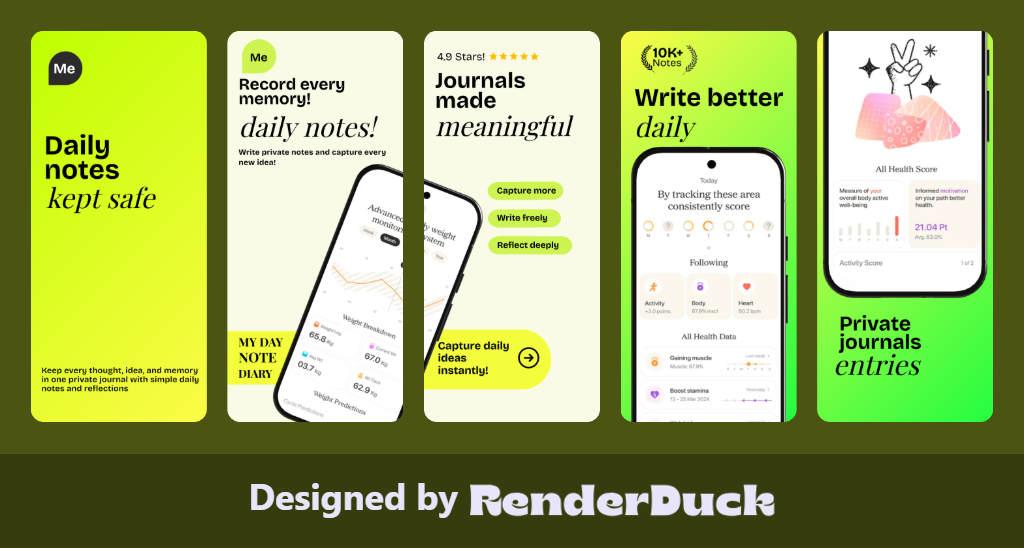
DEFAULT PRODUCT PAGE
CUSTOM PRODUCT PAGES
IPHONE + IPAD
LOCALIZATION
PRODUCT PAGE TESTS
3D Screenshot Design Gallery
Clean, proportional designs for the Google Play Console.
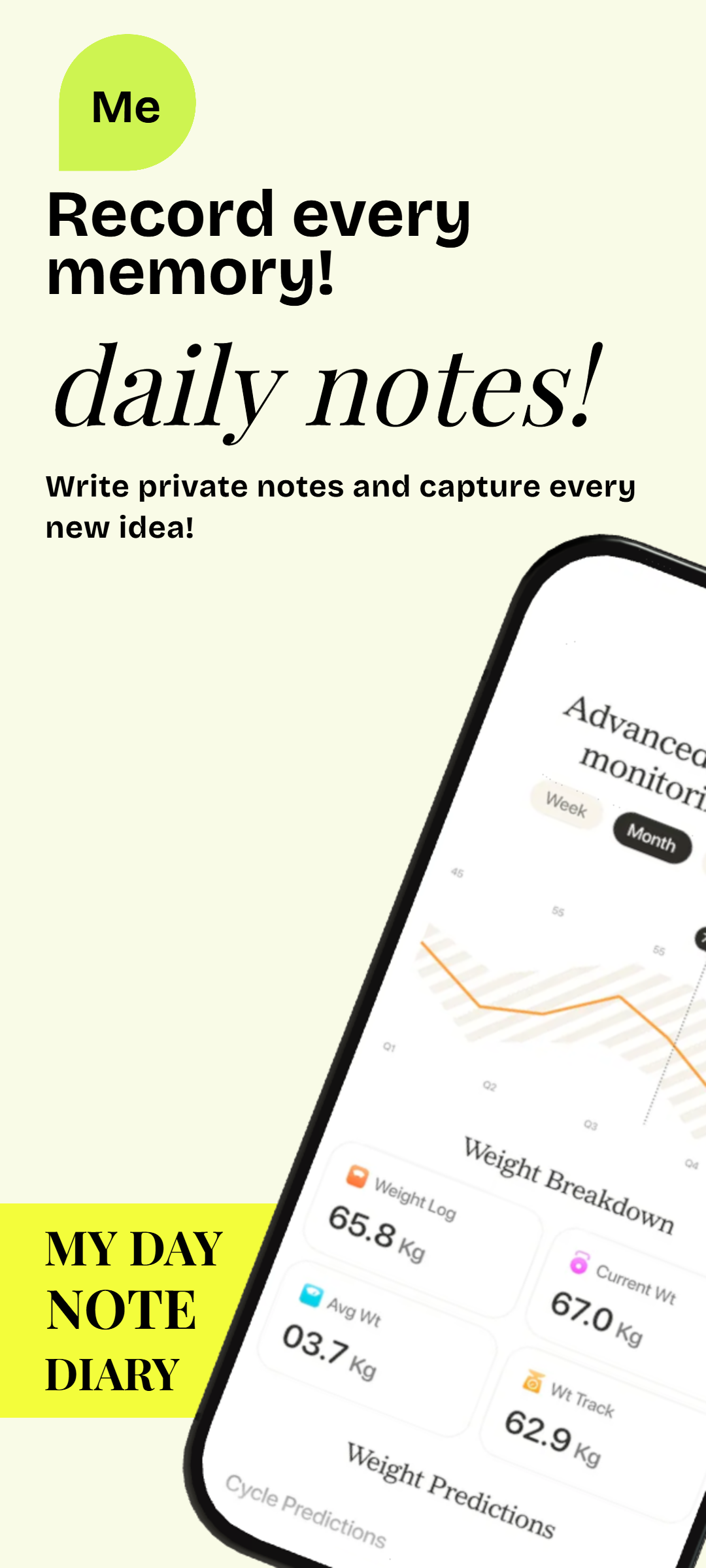

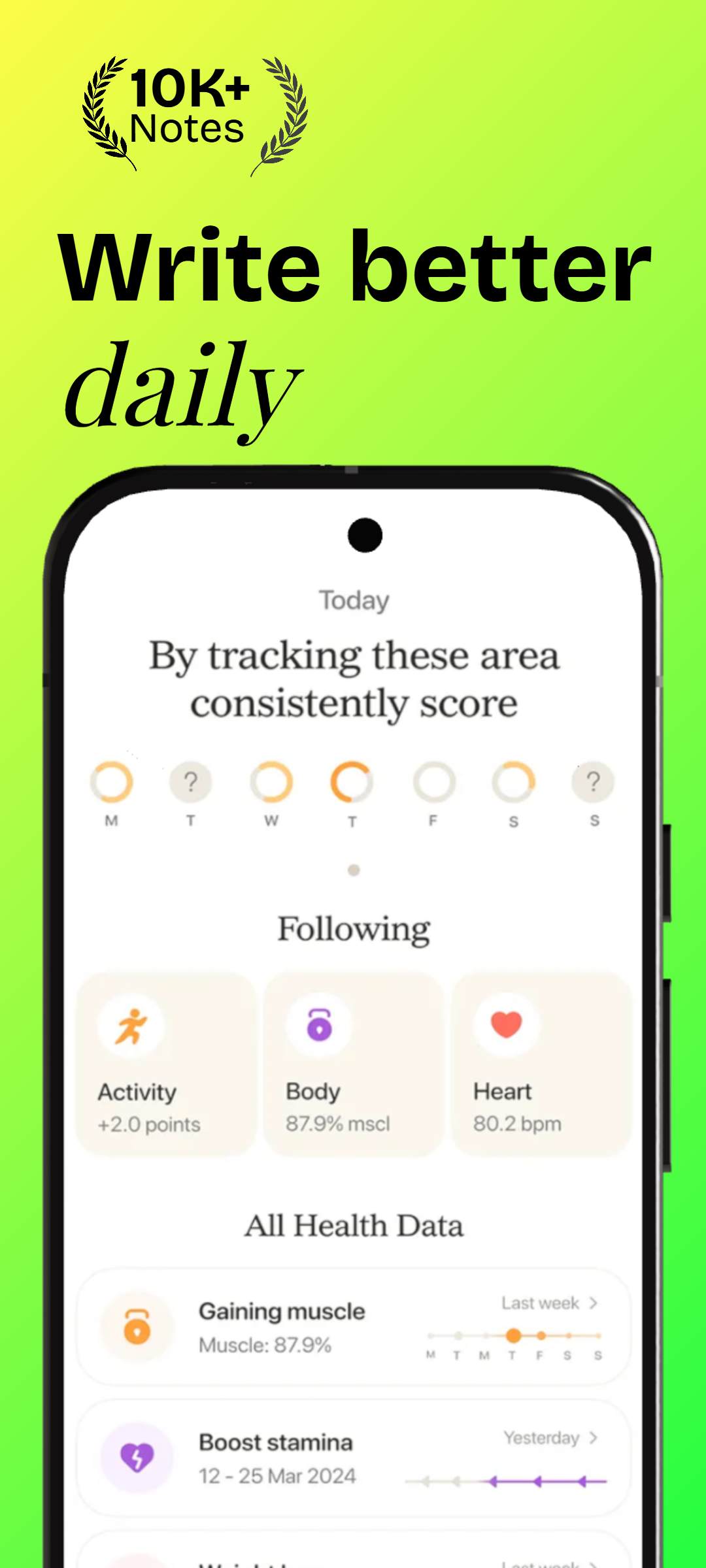
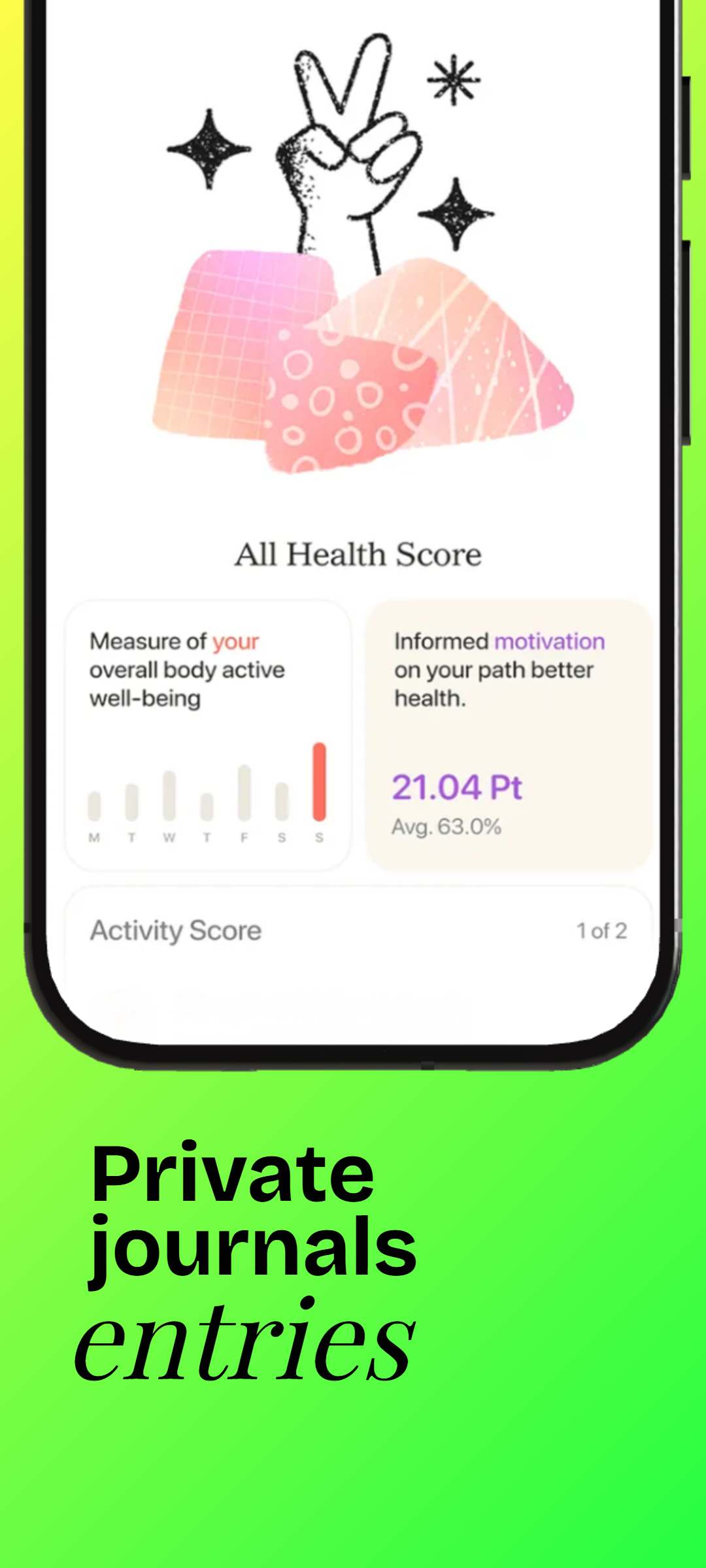
Product Page Screenshot Toolkit
Create Different Screenshot Stories for Different App Store Visitors
A product page is more than a container for screenshots. The order, feature emphasis and localization should match the audience.
Default Product Page
Create the main screenshot sequence that represents the broadest and most important app experience for general App Store visitors.
Custom Product Page Variants
Create feature-specific or campaign-specific screenshot sets for Apple’s custom product page workflow instead of showing every audience the same sequence.
Optimization Treatments
Prepare alternate screenshot directions for product page optimization tests while keeping the experiment focused and measurable.
iPhone Product Page Assets
Build phone-first screenshot variants around current iPhone App Store groups and the feature story of each product page.
iPad Product Page Assets
Use genuine iPadOS screens when the app runs on iPad so the larger-screen experience is accurately represented.
Localized Product Pages
Translate screenshot copy and adapt product screens for each localization instead of relying on one language across every storefront.