
RenderDuck vs Canva: More Creative Control for App & Social Design
RenderDuck is a complete design platform for social media, marketing graphics, custom-size designs and creative content, with additional specialization for App Store and Google Play screenshots. It combines general design tools with advanced 3D phone controls, project-wide themes, 249-language support, flexible backgrounds and an affordable workflow.
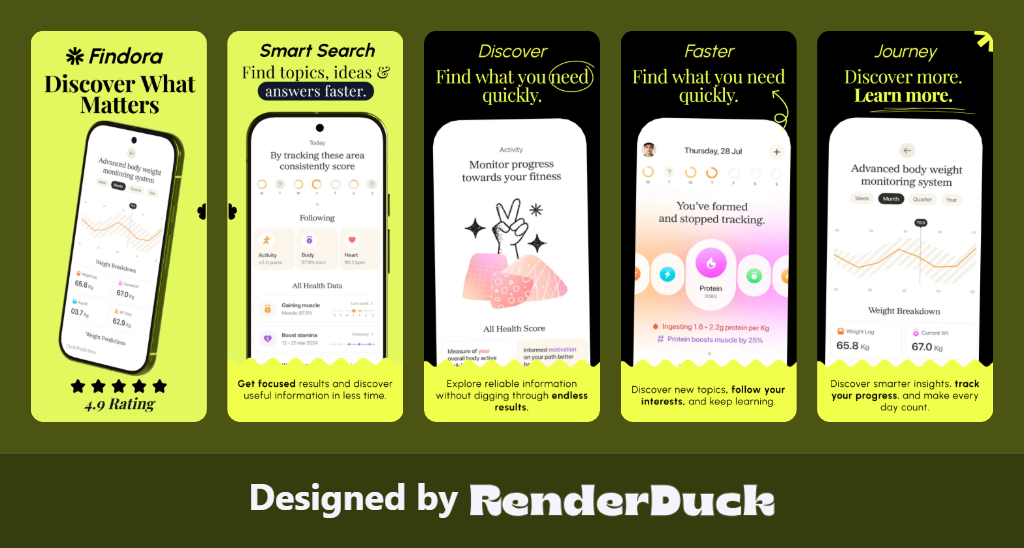
SOCIAL MEDIA
APP SCREENSHOTS
3D PHONES
249 LANGUAGES
THEMES
CUSTOM DESIGN
RenderDuck Creative Design Gallery
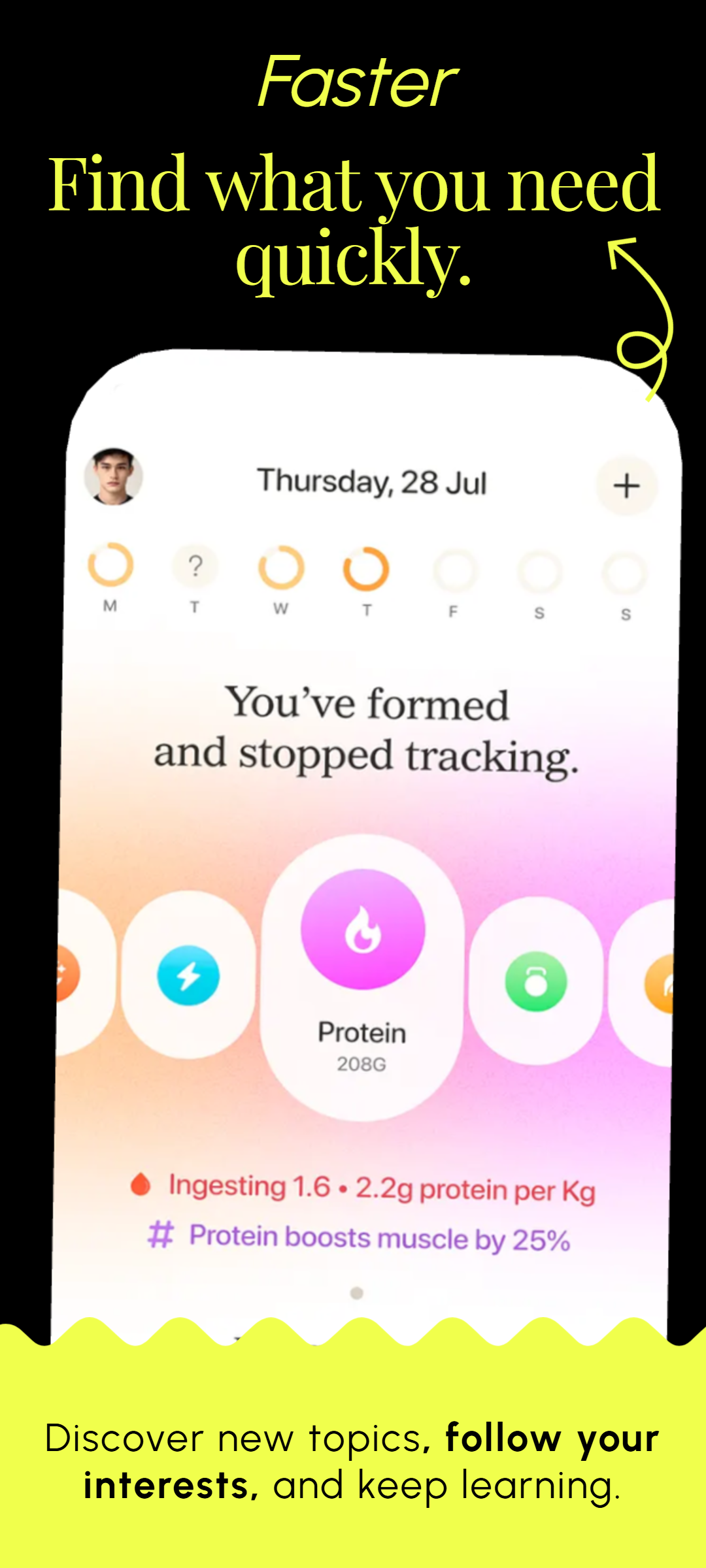
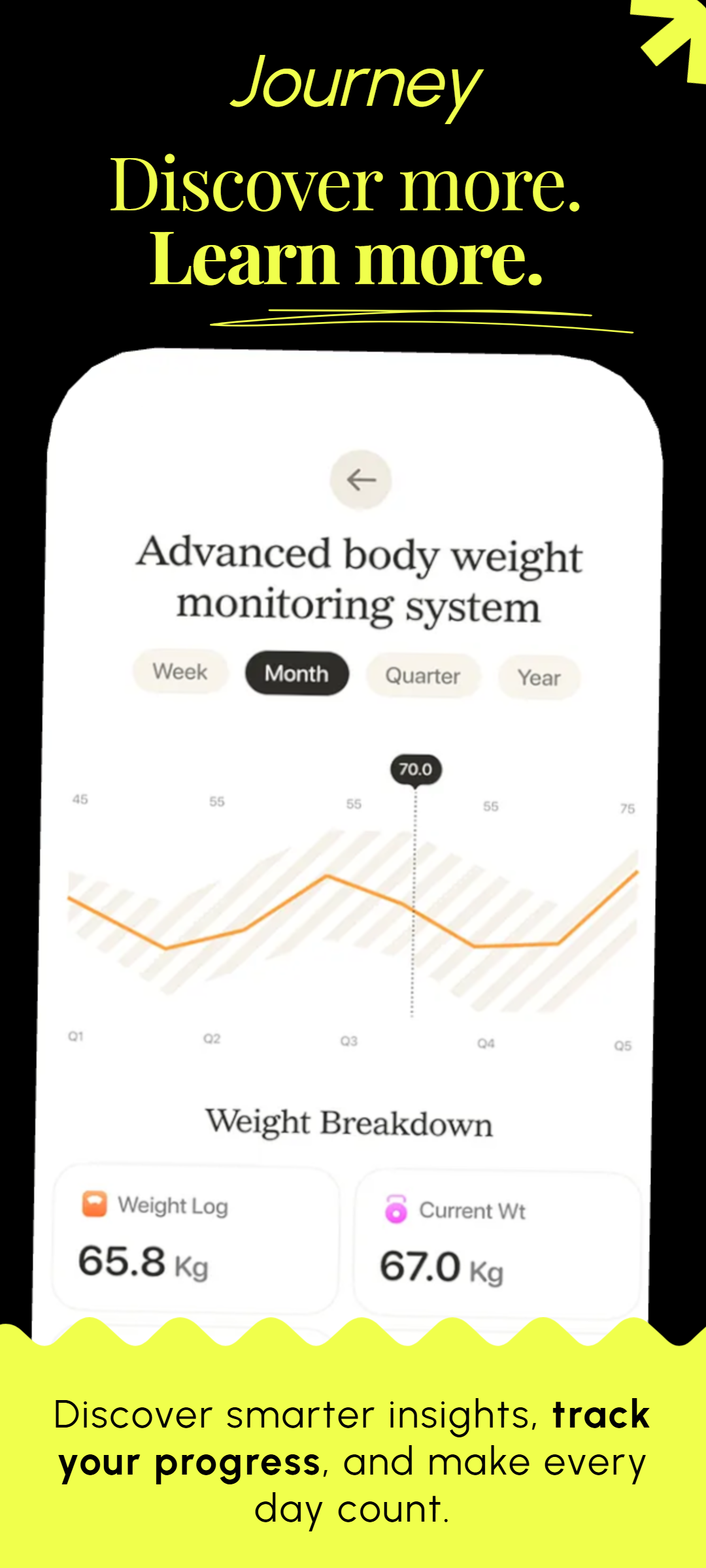
Social media, app marketing and 3D mobile design examples created with the RenderDuck workflow.
| Comparison Area | RenderDuck | Canva |
|---|---|---|
| Main Purpose | Complete design platform + app marketing specialistCreate social media posts, marketing graphics, custom-size designs, App Store screenshots, Google Play visuals and 3D phone mockups from one platform. | General-purpose design platformStrong for social media, presentations, documents, video and everyday creative work, but without RenderDuck's dedicated app-store and model-level 3D workflow. |
| Social Media Design | Full social media creationCreate Instagram posts, stories, LinkedIn graphics, promotional creatives and custom campaign visuals using reusable templates and assets. | Social design supportedCanva is widely used for social media creation, while RenderDuck combines this with dedicated app-marketing and 3D tools. |
| App Screenshot Workflow | Dedicated App Store & Google Play workflowAdd real app screens, choose device presentation, apply themes, localize content and create consistent multi-slide store listings. | More manual app workflowApp screenshots can be designed, but the editor is built for many categories rather than a dedicated app-listing process. |
| 3D Phone Customization | Advanced model-level 3D controlsAdjust pitch, yaw, roll, scale, screen corners, shadows, glow and overall phone presentation. | Mockup-based device presentationPhone mockups are available, but Canva does not offer the same dedicated RenderDuck-style model-level 3D phone controls. |
| 3D Model Rotation | Direct device rotationCreate front, tilted, floating and custom-angle phone compositions by controlling the 3D presentation itself. | Preset mockup workflowDevice presentation is centered more around existing mockups and scene layouts than direct 3D model rotation controls. |
| Theme Workflow | Instant project-wide themesChange the visual style of a multi-page project quickly while keeping content and app screens in place. | Broader styling workflowColors, fonts, templates and brand styles are available, but the workflow is not centered on instant app-project theme switching. |
| Translation | 249-language supportPrepare localized app screenshots and marketing designs while preserving the same project structure. | Translation tools availableTranslation is available as part of Canva's wider design platform rather than a dedicated app-listing localization workflow. |
| Background Customization | Gradient, mesh & custom backgroundsCreate modern app screenshots, social posts and campaign visuals with flexible background controls. | General background toolsProvides broad background editing options, but not inside the same dedicated app screenshot and 3D phone workflow. |
| Creative Assets | 1M+ creative assetsUse a large first-party asset ecosystem across social media, app screenshots, store graphics and marketing designs. | Large general asset libraryCanva also offers extensive creative content, but RenderDuck combines its asset library with app-focused 3D and store-listing tools. |
| Project Reuse | Reusable local projectsSave projects locally and reopen them later for app updates, new screenshots, translations or social campaigns. | Primarily cloud-based workflowProjects are mainly managed inside the Canva account and cloud ecosystem. |
| Custom Design Sizes | Fully supportedCreate custom-size graphics for social media, websites, advertisements, store listings and other marketing requirements. | SupportedCanva also supports many predefined and custom design dimensions. |
| Pricing | Starts from only $0.50Many RenderDuck features can also be used free, making advanced social design, app screenshots and 3D marketing highly affordable. | Higher-cost premium modelCanva provides a free tier, while premium content and advanced Pro features require a higher-priced subscription. |
| Free Workflow | Many core features available freeCreate useful social graphics, app marketing visuals and standard exports without making premium access the starting point. | Free tier availableUseful free tools are available, while premium assets and advanced functionality are part of the paid ecosystem. |
| App Marketing | Store + social + launch workflowCreate App Store screenshots, Google Play graphics, 3D mockups, social posts and custom campaign creatives from the same platform. | General marketing designSupports many marketing formats but does not specialize in the same dedicated mobile app launch and 3D store-listing workflow. |
| Best For | Creators, marketers & app developersIdeal when you want general design capabilities plus dedicated app screenshots, advanced 3D phone controls, localization and an affordable creative workflow. | Broad everyday designStrong for general social media, presentations, documents, video and a wide variety of standard creative tasks. |
What is the main difference between RenderDuck and Canva?
RenderDuck is not only an app screenshot generator. It is a complete design platform for social media, marketing graphics and custom designs, while also adding specialized App Store and Google Play tools. RenderDuck provides advanced 3D phone controls, instant project-wide themes, 249-language support, gradient, mesh and custom backgrounds, reusable local projects, 1M+ creative assets and a low-cost workflow starting from only $0.50.
Can RenderDuck create social media designs like Canva?
Yes. RenderDuck supports social media and general marketing design, including Instagram posts, stories, LinkedIn graphics, promotional creatives and custom-size projects. Its additional advantage is that the same platform also includes dedicated app screenshot and advanced 3D phone tools.
Why use RenderDuck for app marketing?
RenderDuck brings store screenshots, 3D phone customization, themes, localization, social graphics, reusable projects and creative assets into one workflow. This makes it easier to maintain a consistent visual system across an app listing and the wider launch campaign.