
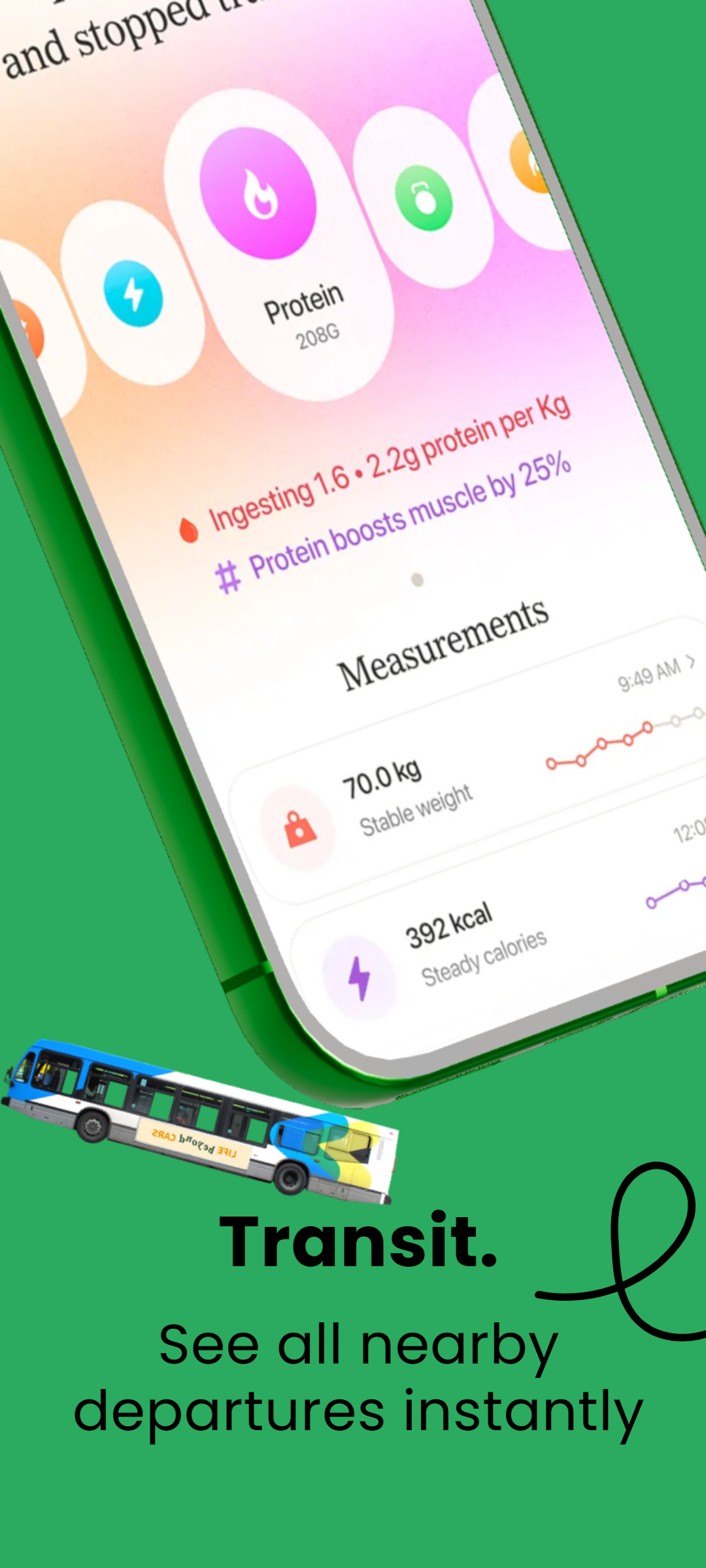
RenderDuck vs Figma: Creative Design + App Marketing in One Place
RenderDuck is a complete design platform for social media, marketing graphics, custom-size designs and creative content, with additional specialization for App Store and Google Play screenshots. Figma is primarily a product-design, interface-design and collaboration platform, while RenderDuck adds advanced 3D phone controls, themes, 249-language support and a more direct app-marketing workflow.
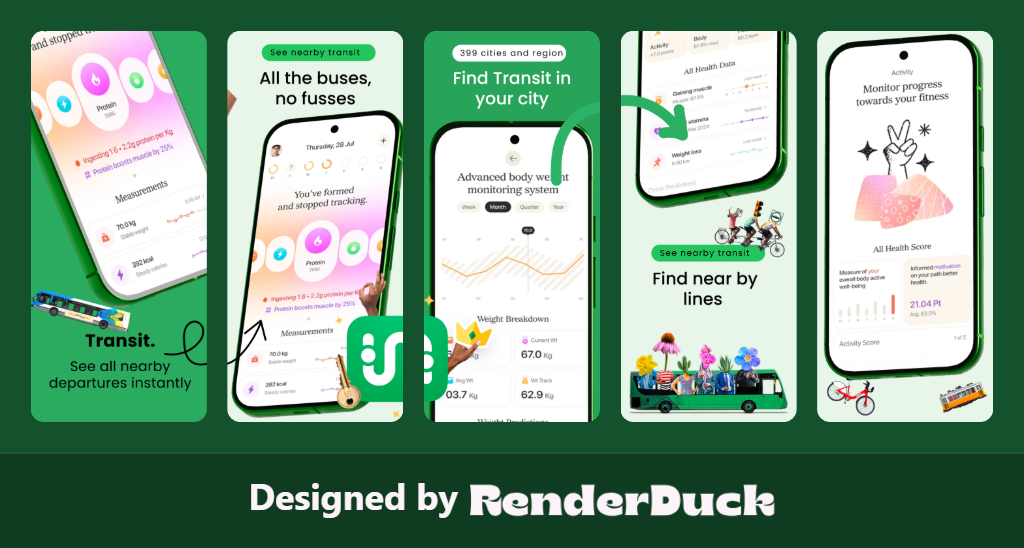
SOCIAL MEDIA
APP SCREENSHOTS
3D PHONES
249 LANGUAGES
THEMES
CUSTOM DESIGN
RenderDuck Creative Design Gallery
Social media, app marketing and 3D mobile design examples created with the RenderDuck workflow.
| Comparison Area | RenderDuck | Figma |
|---|---|---|
| Main Purpose | Complete design platform + app marketing specialistCreate social media posts, marketing graphics, custom-size designs, App Store screenshots, Google Play visuals and 3D phone mockups from one platform. | Product & interface design platformPrimarily built for UI/UX design, prototypes, design systems, developer handoff and team collaboration. |
| Social Media Design | Built-in social media creationCreate Instagram posts, stories, LinkedIn graphics, promotional creatives and custom campaign visuals using the same RenderDuck workspace. | Possible but not the core workflowFigma can create social graphics on a flexible canvas, but its main product workflow is centered on interface and product design. |
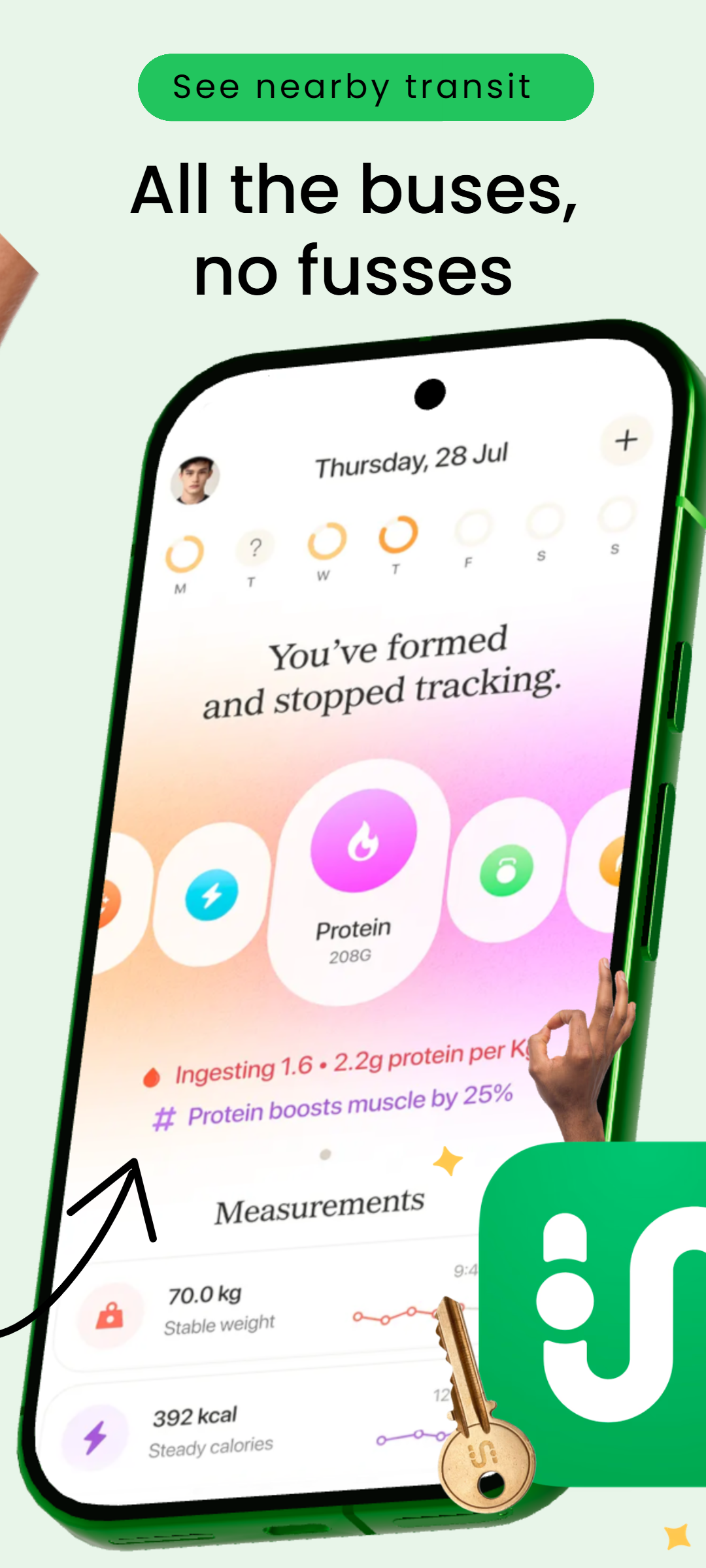
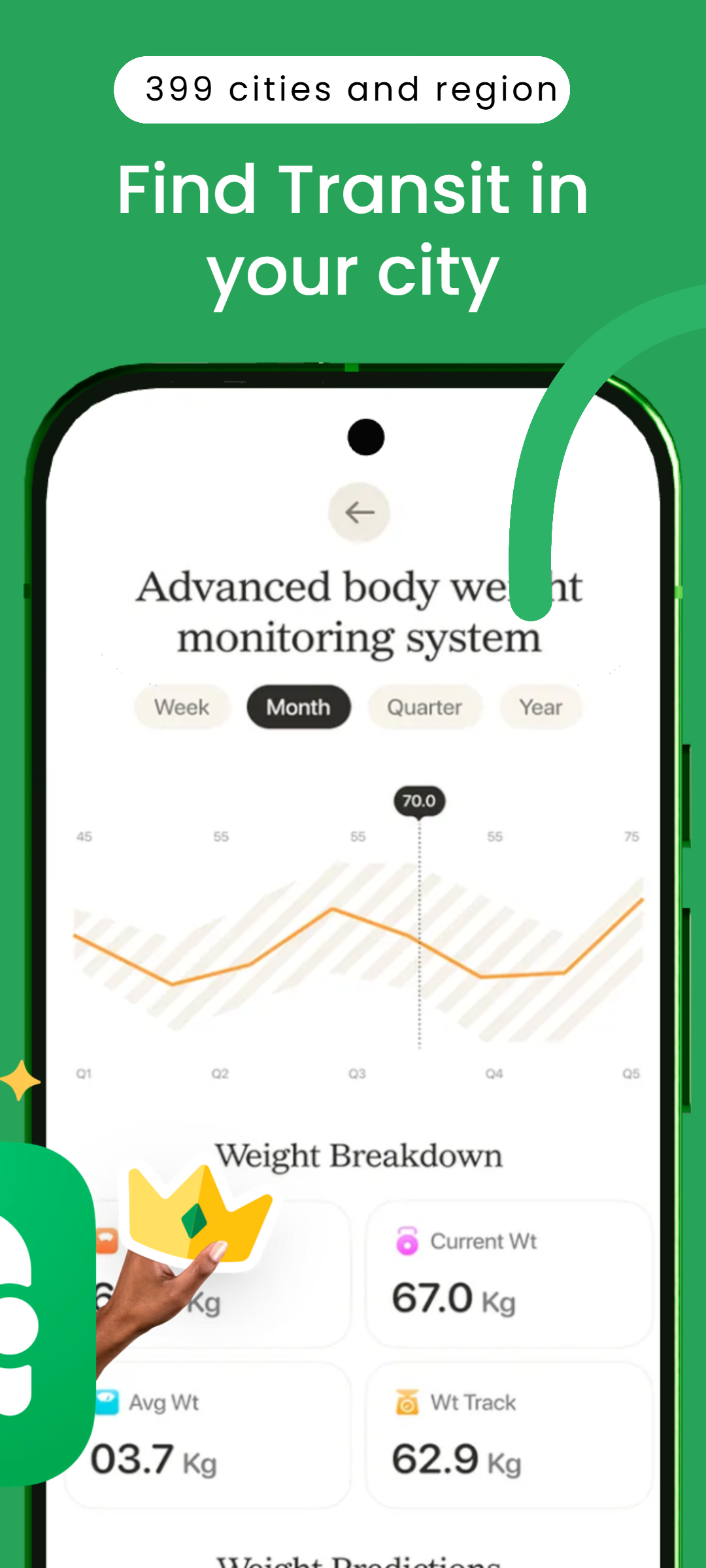
| App Screenshot Workflow | Dedicated App Store & Google Play workflowAdd real app screens, select phone presentation, apply themes, localize content and build consistent multi-slide store listings. | Manual campaign setupStore screenshots can be designed manually, but Figma does not center its workflow on ready-to-build app-listing screenshot campaigns. |
| 3D Phone Customization | Advanced model-level 3D controlsAdjust pitch, yaw, roll, scale, screen corners, shadows, glow and the overall phone presentation directly. | No dedicated native RenderDuck-style phone model editorFigma is a 2D/vector product-design workspace; comparable app-focused model-level 3D phone controls are not a core native workflow. |
| 3D Model Rotation | Direct phone rotationCreate front, tilted, floating and custom-angle 3D compositions by controlling the device presentation itself. | Requires alternate assets or workflowsDevice visuals generally rely on imported mockups, community resources or manual compositions rather than a dedicated phone rotation tool. |
| Theme Workflow | Instant project-wide themesChange the complete visual direction of a screenshot or marketing project quickly while preserving the content. | Manual design-system stylingFigma has variables, styles and design systems, but theme changes require a broader design-system workflow rather than a dedicated app-marketing theme switch. |
| Translation | 249-language supportPrepare localized screenshots and marketing designs while preserving the same project structure. | No equivalent built-in 249-language app-marketing workflowLocalization commonly depends on plugins, manual text replacement or external translation workflows. |
| Background Customization | Gradient, mesh & custom backgroundsCreate polished app screenshots, social posts and campaign visuals with flexible background controls. | Powerful manual design controlsGradients and custom compositions are possible, but they require manual design work instead of an app-marketing-first workflow. |
| Creative Assets | 1M+ creative assetsUse a large first-party asset ecosystem across social media, app screenshots, store graphics and marketing designs. | Community & external resource workflowFigma has a large community ecosystem, but creative campaign assets often come from community files, plugins or external libraries. |
| Ease of Use for Marketing | Focused and fastChoose a format, add content, customize the 3D phone or theme and export without building a full interface-design system first. | More technical for simple marketing tasksIts flexible product-design environment is powerful, but can be more complex than necessary for a quick store screenshot or social campaign. |
| Project Reuse | Reusable local projectsSave projects locally and reopen them for app updates, translations, new screenshots or social campaigns. | Cloud/team project workflowFiles and projects are mainly managed inside Figma workspaces and team structures. |
| Custom Design Sizes | Fully supportedCreate custom-size graphics for social media, ads, websites, store listings and marketing requirements. | Fully flexible canvasFigma also supports arbitrary frame sizes and custom layouts. |
| Pricing | Starts from only $0.50Many RenderDuck features can also be used free, making advanced creative design, app screenshots and 3D marketing highly affordable. | Higher professional subscription costFigma has a free Starter plan, while its current Professional full seat is publicly listed at $16/month. |
| Free Workflow | Many core features available freeCreate social graphics, app marketing visuals and standard exports without making premium access the starting point. | Free Starter tierUseful for personal projects and basic design work, while professional team and advanced workflow capabilities move into paid plans. |
| App Marketing | Store + social + launch workflowCreate App Store screenshots, Google Play graphics, 3D mockups, social posts and custom campaign creatives from the same platform. | Not the core product focusFigma is optimized for designing and shipping digital products rather than specialized store-listing and app-marketing production. |
| Best For | Creators, marketers & app developersIdeal when you want general creative design plus dedicated app screenshots, advanced 3D phone controls, localization and a low-cost workflow. | UI/UX teams & product designersBest suited to interface design, prototypes, design systems, collaboration and developer handoff. |
What is the biggest difference between RenderDuck and Figma?
RenderDuck is a complete creative design platform for social media, marketing graphics and custom designs, while also adding dedicated App Store and Google Play screenshot tools. Figma is primarily built for UI/UX design, prototypes, design systems and collaboration. RenderDuck adds advanced 3D phone controls, project-wide themes, 249-language support, gradient, mesh and custom backgrounds, reusable local projects, 1M+ creative assets and a low-cost workflow starting from only $0.50.
Can RenderDuck create social media designs?
Yes. RenderDuck supports social media and general marketing design including Instagram posts, stories, LinkedIn graphics, promotional creatives and custom-size projects. Its additional advantage is that the same platform also includes dedicated app screenshot and advanced 3D phone tools.
Why use RenderDuck instead of Figma for app marketing?
RenderDuck removes much of the manual setup required in a general product-design canvas. Developers can move directly into store screenshots, 3D phone presentation, themes, localization, social graphics and reusable marketing projects instead of building the full campaign system manually.