
RenderDuck vs Previewed: Why RenderDuck Gives You More
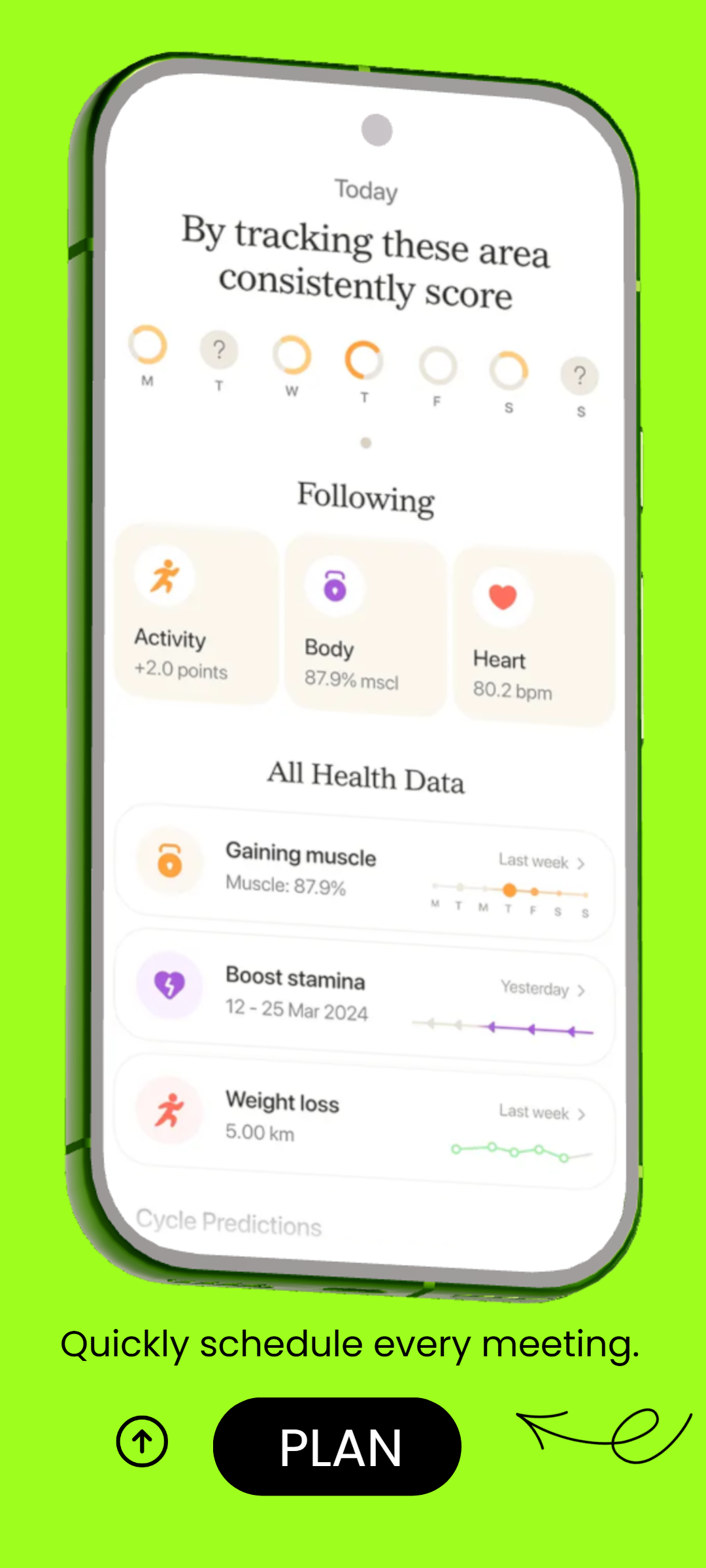
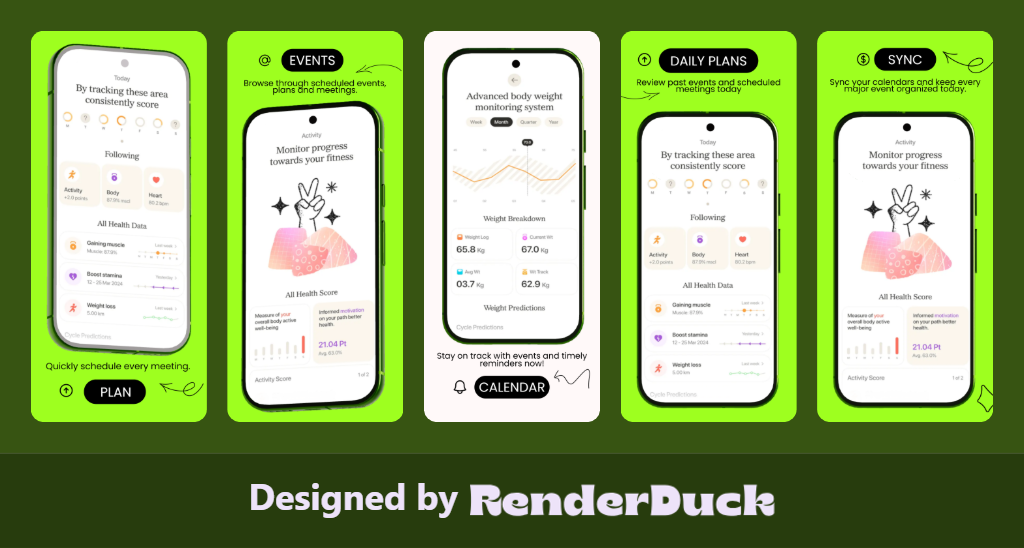
RenderDuck combines social media design, marketing graphics, custom-size creatives, App Store and Google Play screenshots, advanced 3D phone controls, instant themes, 249-language support and reusable local projects in one affordable workflow. Previewed is more narrowly centered on mockups, animated device scenes and promo video, making it less flexible for recurring screenshot campaigns, localization-heavy projects and broader day-to-day creative work.
SOCIAL MEDIA
APP SCREENSHOTS
3D PHONES
249 LANGUAGES
THEMES
CUSTOM DESIGN
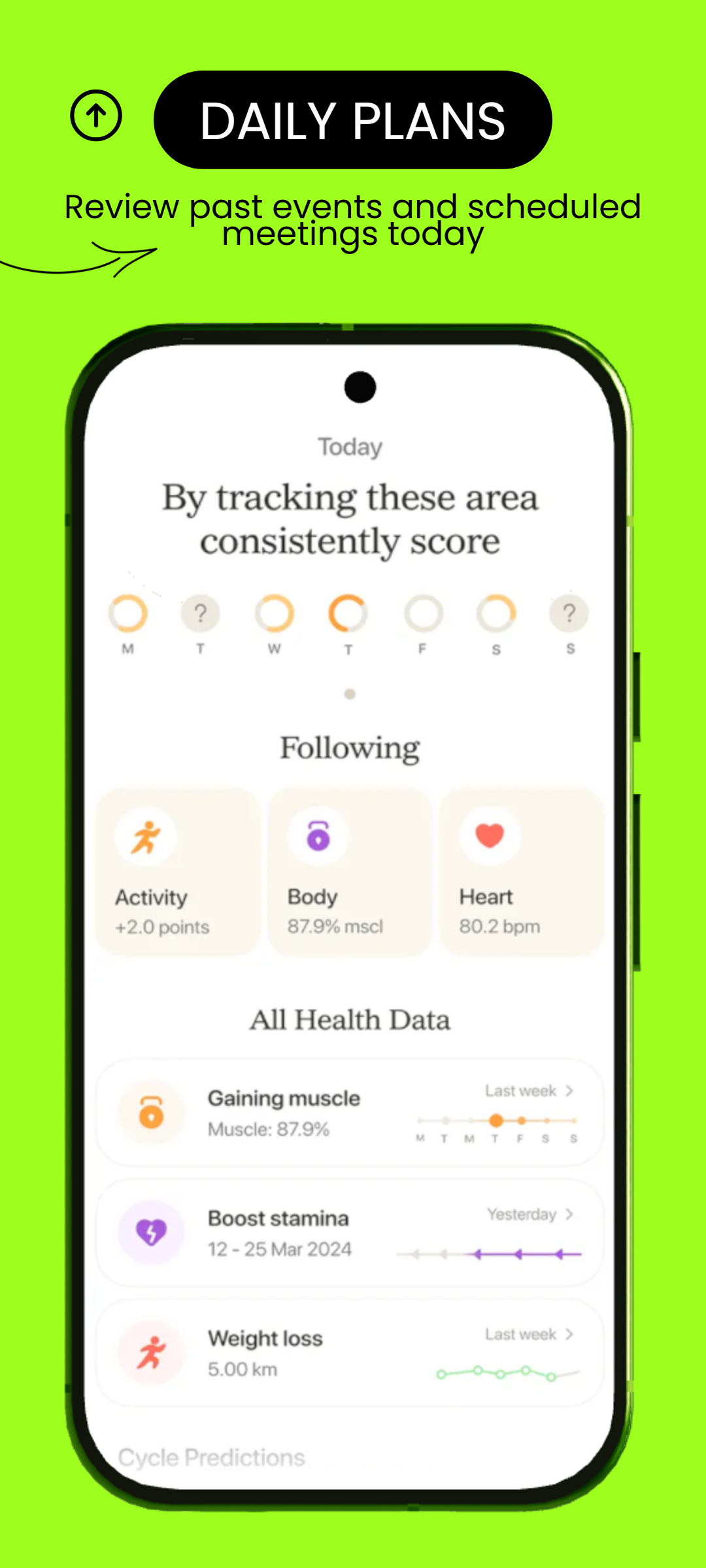
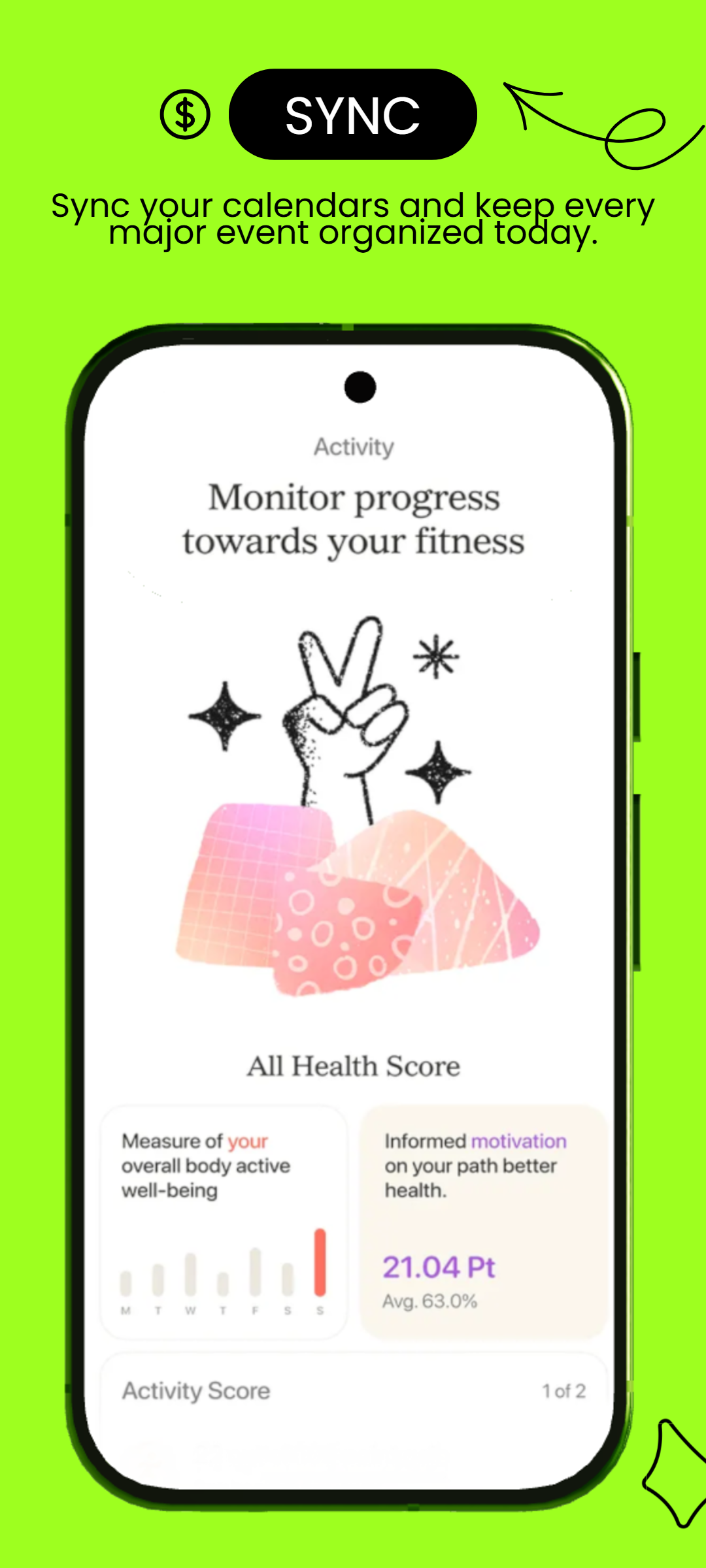
RenderDuck Creative Design Gallery
Social media, app marketing and 3D mobile design examples created with the RenderDuck workflow.
| Comparison Area | RenderDuck | Previewed |
|---|---|---|
| Main Purpose | Complete creative platformCreate social media posts, marketing graphics, custom-size designs, App Store screenshots, Google Play visuals and advanced 3D phone mockups in one place. | Narrower mockup & motion focusPreviewed is more concentrated on device mockups, animated scenes and promo video instead of covering the full day-to-day creative workflow. |
| App Screenshot Workflow | Purpose-built for recurring store campaignsBuild complete App Store and Google Play screenshot sets, reuse the same project, update screens and keep the design consistent. | Less optimized for repeat screenshot productionPreviewed can create app visuals, but its workflow is more scene- and mockup-oriented than a dedicated recurring store-listing system. |
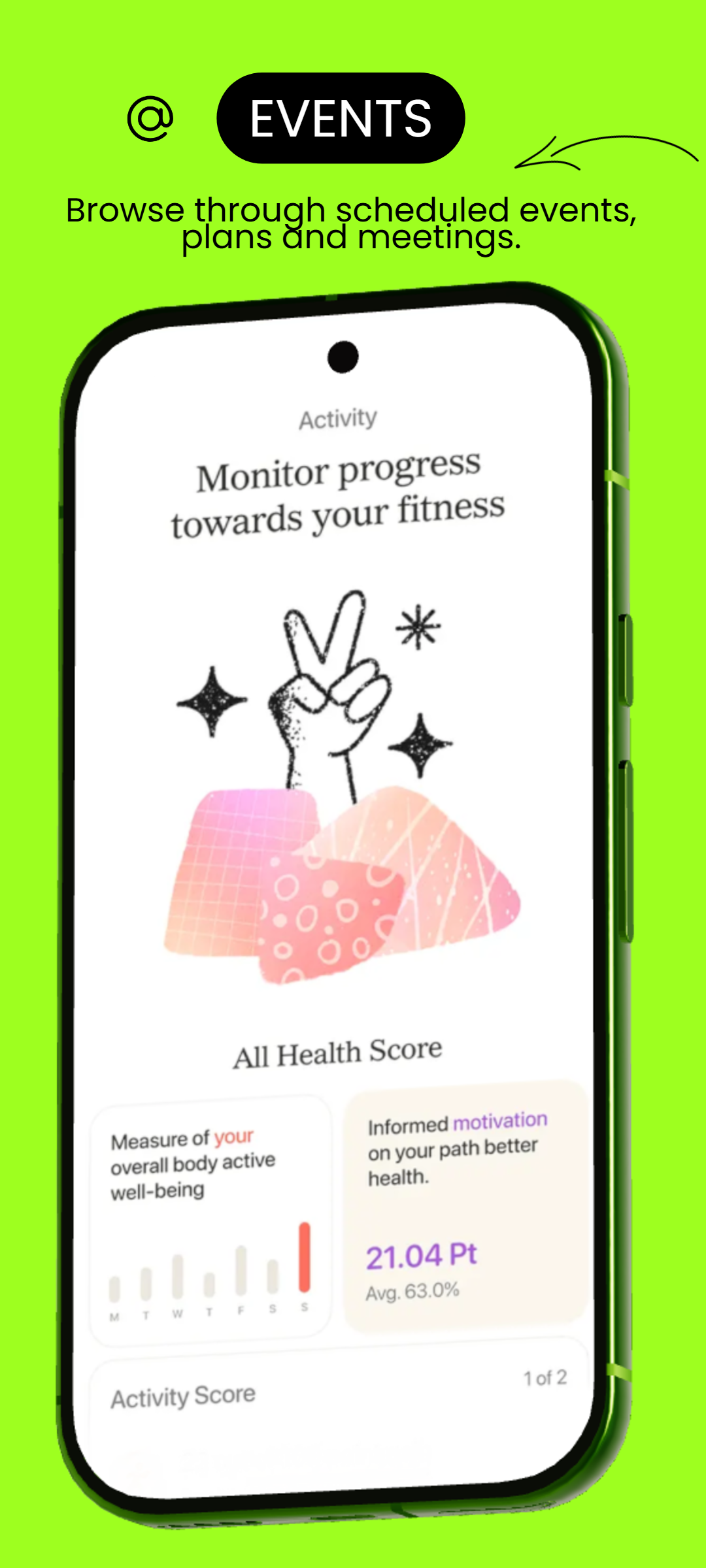
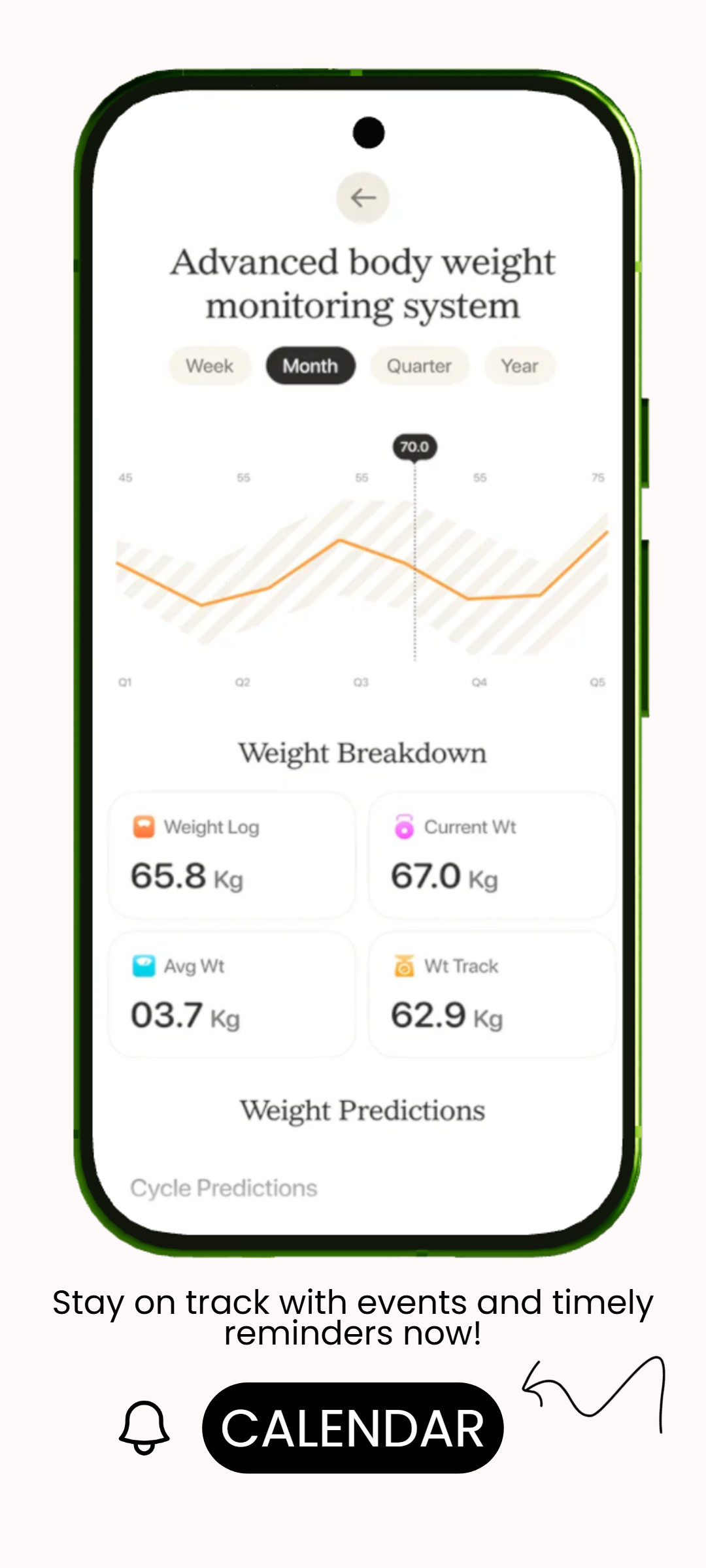
| 3D Phone Customization | Direct model-level controlAdjust pitch, yaw, roll, scale, screen corners, shadows, glow and overall phone presentation directly. | More scene/preset drivenPreviewed offers 3D presentation, but the workflow is less focused on RenderDuck-style fine-grained phone control inside a screenshot project. |
| 3D Rotation | Full custom-angle freedomCreate front, tilted, floating and custom-angle phone compositions without being limited to a fixed scene style. | More dependent on scene setupPreviewed emphasizes animated or prepared device scenes, which can be less direct when you simply want precise static phone positioning. |
| Theme Workflow | Instant project-wide themesChange the complete visual style of a multi-page project quickly while keeping the content and screenshots intact. | No equivalent app-first theme workflowCustomization is available, but Previewed is not centered on instant project-wide theme changes for large screenshot sets. |
| Localization | 249-language supportCreate localized screenshot and marketing versions while preserving the same project structure. | Localization is not the core workflowPreviewed is primarily focused on visual mockups and motion rather than high-volume multilingual screenshot production. |
| Social Media Design | Full social media creationCreate Instagram posts, stories, LinkedIn graphics, promotional designs and custom campaign assets from the same workspace. | More limited as an all-purpose design platformPreviewed can create promotional visuals, but its product focus is much narrower than a broad social and marketing design workflow. |
| Background Customization | Gradient, mesh & custom backgroundsCreate more distinctive app screenshots and social designs with flexible background controls. | More scene-led customizationBackground choices are tied more closely to the selected mockup or presentation scene, giving less direct project-wide control. |
| Creative Assets | 1M+ creative assetsUse RenderDuck’s first-party creative asset ecosystem across screenshots, social posts and marketing graphics. | More specialized asset focusPreviewed is stronger around device scenes and presentation assets rather than a broad creative asset ecosystem for many design categories. |
| Project Reuse | Reusable local projectsSave projects locally and reopen them later for app updates, new screenshots, translations, themes or social campaigns. | More cloud/workflow dependentPreviewed’s workflow is centered around online projects and scene creation rather than local reusable project ownership. |
| Ease of Use | Fast for everyday creative workChoose a format, add content, adjust the phone or theme and export without building a complex scene first. | More steps for simple static workIts motion- and scene-focused approach can be more than you need when the goal is a quick screenshot, social post or localized store graphic. |
| Pricing | Starts from only $0.50Many RenderDuck features can also be used free, keeping advanced design, 3D presentation and app marketing highly affordable. | More premium-orientedPreviewed’s stronger motion and animation capabilities are positioned inside a more premium workflow, making it less attractive for users who mainly need frequent static creative work. |
| Free Workflow | Many core features available freeCreate useful app screenshots, social graphics and marketing visuals without making paid access the starting point. | Less compelling for free-first usersIts most distinctive motion and advanced scene capabilities are tied more closely to the premium experience. |
| Animation & Promo Video | Focused on the assets most app stores need dailyRenderDuck prioritizes editable screenshots, static marketing graphics and reusable 3D phone scenes. | Strong, but specializedAnimation and promo video are Previewed’s biggest strengths, but those features add less value when your main need is static store graphics, localization or recurring campaign updates. |
| Best Fit | Creators, marketers & app developersBetter aligned with users who need one affordable platform for social design, app screenshots, advanced 3D phone control, localization and reusable projects. | Best mainly for motion-heavy presentationsPreviewed makes more sense when animated device scenes and promo video are the priority rather than a broad reusable creative workflow. |
Why choose RenderDuck instead of Previewed?
RenderDuck covers far more of the everyday creative workflow in one place: social media graphics, App Store and Google Play screenshots, direct 3D phone controls, instant themes, 249-language support, custom backgrounds, reusable local projects and 1M+ creative assets. Previewed is more specialized around mockups, animation and promo video, so it can feel less flexible for recurring static design and localization work.
Is Previewed better for regular app screenshot production?
Previewed can create app visuals, but its main strength is motion and mockup presentation. RenderDuck is more directly structured for repeat screenshot campaigns where developers need to update screens, switch themes, create multiple language versions and reuse the same project again.
What advantage does RenderDuck have for 3D phone design?
RenderDuck gives direct control over pitch, yaw, roll, scale, screen corners, shadows and glow. This gives users more freedom when creating static store screenshots and social creatives instead of depending mainly on prepared mockup scenes or animation-first layouts.