
RenderDuck vs Screenshots Pro: Why RenderDuck Gives You More
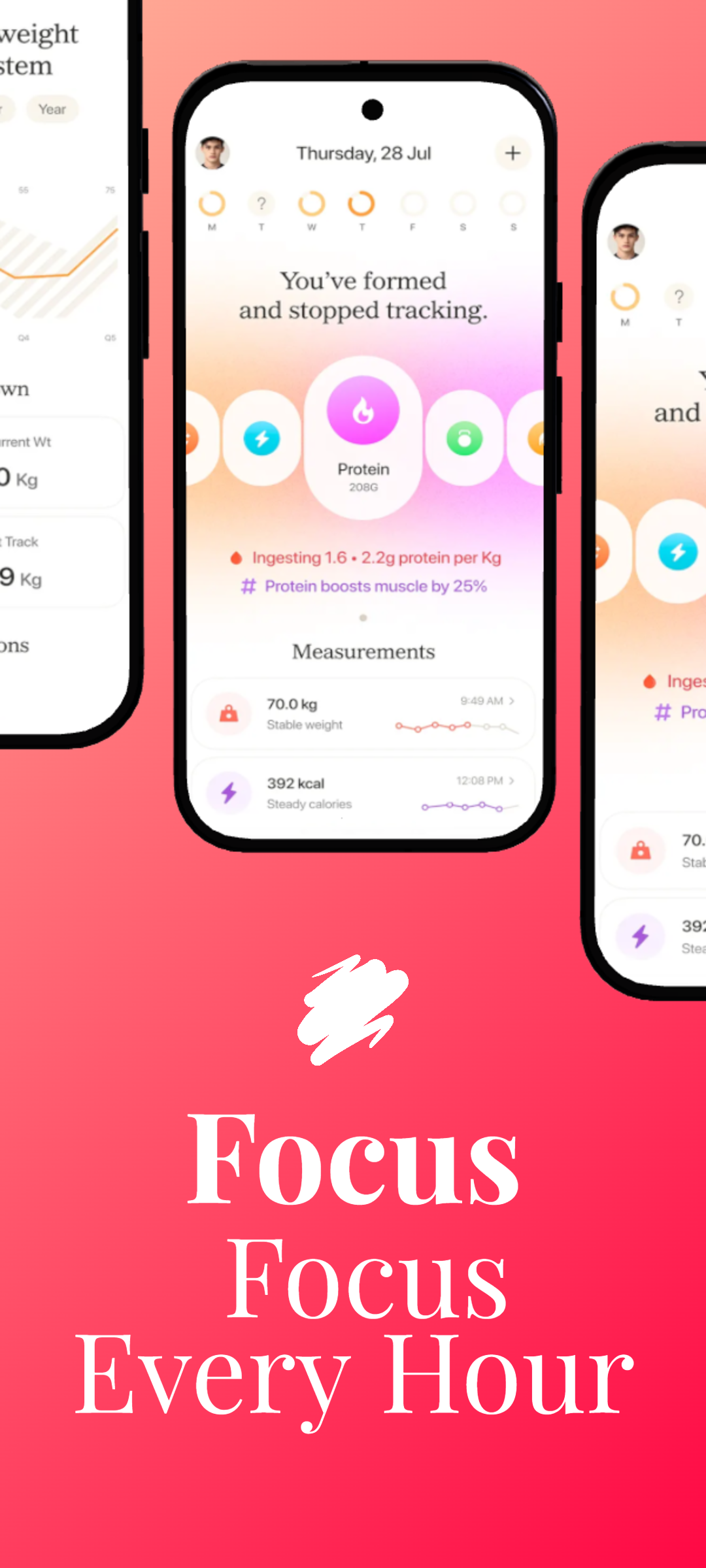
RenderDuck is a complete creative design platform for social media, marketing graphics, custom-size designs, App Store screenshots and Google Play visuals. It combines advanced 3D phone controls, instant project-wide themes, 249-language support, reusable local projects, custom backgrounds and an affordable workflow starting from only $0.50. Screenshots Pro is much narrower and more screenshot-system focused, giving users fewer creative options outside store screenshot production.
SOCIAL MEDIA
APP SCREENSHOTS
3D PHONES
249 LANGUAGES
THEMES
CUSTOM DESIGN
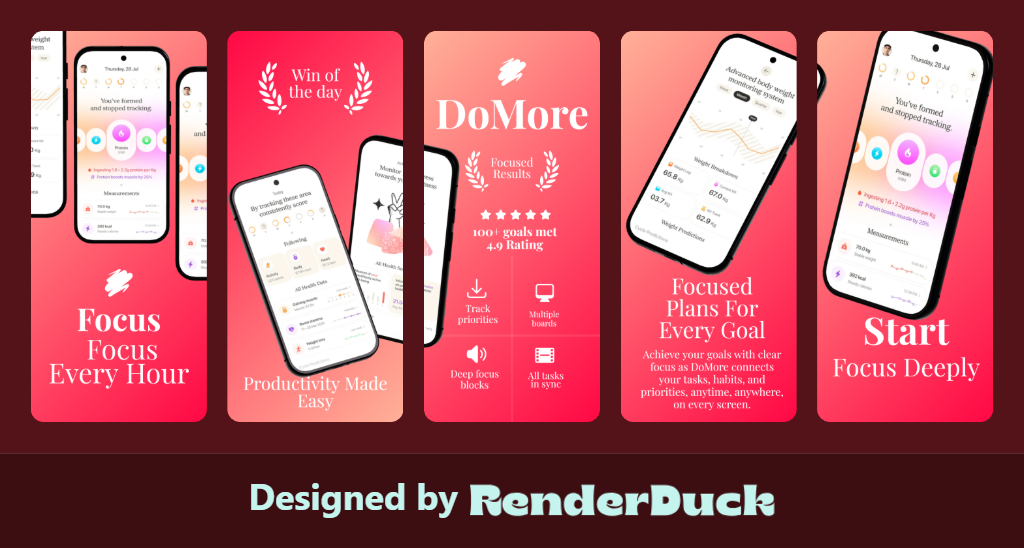
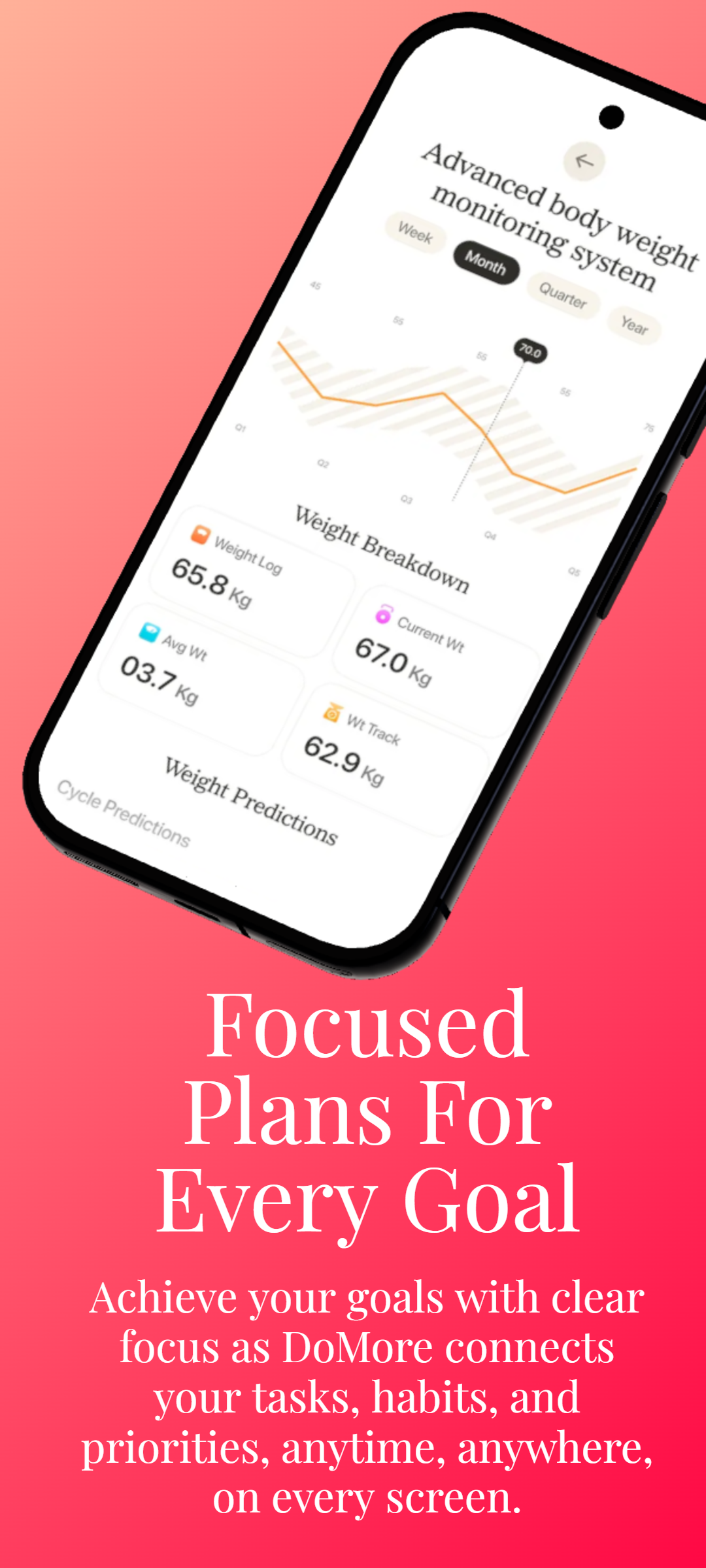
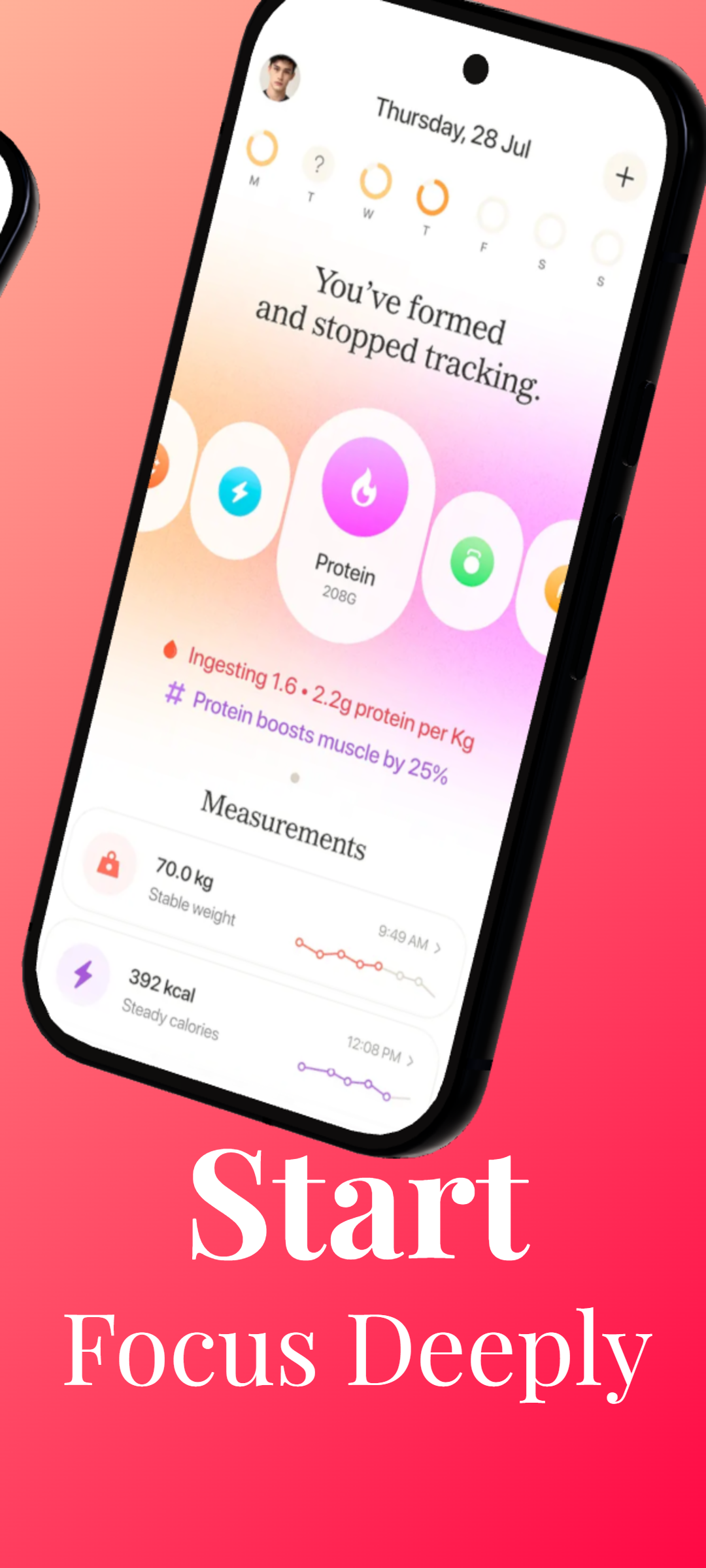
RenderDuck Creative Design Gallery
Social media, app marketing and 3D mobile design examples created with the RenderDuck workflow.
| Comparison Area | RenderDuck | Screenshots Pro |
|---|---|---|
| Main Purpose | Complete creative platformCreate social media posts, marketing graphics, custom-size designs, App Store screenshots, Google Play visuals and advanced 3D phone mockups from one platform. | Much narrower screenshot workflowFocused mainly on app screenshot production, so it does not cover the same wider creative and marketing needs as RenderDuck. |
| Social Media Design | Full social media creationCreate Instagram posts, stories, LinkedIn graphics, promotional creatives and custom marketing assets from the same workspace. | No comparable broad social-design workflow highlightedUsers may need another design tool for wider social media and marketing content. |
| 3D Phone Customization | Advanced direct 3D controlsAdjust pitch, yaw, roll, scale, screen corners, shadows, glow and overall phone presentation directly. | No equivalent RenderDuck-style model-level 3D control highlightedThe workflow is more focused on screenshot generation than detailed 3D phone customization. |
| Theme Workflow | Instant project-wide themesChange the visual style of an entire screenshot or marketing project quickly while keeping your content in place. | No comparable project-wide theme system highlightedCreative style changes are less flexible and less integrated than RenderDuck’s theme-first workflow. |
| Localization | 249-language supportCreate localized screenshot and marketing versions while preserving the same project structure. | More limited localization workflowIt does not provide the same broader 249-language creative workflow across screenshots, social graphics and marketing designs. |
| Background Customization | Gradient, mesh & custom backgroundsCreate stronger branded visuals with flexible backgrounds designed for both app screenshots and marketing creatives. | Less flexible creative stylingThe product is more screenshot-system focused and does not provide the same broad background and visual customization workflow as RenderDuck. |
| Creative Assets | 1M+ creative assetsUse a large first-party asset ecosystem across app screenshots, social media and marketing graphics. | No comparable broad creative-asset ecosystem highlightedThe workflow is more specialized and offers less value for users who want one platform for many design categories. |
| Reusable Projects | Reusable local project filesSave projects locally and reopen them later for app updates, new languages, theme changes or new campaigns. | More cloud-dependent workflowProject handling is centered more around online/cloud usage, which gives users less local project ownership and portability. |
| Ease of Creative Editing | Simple creator-first workflowAdd content, customize the phone, change themes, translate and export without needing a technical automation setup. | More technical and less creator-focusedIts workflow emphasizes screenshot systems and automation more than straightforward visual editing for everyday creators. |
| Custom Design Sizes | Fully supportedCreate custom-size graphics for social media, websites, advertisements, App Store, Google Play and other marketing campaigns. | More store-screenshot focusedIt is less suitable as an all-purpose custom-design platform for wider marketing and social content. |
| Pricing | Starts from only $0.50Many RenderDuck features can also be used free, making advanced app marketing and general creative design highly affordable. | Less attractive for users who only need easy creative workIts workflow is more specialized and can provide less overall value when users still need separate tools for social and general marketing design. |
| Workflow Coverage | One platform for more tasksHandle social media, app screenshots, 3D mockups, localization, branding and recurring marketing updates from one workspace. | More fragmented for broader marketingBecause the product is screenshot-focused, users may need additional tools for other creative and promotional work. |
| Best Fit | Creators, marketers & app developersIdeal when you want one affordable platform for social design, app screenshots, advanced 3D phone control, localization and reusable projects. | Limited to a narrower screenshot use caseLess suitable for users who want a complete creative platform covering both app marketing and broader design work. |
Why choose RenderDuck instead of Screenshots Pro?
RenderDuck gives you a much broader creative workflow: social media design, App Store and Google Play screenshots, advanced 3D phone controls, instant themes, 249-language support, reusable local projects, custom backgrounds and 1M+ creative assets. Screenshots Pro is much more narrowly focused on screenshot production.
What is Screenshots Pro missing compared with RenderDuck?
It does not provide the same broad all-in-one workflow for social media design, model-level 3D phone customization, project-wide themes, reusable local project files and general marketing graphics. Users who need more than screenshot production may still need additional tools.
Why is RenderDuck better for everyday creators?
RenderDuck keeps visual creation simple and direct. Users can create, customize, translate and reuse designs without relying on a technical automation-heavy workflow, while still getting advanced 3D phone controls and broader marketing features.