

iPhone 16 Pro Mockup Generator for 3D App Screenshots
Create realistic iPhone 16 Pro mockups online for App Store screenshots, app landing pages, launch campaigns and social media. Add your real iOS app screen, rotate and position the 3D phone, adjust shadows and glow, customize the background and export a polished marketing visual.
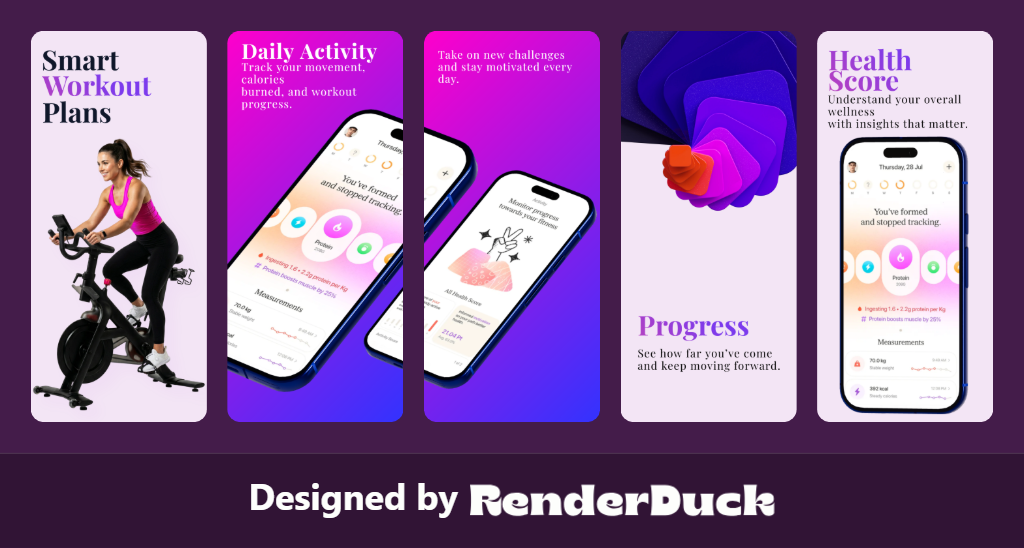
IPHONE 16 PRO
3D PHONE
ROTATE & POSITION
CUSTOM BACKGROUNDS
APP STORE
APP MARKETING
3D iPhone 16 Pro Mockup Examples
Preview iPhone app mockups for App Store pages, websites, social media and launch campaigns.
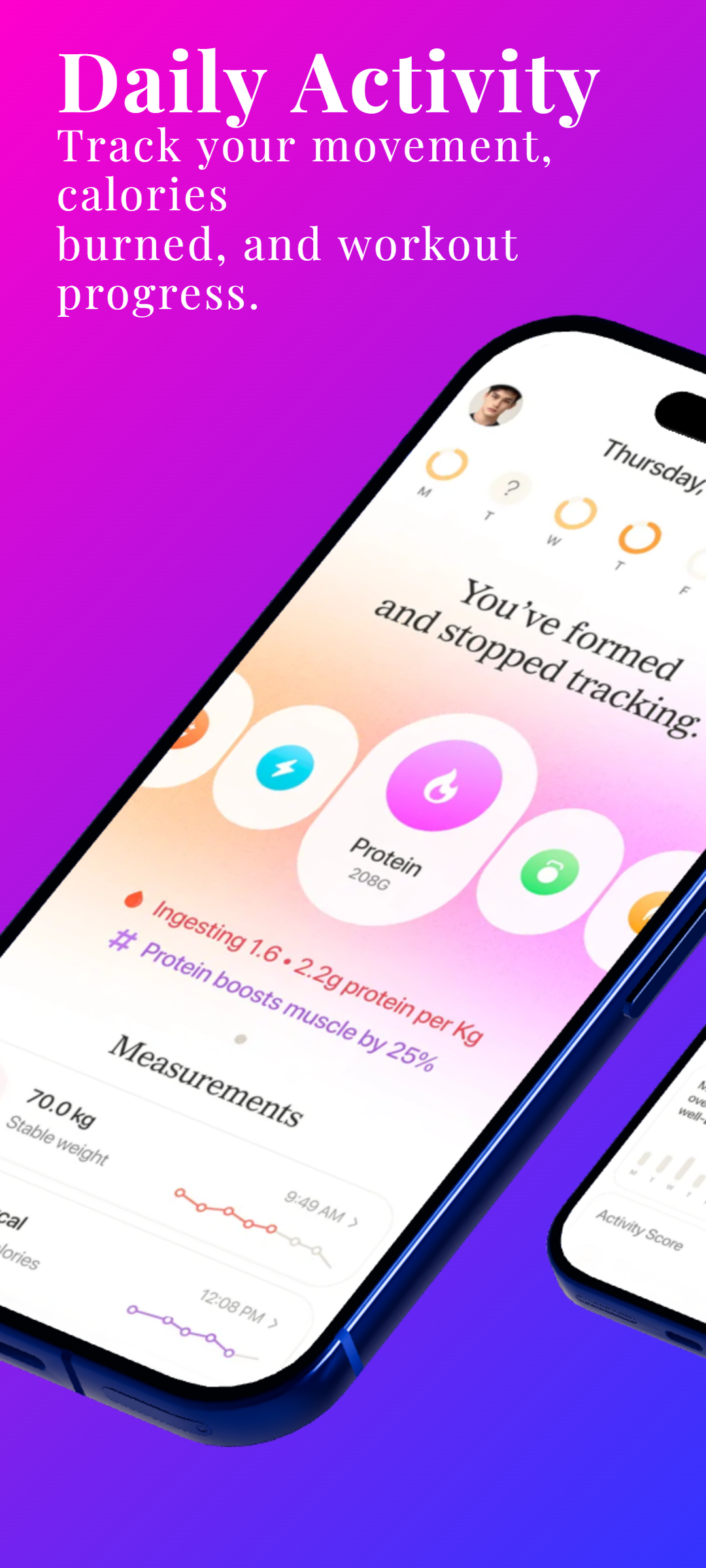
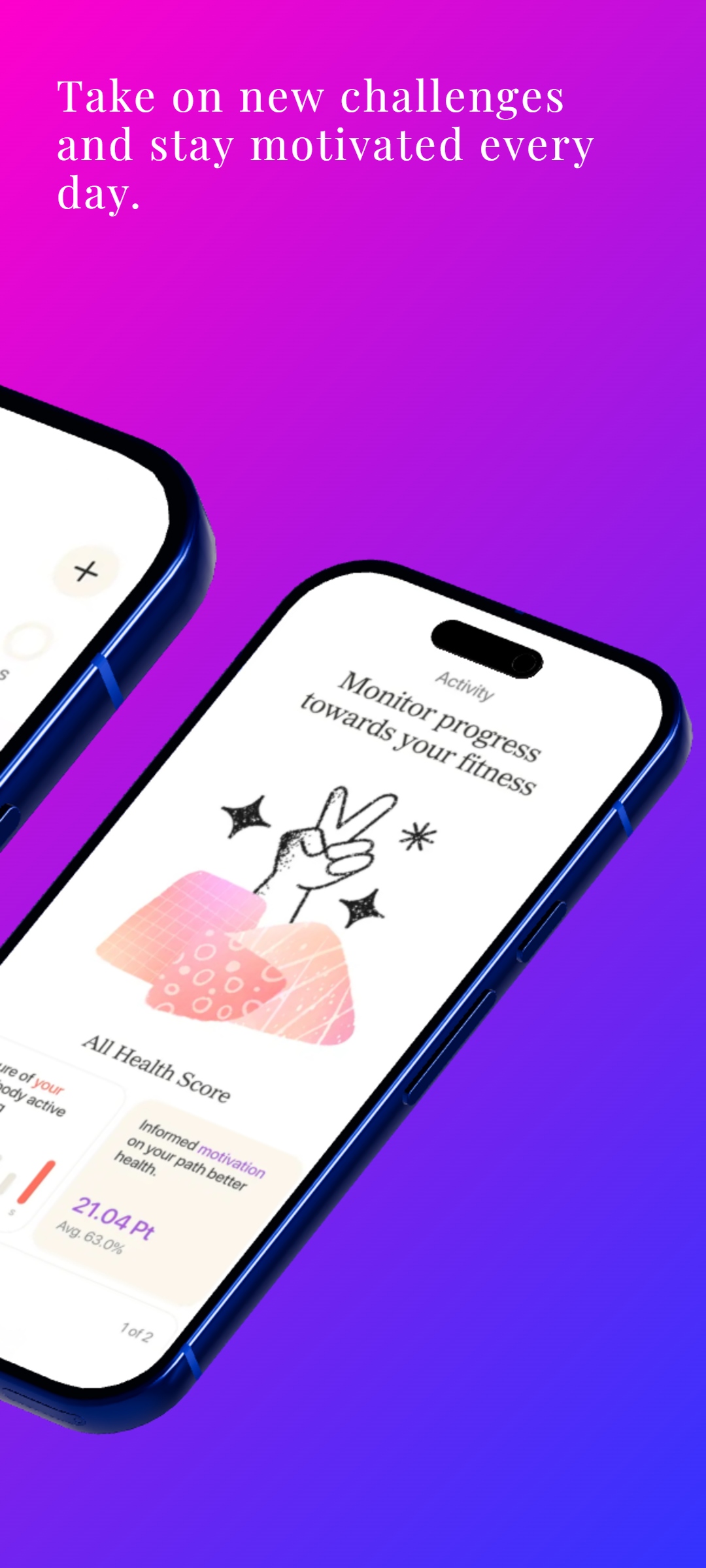
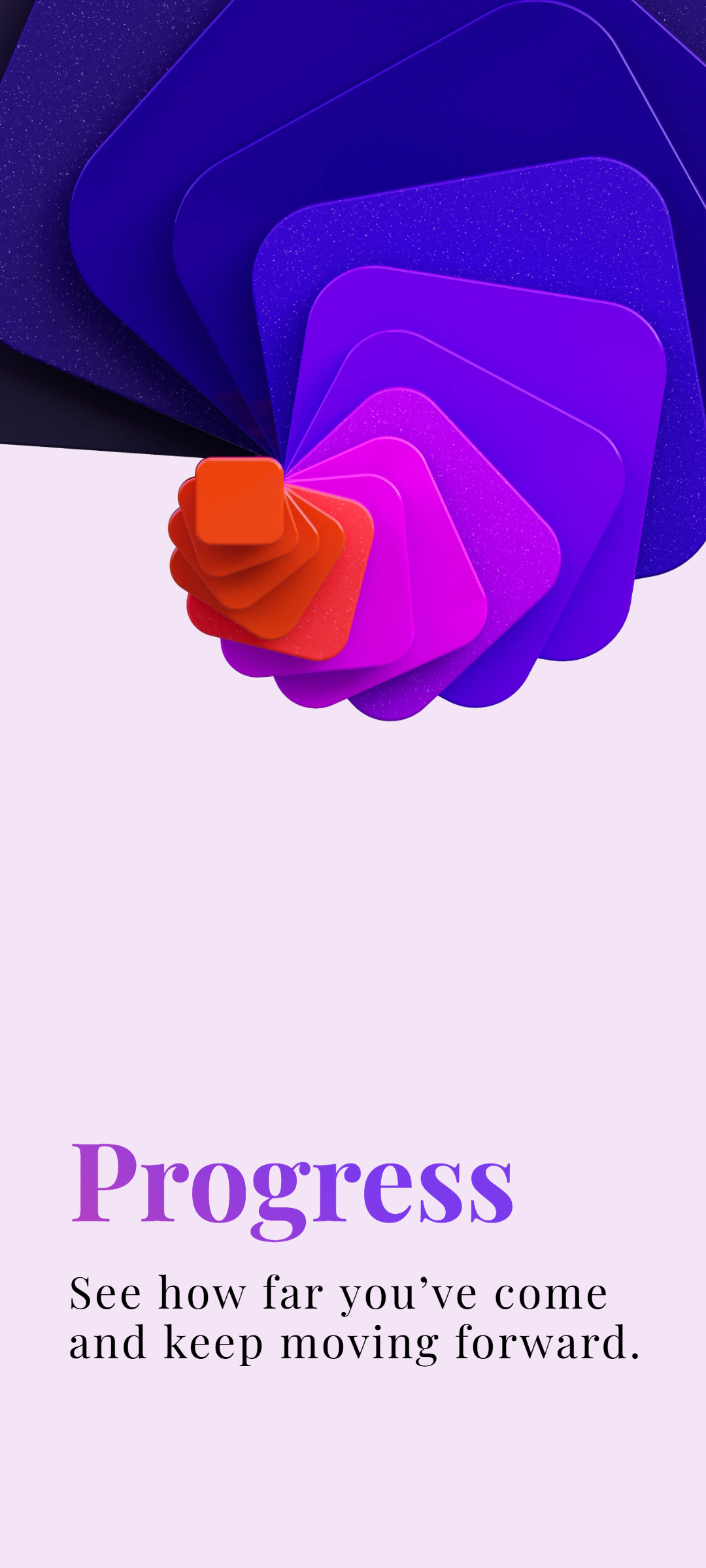
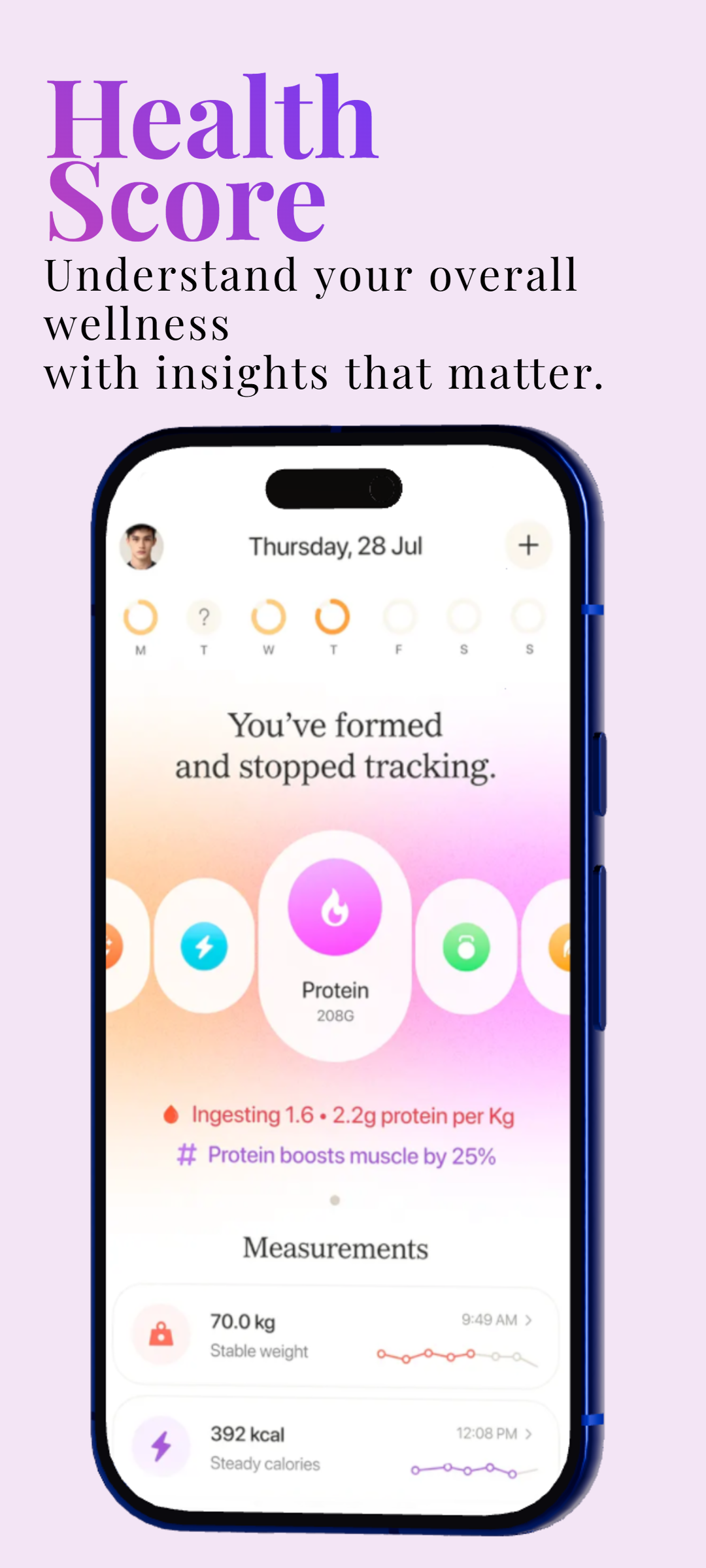
iPhone 16 Pro Mockup Generator for iOS App Screenshots
RenderDuck helps developers and marketers turn ordinary iOS screenshots into polished iPhone 16 Pro mockups without rebuilding a device scene from scratch. Add your real app screen, position the phone, adjust the angle and scale, and create a presentation for App Store graphics, websites and promotional content.
Create 3D iPhone Mockups with Custom Angles
Control pitch, yaw and roll to create front-facing, tilted, floating or custom-perspective iPhone mockups. Fine-tune scale, screen corners, shadows and glow so the phone presentation matches your app branding and campaign style.
App Store Screenshot Mockups for iOS Apps
Use iPhone mockups to present your real app UI more clearly in App Store screenshot designs. Combine the device with feature headlines, gradients, mesh backgrounds or custom backgrounds, then reuse the project when your app interface changes.
iPhone Mockups for Websites, Social Media and Product Launches
The same iPhone mockup can be reused beyond the App Store. Create visuals for landing pages, Instagram posts, LinkedIn graphics, launch announcements and other app-marketing campaigns from the same project.
Reusable iPhone Mockup Projects in RenderDuck
Keep the project and update the app screen, phone angle, background or marketing text later instead of rebuilding the mockup every time. This makes it easier to refresh store graphics for new releases, feature launches and recurring marketing campaigns.
How do I create an iPhone 16 Pro mockup online?
Open RenderDuck, add your iOS app screenshot, place it inside the iPhone 16 Pro model, adjust the device angle, scale, shadows and background, then export the finished design.
Can I rotate the iPhone in 3D?
Yes. RenderDuck supports direct 3D phone controls such as pitch, yaw and roll so you can create front, tilted and custom-angle iPhone mockups.
Can I use these mockups for App Store screenshots?
Yes. Combine your real app UI with an iPhone presentation, feature text and branded backgrounds to build App Store screenshot graphics.
Can I customize shadows and backgrounds?
Yes. Adjust shadows and glow, then use gradient, mesh or custom backgrounds to match your app branding and marketing campaign.
Can I reuse my iPhone mockup project later?
Yes. Keep the project and update the screenshot, phone position, background or marketing text later for new releases and campaigns.