
Browser-Based Editor
Open RenderDuck in a modern browser and work on app-marketing graphics without installing separate desktop design software.
Create app screenshots online in a modern browser with RenderDuck. Start an App Store or Google Play project, add your real product screens, customize the phone presentation, change themes, prepare localized versions, manage multi-page screenshot sets, and export finished app-marketing graphics without installing desktop design software.
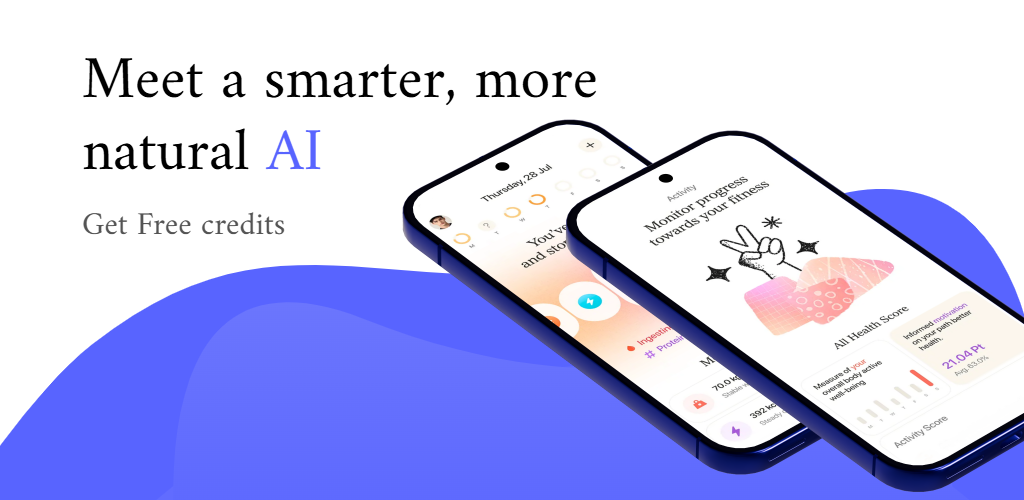
An online screenshot workflow keeps the main design tasks inside one browser-based editor. Move from raw app screens to a complete store screenshot campaign without setting up a separate desktop design file first.
Open RenderDuck in a modern browser and work on app-marketing graphics without installing separate desktop design software.
Build a complete screenshot sequence in one project instead of designing isolated images with inconsistent styling.
Use mobile-device framing and supported 3D phone presentation as part of the app screenshot workflow.
Change the visual direction of your screenshot project more quickly when testing another brand or campaign style.
Prepare language variants while keeping the structure of the screenshot campaign consistent.
Review the pages you created and export the finished graphics directly from the same browser-based workflow.
The online workflow stays simple from project creation through final export.
Select the store, device or asset type you want to create.
Upload the real interface screens from your app.
Edit text, device style, background, theme and page sequence.
Review the full set and download the finished pages.
RenderDuck keeps the online editor focused on real app-marketing tasks, with store-specific project choices and device presentation.
RenderDuck is designed around repeated app-marketing work, so the project can stay useful after the first export.
Use editable device presentation when you want straight, angled or more dimensional phone compositions.
Keep the project ready for a future app release, visual refresh or new screenshot sequence.
Return later to replace app screens, revise text or adapt the campaign.
Add short benefit-led headlines and supporting text around the real product interface.
Customize backgrounds so the screenshot campaign reflects your app and brand.
RenderDuck standard exports are designed without a RenderDuck watermark over the finished graphic.
Use these pages when you need a more specific store, free, 3D or tutorial-focused workflow.
Explore the broader app screenshot workflow.
Open app screenshot generator →See the free-starting app screenshot workflow.
Open free generator →Create Play Store-focused screenshot graphics.
Open Google Play generator →Create App Store-focused screenshot graphics.
Open App Store generator →Create phone-based marketing graphics with depth and perspective.
Open 3D generator →Follow RenderDuck’s project, editing and export tutorials.
Browse guides →An online app screenshot generator is a browser-based design tool that helps turn raw mobile app screens into polished marketing graphics for app stores, websites and launch campaigns.
No desktop design software is required for the RenderDuck workflow. The editor is designed to run in a modern web browser.
Yes. RenderDuck includes Play Store-focused project options so you can create Google Play screenshot graphics in the browser.
Yes. RenderDuck supports App Store-oriented screenshot projects and iPhone-focused device presentation.
Yes. RenderDuck supports multi-page screenshot projects so you can build a coordinated store-listing sequence instead of isolated images.
Yes. RenderDuck supports editable 3D phone presentation for app-marketing layouts that need more depth than a flat device frame.
Yes. The localization workflow helps adapt screenshot copy for multiple languages while keeping the design system consistent.
Yes. Reusable projects make it easier to replace screenshots, update text, change a theme or prepare a new language later.
Open the browser editor, choose the store project you need, add your real product screens, customize the device and visual system, and export a complete app screenshot campaign.
Open Online App Screenshot Generator