
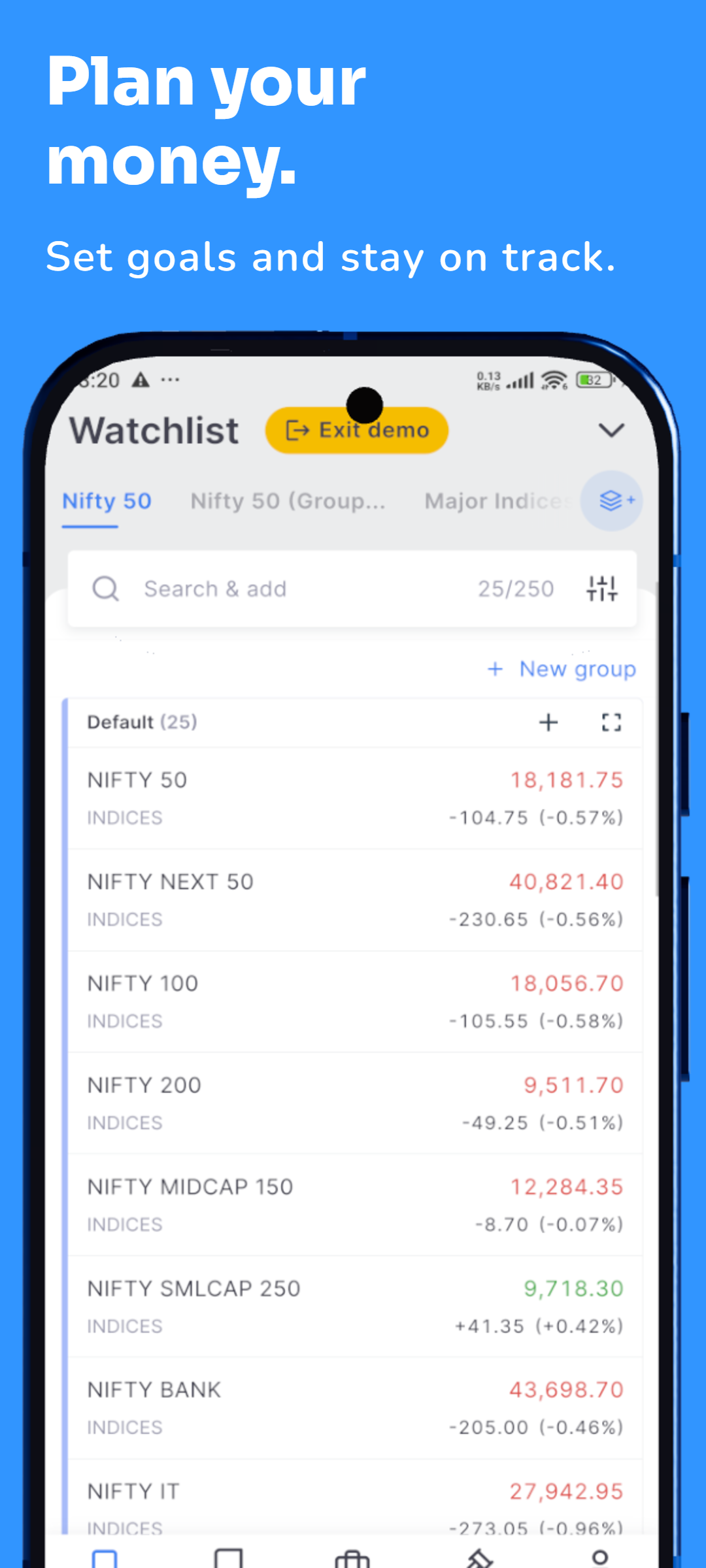
Banking App Screenshot Template – Finance Official Phone
Create professional store screenshots for mobile banking, fintech, digital wallet, payment, investment and personal finance apps. Finance Official Phone is designed for clean financial product presentation with space for real app screens, trust-focused feature copy and polished phone mockups.
BANKING SCREENSHOTS
FINANCE APP DESIGN
3D PHONE MOCKUPS
EDITABLE TEMPLATE
HIGH-QUALITY EXPORT
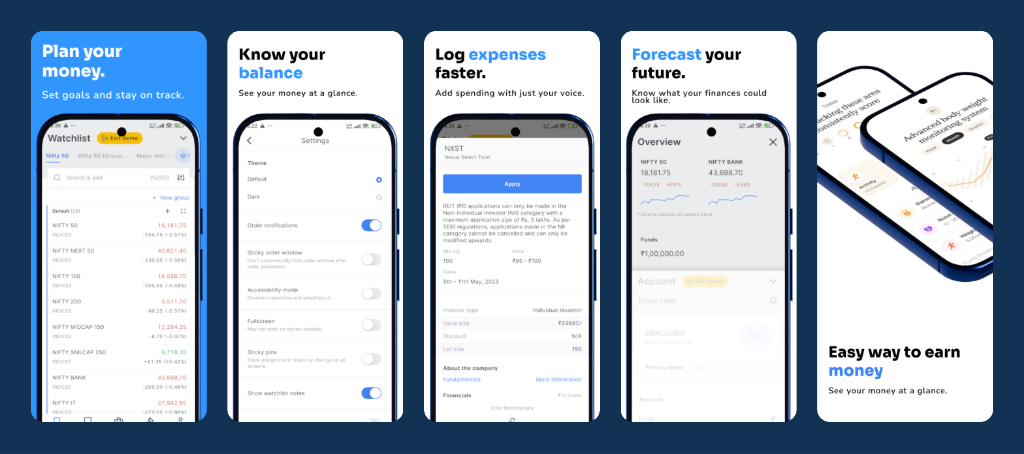
Banking App Screenshot Preview
Replace these five slide images with your finished Finance Official Phone screenshots.
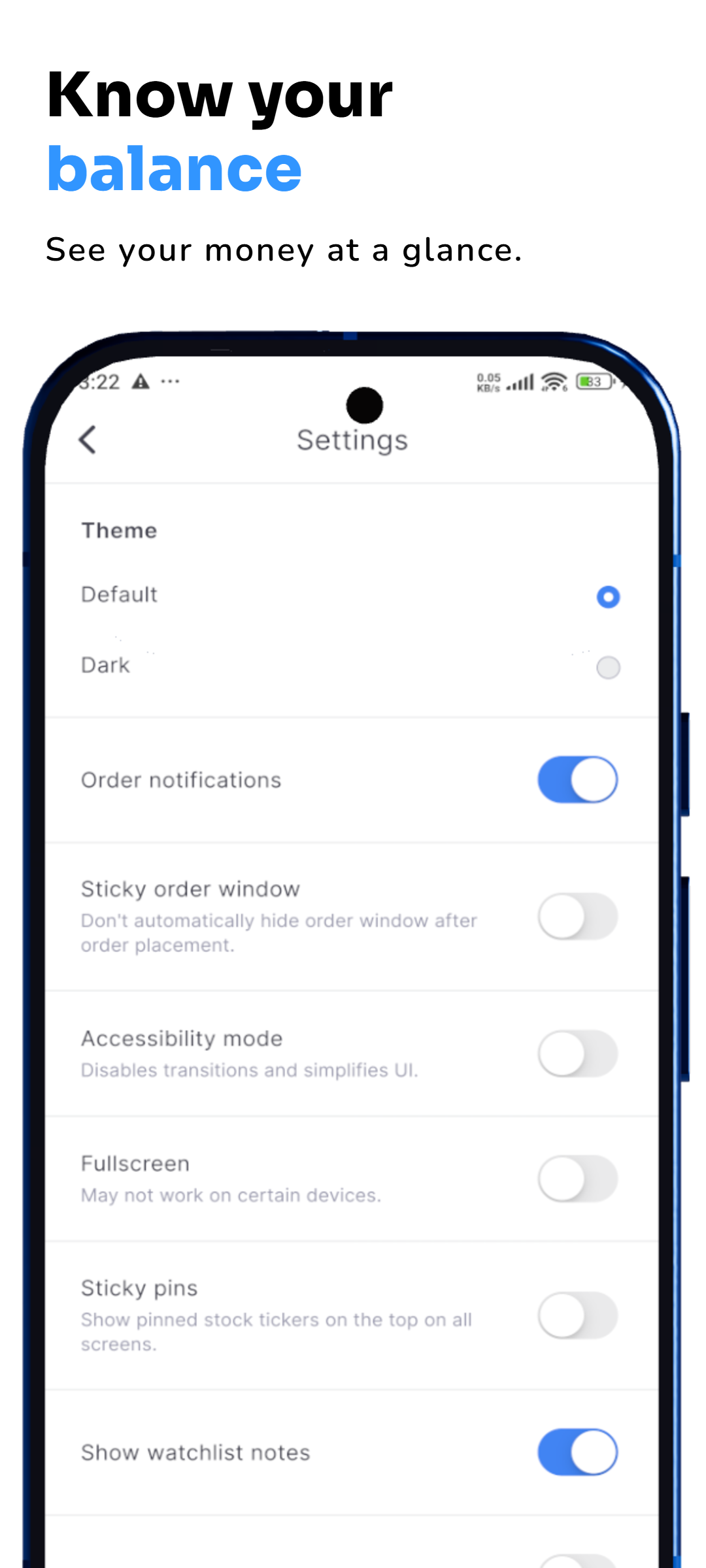
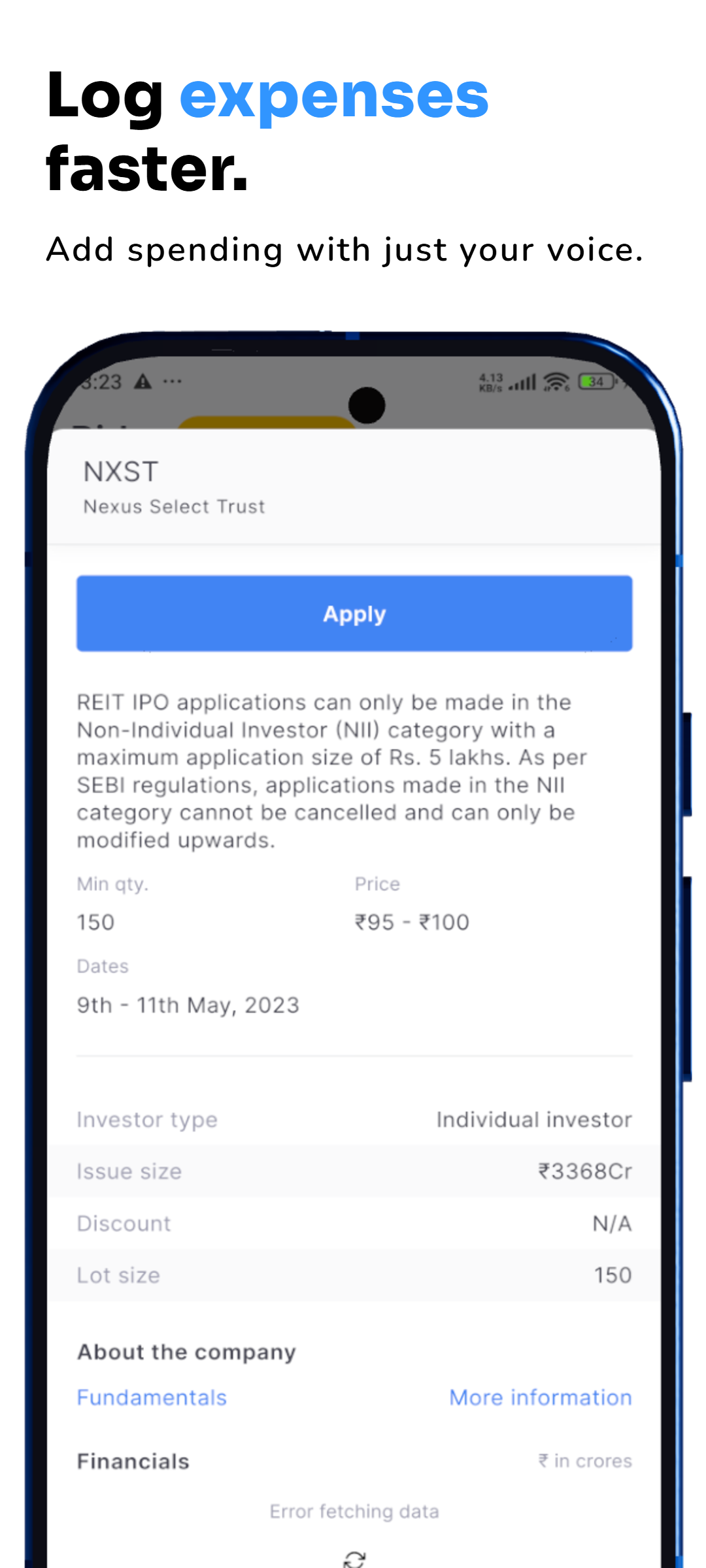
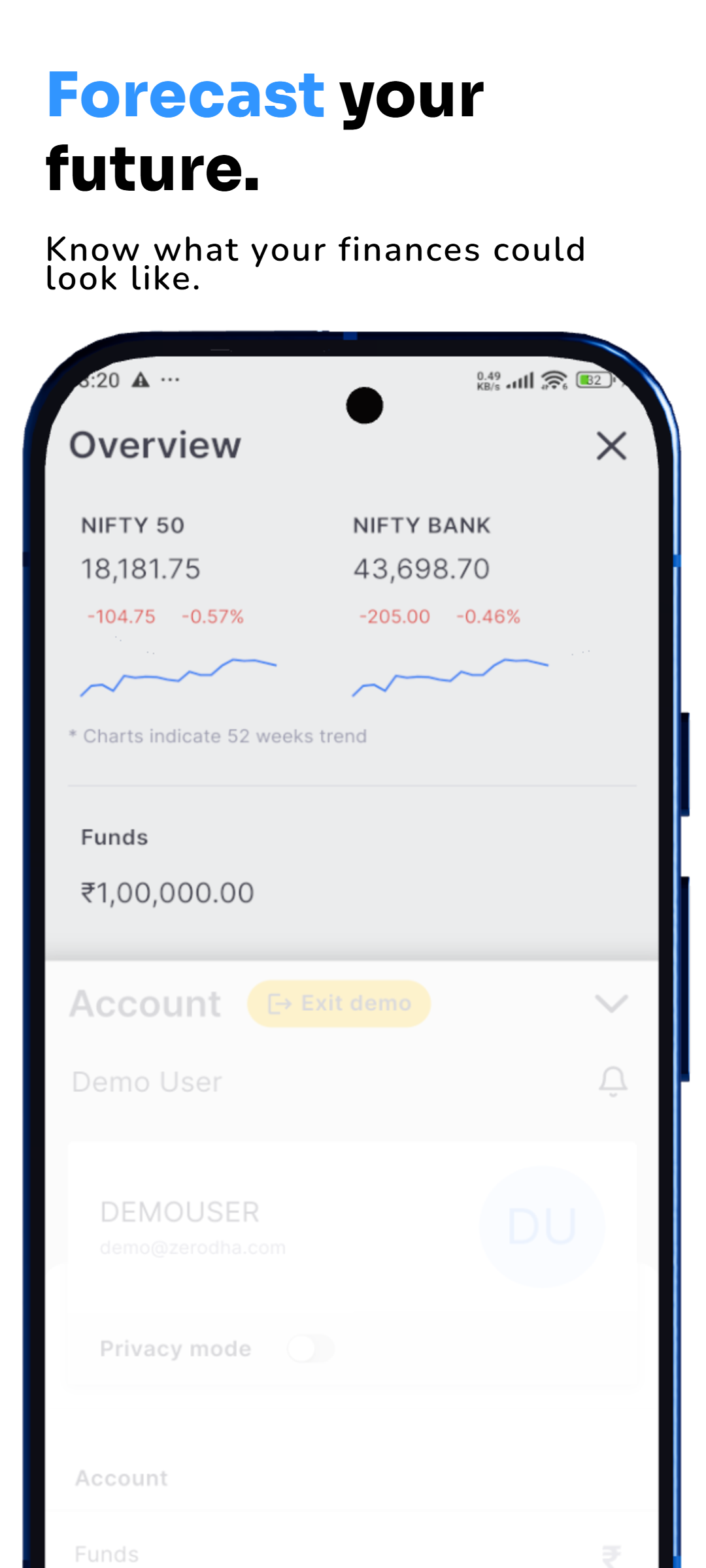
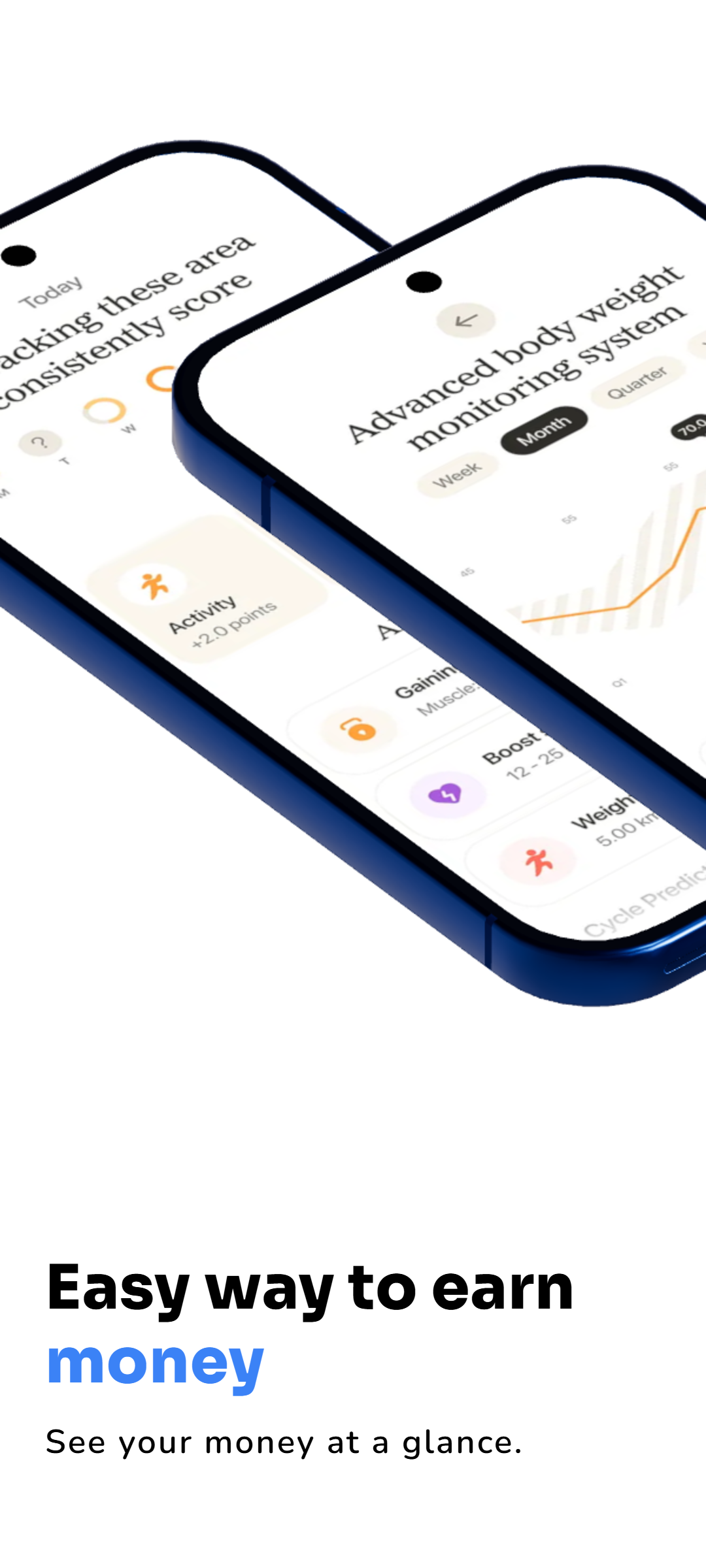
Banking Screenshot Design
Designed for Banking, Fintech and Financial App Screenshots
Banking apps often need to explain several important features quickly while still looking trustworthy. This template gives you a consistent visual system for presenting real financial product screens across a complete store-listing sequence.
Accounts & Balances
Present account dashboards, current balances, recent activity and money-management screens with a clean visual hierarchy.
Security Features
Use a dedicated screenshot page to communicate login protection, card controls, alerts, verification or other security-focused features.
Money Transfers
Show transfer, send-money, beneficiary, payment or transaction flows using real screens from your banking product.
Cards & Payments
Highlight debit cards, credit cards, payment history, spending controls, virtual cards or wallet functionality.
Savings & Insights
Use the template for savings goals, investment summaries, budgets, spending analysis and financial-health features.
Localized Finance Campaigns
Reuse the visual system for different languages and markets while keeping the banking brand and screenshot sequence consistent.
Screenshot Sequence
What to Show in a Banking App Screenshot Set
You can replace the example images with your own app screens. A strong banking screenshot sequence usually moves from the core account experience into the features that build trust and demonstrate everyday value.
Suggested Five-Screenshot Story
- Overview: introduce the app with the main dashboard, balance or primary banking benefit.
- Security: show the feature that helps users feel in control of their money or account.
- Payments: demonstrate transfers, bills, wallet payments or another frequent action.
- Cards: highlight card management, limits, spending or payment controls.
- Insights: finish with savings, budgets, reports, investments or another differentiating finance feature.
Good Banking Screenshot Copy
- Keep the headline short and focused on one clear benefit.
- Use real product screens instead of generic finance illustrations when explaining functionality.
- Keep account information used in marketing examples fictional or safely prepared for presentation.
- Use consistent typography, backgrounds and device treatment across the full screenshot set.
- Keep the banking interface large enough to understand instead of letting decoration dominate the screen.
Use Cases
Use Finance Official Phone for Different Financial Products
The visual style can be reused for more than a traditional bank. Replace the screenshot content and messaging to fit your own financial product.
Mobile Banking Apps
Account dashboards, transfers, deposits, cards, transaction history and everyday banking features.
Fintech Apps
Modern financial products, money tools, savings platforms and digital-first banking experiences.
Digital Wallets
Wallet balance, QR payments, peer-to-peer transfers, transaction history and payment features.
Budgeting Apps
Budgets, spending categories, financial planning and personal money-management dashboards.
Investment Apps
Portfolio overviews, market insights, account performance and investment-management experiences.
Payment Apps
Send money, receive payments, bills, merchant payments and transaction-management workflows.
FAQ
Banking App Screenshot Template FAQs
What is Finance Official Phone?
Finance Official Phone is a RenderDuck screenshot template designed for banking, fintech, wallet, payment and other finance-related mobile apps.
Can I replace all five banking screenshots?
Yes. The five preview images are only the visual set for this template page. Replace them with your own finished template slides or app screenshots.
Can I use this template for a fintech app instead of a traditional bank?
Yes. The content and visual structure can be adapted for fintech, digital wallet, payment, budgeting, savings or investment applications.
Can I use the design for both Google Play and the App Store?
Yes. RenderDuck is designed for app marketing workflows across Google Play and the App Store. Create the project using the store canvas and device presentation that fits the asset you are preparing.
Can I change the theme and phone presentation?
Yes. RenderDuck supports screenshot theme changes and editable phone presentation so the template can be adapted to your banking brand.
Can I localize a banking screenshot campaign?
Yes. You can adapt the screenshot copy for multiple languages while keeping the same overall design system for different markets.
Create Professional Banking App Screenshots with RenderDuck
Start with Finance Official Phone, replace the example screens with your banking app, customize the theme and device presentation, and build a complete store screenshot campaign.
Use Finance Official Phone