
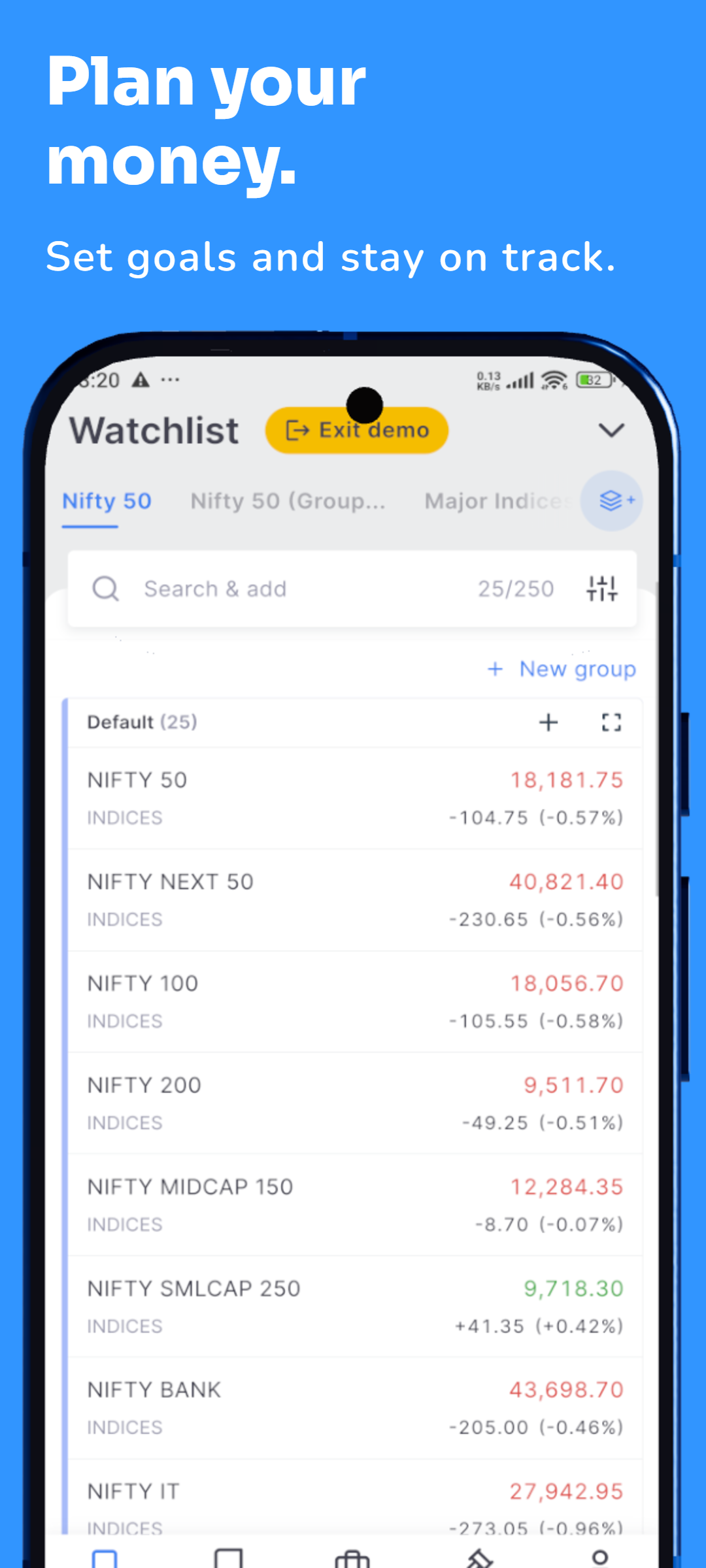
Minimalist App Screenshot Templates for App Store & Google Play
Create clean, modern App Store and Google Play screenshots with minimalist templates that keep your real app UI easy to understand. Use clear headlines, generous spacing, polished phone presentation and reusable layouts for iPhone and Android store listings.
APP STORE
GOOGLE PLAY
MINIMAL DESIGN
REAL APP UI
IPHONE & ANDROID
3D PHONE MOCKUPS
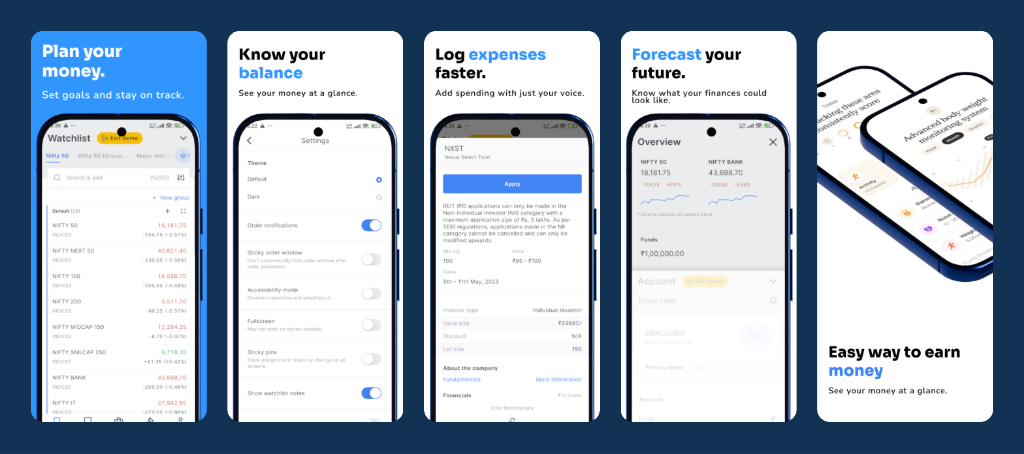
Minimalist App Screenshot Template Examples
Preview clean screenshot layouts for iOS App Store and Android Google Play listings.
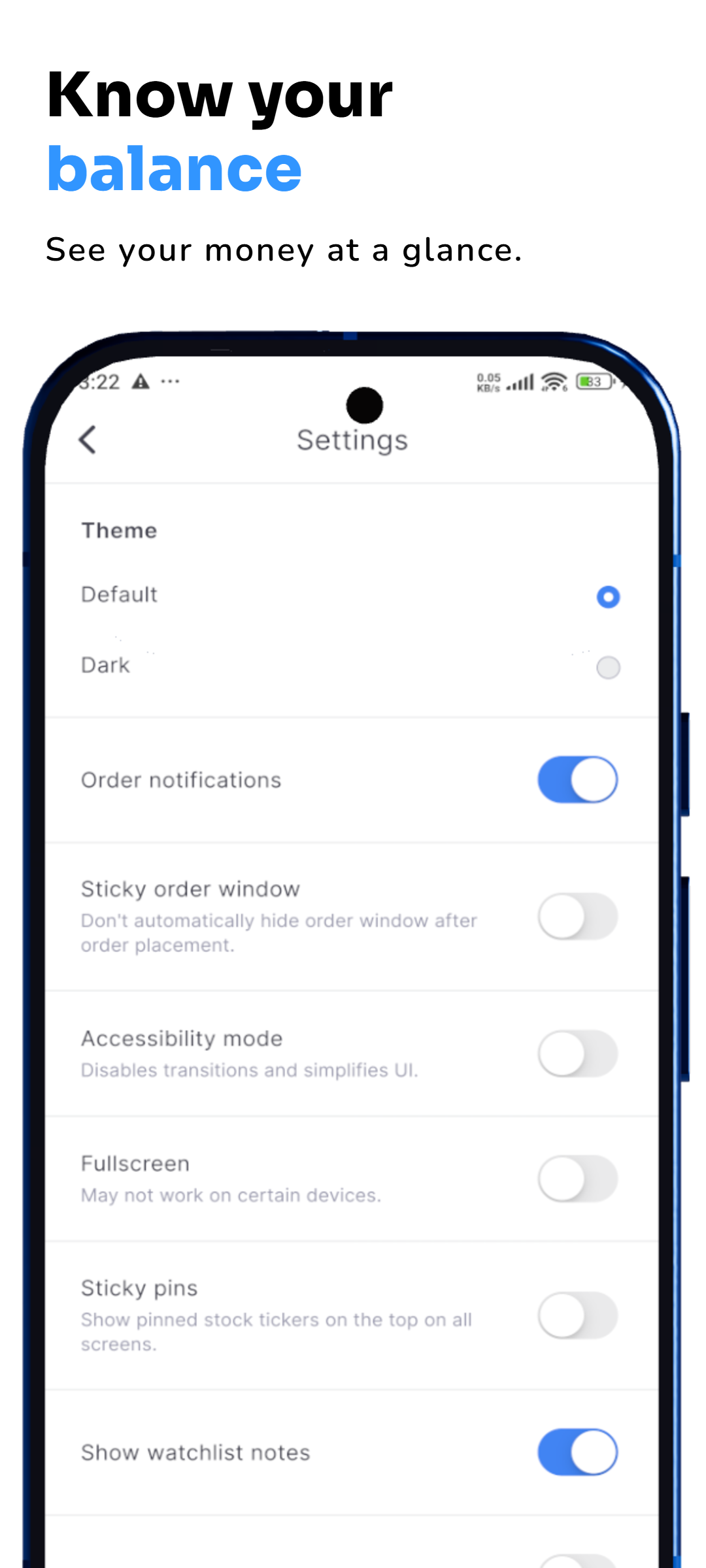
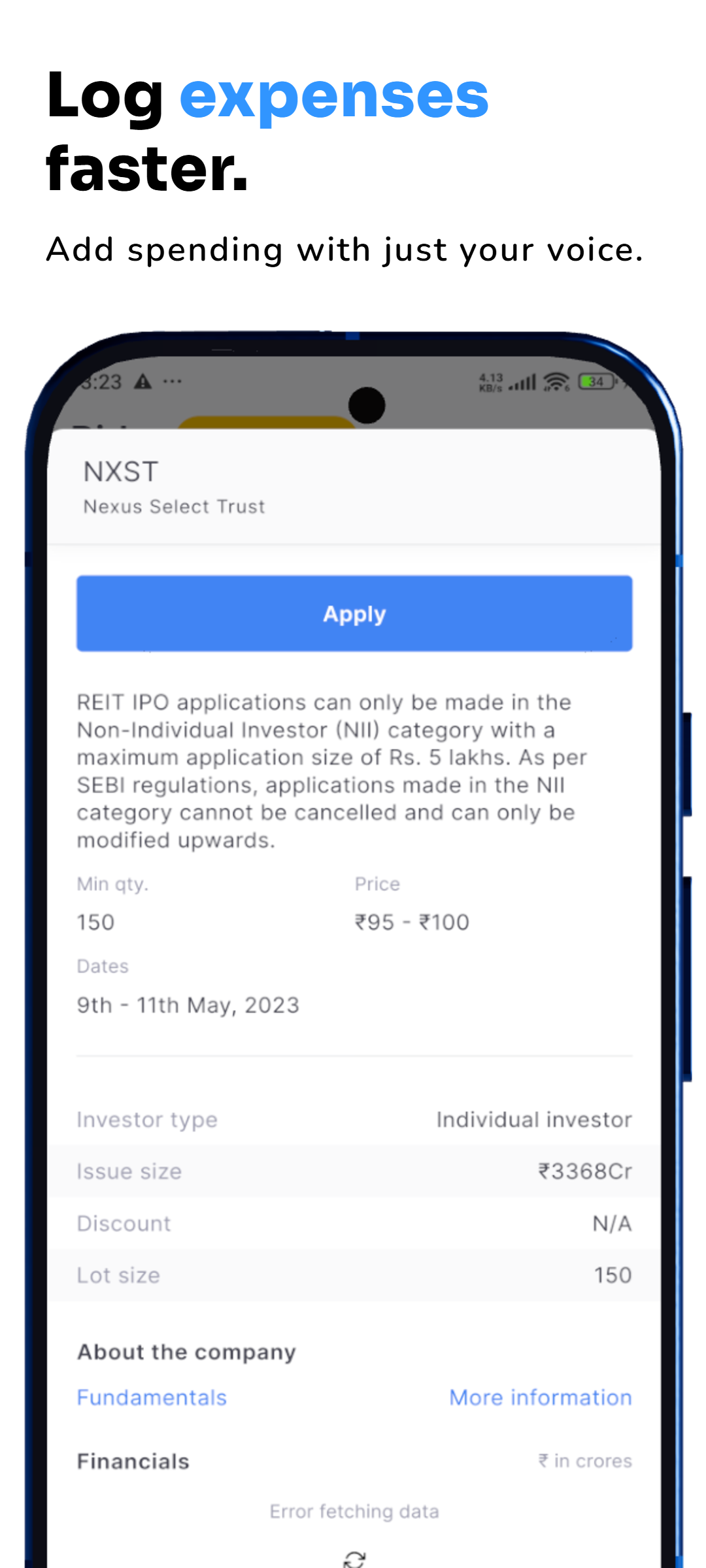
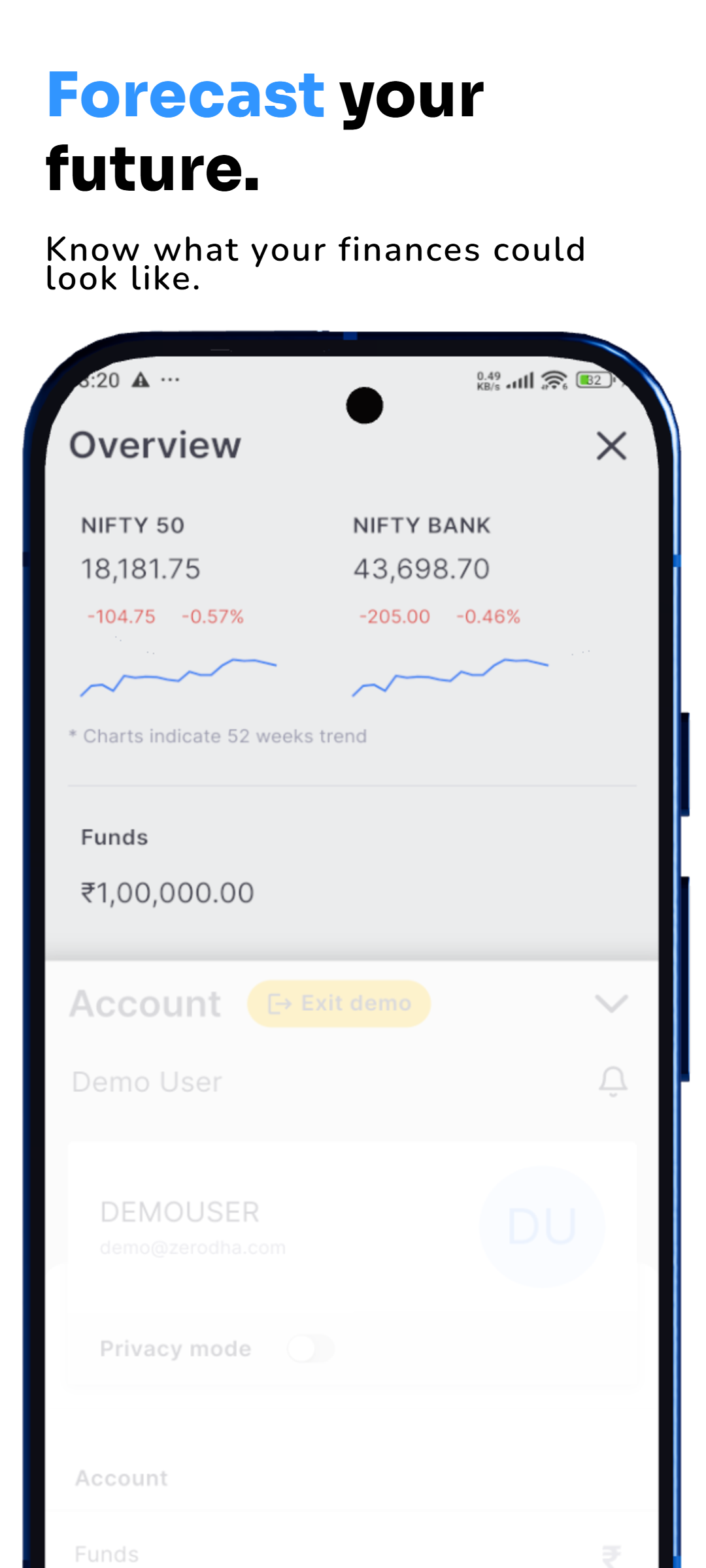
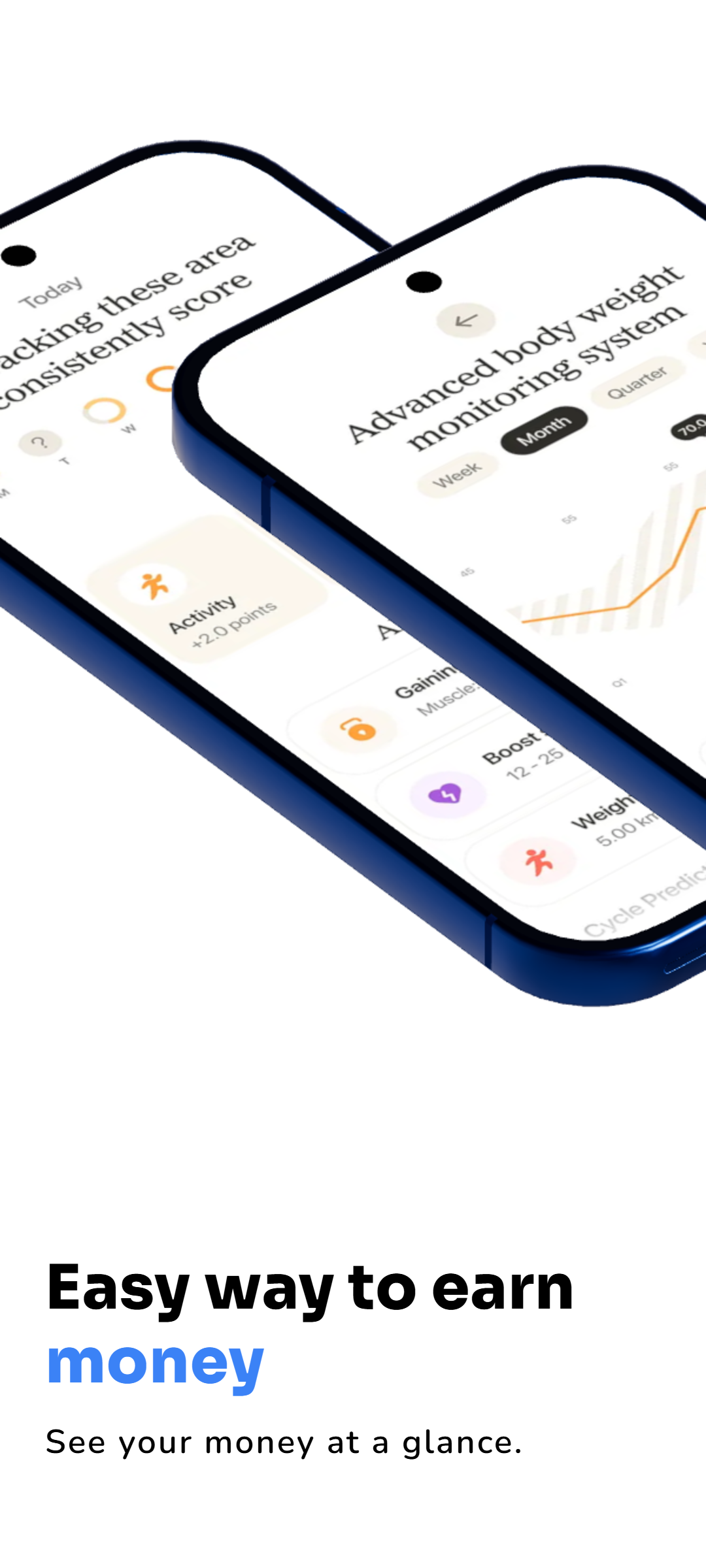
Create Minimalist App Store Screenshots Faster
Minimalist app screenshot templates help you turn raw app screens into polished store-listing graphics without overcrowding the design. RenderDuck lets you combine real app UI, short feature headlines, clean spacing, device presentation and branded backgrounds in one reusable project. This works well for productivity apps, finance apps, health apps, travel apps, SaaS products, utilities and other apps where the interface itself is an important selling point.
App Store Screenshot Templates for iPhone and iOS Apps
Build clean iPhone screenshot layouts for App Store product pages using simple typography, focused feature messages and realistic phone presentation. A minimalist layout keeps attention on the app experience instead of decorative elements, making each screenshot easier to scan on mobile search and store pages.
Google Play Screenshot Templates for Android Apps
Use the same clean design system for Android and Google Play screenshots. Keep feature text readable, show the real product clearly and reuse the project when your app UI changes. RenderDuck makes it easier to maintain consistent styling across multiple screenshots instead of rebuilding every graphic from the beginning.
Minimal Design Without Losing Brand Identity
Minimal does not have to mean plain. Use your brand colors, gradients, mesh backgrounds, typography, device angle and spacing while keeping the layout focused. RenderDuck also supports reusable projects, creative assets and flexible 3D phone presentation, so the same visual direction can extend from store screenshots to social media and launch graphics.
What are minimalist app screenshot templates?
They are clean store-listing layouts that use simple typography, generous spacing, focused feature messages and real app UI. The goal is to explain the product clearly without distracting decorative elements.
Can I use these templates for both App Store and Google Play?
Yes. The layouts can be adapted for iPhone, iOS App Store and Android Google Play screenshot projects while keeping the same brand direction and feature messaging.
Can I add my real app screenshots to the templates?
Yes. RenderDuck is designed around real app UI. Add your own screens, place them inside phone presentations, update text and backgrounds, and build a consistent multi-slide screenshot set.
Can I customize colors, backgrounds and phone angles?
Yes. You can customize branding, gradients, mesh or custom backgrounds and adjust the phone presentation to create a cleaner or more dynamic minimalist style.
Can I reuse the design when my app is updated?
Yes. Keep the project and replace screenshots or text later instead of rebuilding the full store-listing design every time your app changes.