
Android Phone Screenshots
Create mobile-first marketing pages around the real interface of your Android application.
Create polished Android app screenshots with RenderDuck directly in your browser. Add your real Android phone or tablet screens, choose the device presentation, use editable 3D Android phone poses, build a multi-page screenshot set, switch themes, prepare localized versions, save reusable projects, and export clean app-marketing graphics.
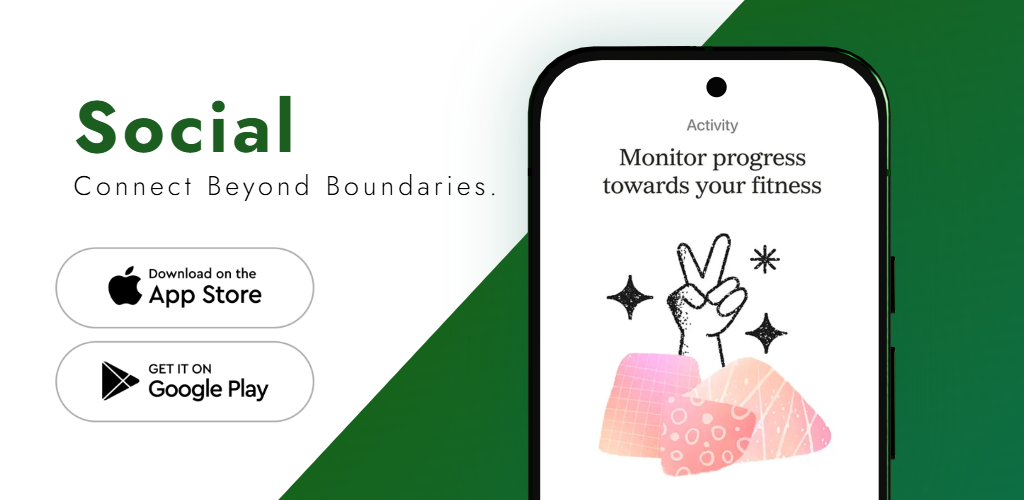
RenderDuck combines real Android screens, device presentation, feature copy, themes, backgrounds, multi-page layouts and localization in one app-focused workflow.
Create mobile-first marketing pages around the real interface of your Android application.
Use tablet-focused projects when the larger Android experience needs its own composition.
Use editable phone poses when a straight or angled device makes the screenshot design more effective.
Change the screenshot campaign’s visual direction without rebuilding every page manually.
Prepare language variants while keeping the broader design system consistent across markets.
Review the complete screenshot set and export the finished app-marketing graphics you need.
Build a complete Android screenshot campaign around real product screens without treating every page as a separate design.
Start with an Android phone, tablet or Play Store-oriented project.
Upload the real Android interface screenshots you want to feature.
Edit the device, copy, background, theme and screenshot sequence.
Review the finished set and download the completed marketing graphics.
Choose the device presentation based on how much interface detail needs to remain visible. A strong 3D angle can add depth, while a straighter view keeps complex app screens easier to read.
Use each page to explain one important part of the product while keeping the screenshot set visually connected.
Use the first page to communicate the strongest reason someone should understand or try the app.
Use the next page to present an important task, workflow or feature inside the real Android interface.
Use additional pages to highlight useful details that strengthen the overall product story.
When relevant, feature dashboards, history, activity, progress, reports or another meaningful outcome.
Use the final page to present another memorable feature, workflow or product advantage.
Use short feature-led headlines so the real Android interface remains easy to see and understand.
A phone layout and tablet layout can use the same brand system without forcing the exact same composition onto both device formats.
Build mobile-first graphics around the primary phone experience of your app.
Use a larger tablet-focused composition for interfaces designed around more screen space.
Keep typography, colors, messaging and overall campaign style aligned across phone and tablet projects.
The same project can support multiple promotional uses after you create the core Android screenshot design.
Create a coordinated Android screenshot sequence for your Google Play marketing workflow.
Use Android device presentation to show the real mobile product on landing pages and product sections.
Adapt the device composition for feature announcements, app updates and launch campaigns.
Keep the design reusable so a new app release, visual refresh or localization update does not require rebuilding the entire screenshot campaign.
Swap in updated Android interface images when the product changes.
Change the visual direction while keeping the underlying screenshot structure reusable.
Reuse the same layout when preparing localized marketing copy for another audience.
Use these RenderDuck pages when you need a more specific Play Store, Android mockup, tablet, template or tutorial workflow.
Create Android screenshot campaigns specifically for Play Store listing visuals.
Open Play Store generator →Explore the broader Google Play screenshot and store-asset workflow.
Open Google Play generator →Create app-focused Android marketing screenshots and multi-page visual sets.
Open Android app generator →Create realistic Android device presentation around your app screens.
Open Android mockup generator →Create larger-screen Android screenshot projects for tablet interfaces.
Open tablet generator →Follow the RenderDuck Android store screenshot workflow step by step.
Read the guide →An Android screenshot maker helps turn raw Android app screens into designed marketing graphics with feature copy, backgrounds, device presentation and a consistent multi-page screenshot set.
Yes. RenderDuck supports Android-focused phone screenshot projects and device presentation.
Yes. RenderDuck supports tablet-focused projects so you can design around the larger Android interface.
Yes. RenderDuck supports editable 3D phone presentation so you can use straight or angled Android device poses.
Yes. Multi-page projects let you build a connected screenshot story instead of designing every page separately.
Yes. RenderDuck supports a localization workflow for preparing screenshot copy in multiple languages while keeping the visual system consistent.
Yes. Reusable projects help when you need to replace app screens, update copy, refresh a theme or prepare another language.
RenderDuck standard exports are designed without a RenderDuck watermark over the finished graphic.
Add your real Android phone or tablet screens, choose the device presentation, customize the visual style, build a consistent screenshot sequence, and export polished app-marketing graphics.
Open Android Screenshot Maker