Reusable Screenshot Layouts
Start from an established structure instead of rebuilding spacing, hierarchy and content placement for every screenshot.

Create App Store-ready iPhone and iPad screenshots quickly with reusable layouts, editable captions, clean backgrounds, real iOS app screens, localization support and high-quality export. Use a fast maker-style workflow when you want polished results without rebuilding the full screenshot system from scratch.
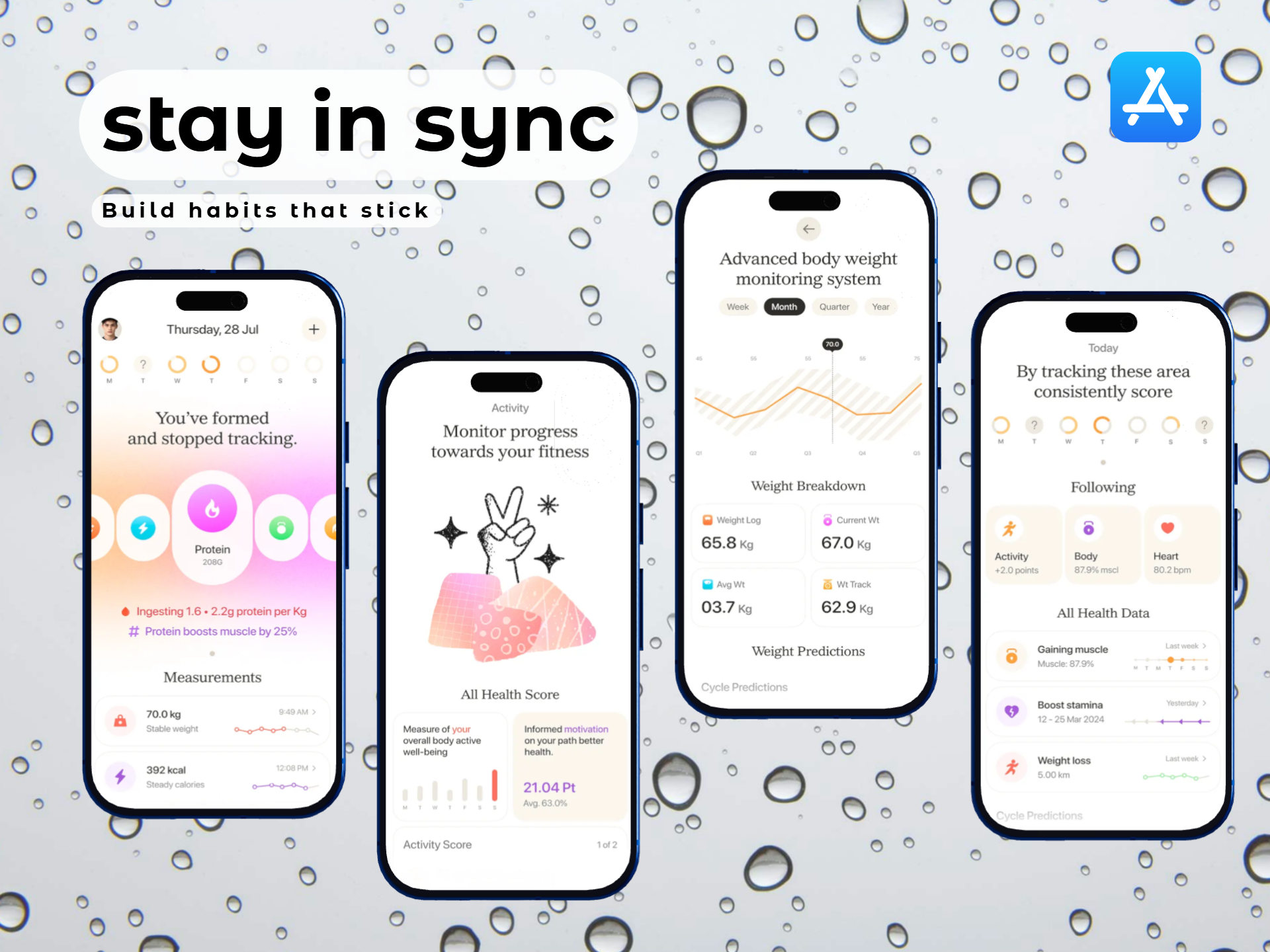
Use a practical maker workflow: select the structure, add the real product screen, edit the message, adjust the background and export. This keeps the process fast while preserving a consistent visual system.
Start from an established structure instead of rebuilding spacing, hierarchy and content placement for every screenshot.
Swap in real iPhone UI and adapt the layout to the current App Store display group and orientation you need.
Use genuine iPadOS screens and larger-screen compositions for apps that run on iPad.
Replace the headline, adjust line breaks and keep feature copy short enough to remain readable at store-browsing size.
Change colors, gradients and visual accents while keeping the app screen as the strongest element in the composition.
Reuse the same layout while replacing caption text and app screens for supported App Store languages.
Start with a visual structure that already has a clean hierarchy for screen, caption and background.
Add the real iPhone or iPad product screen you want the screenshot to explain.
Update the headline, background and spacing without rebuilding the full design system.
Choose the appropriate current App Store dimensions and export in a supported format without alpha or transparency.
The fast workflow still needs to end with the right dimensions and file format for the device group you are submitting.
A maker workflow is ideal when you already know the product story and mainly need to turn screens into clean store assets quickly.
Use a proven layout structure to create a clean first screenshot set without designing every screen from scratch.
Replace outdated UI with the latest app screens while preserving the overall visual system.
Add a new screenshot or replace one feature screen without rebuilding the full campaign.
Reuse the approved layout and change only the language-specific caption and product screen where needed.
Keep the same brand system while adapting the composition for phone and tablet product experiences.
Use repeatable layouts across multiple app releases or client projects while still replacing each product with its real UI.
The maker is focused on quick editing from reusable structures. The broader generator is better when you need deeper planning across an entire screenshot campaign.
| Workflow | iOS App Screenshot Maker | iOS Screenshot Generator |
|---|---|---|
| Starting point | Reusable layout | Broader design system |
| Primary goal | Make screenshots quickly | Plan and create the full iOS visual campaign |
| Editing depth | Fast replacement and customization | More detailed campaign structure |
| Best use | Refreshes, localized variants and fast launches | New campaigns and broader marketing workflows |
| iPhone + iPad | Supported | Supported |
Create a broader iPhone and iPad screenshot campaign for App Store, websites, launches and marketing.
Open iOS generator →Use a store-focused quick editing workflow for iPhone and iPad screenshot graphics.
Open App Store maker →Make iPhone-only App Store graphics with reusable mobile layouts and current device sizes.
Open iPhone maker →Create genuine large-screen iPad screenshots around the current 13-inch App Store group.
Create iPad screenshots →Browse reusable visual directions for iPhone and iPad screenshot creation.
Browse iOS templates →Adapt screenshot copy and product screens for additional App Store languages and markets.
Localize iOS screenshots →It is a faster workflow for turning real iPhone or iPad app screens into polished store graphics using reusable layouts, editable captions and App Store-ready export.
A maker focuses on fast editing from reusable structures. A broader generator is better for planning and creating an entire screenshot campaign from the ground up.
Yes. Use device-specific screen captures and adapt the layout when the iPad experience differs from iPhone.
Apple currently allows one to ten screenshots for supported App Store screenshot groups.
Current App Store Connect guidance supports JPEG, JPG and PNG screenshots without alpha channels or transparency.
Apple’s current 6.9-inch group accepts multiple exact sizes, including 1260 × 2736, 1290 × 2796 and 1320 × 2868 pixels in portrait, with reversed dimensions in landscape.
If the app runs on iPad, Apple currently requires screenshots for the 13-inch iPad group.
Yes. Reuse the visual structure and replace caption text and app screens for each target language where needed.
RenderDuck is designed to provide clean standard app marketing exports without placing a RenderDuck watermark over the finished graphic.
Pick a reusable layout, add your real iPhone or iPad screen, edit the caption and background, localize the content and export a polished App Store-ready image directly from your browser.
Open iOS Screenshot Maker