iPhone Device Mockups
Place mobile iOS screens inside realistic phone frames for website sections, launches, social graphics and presentations.

Place real iPhone and iPad app screens inside realistic Apple device mockups and create polished visuals for websites, launches, presentations, portfolios, social campaigns and product marketing. Adjust device angle, perspective, orientation, shadows and backgrounds while keeping the actual iOS or iPadOS interface clear.
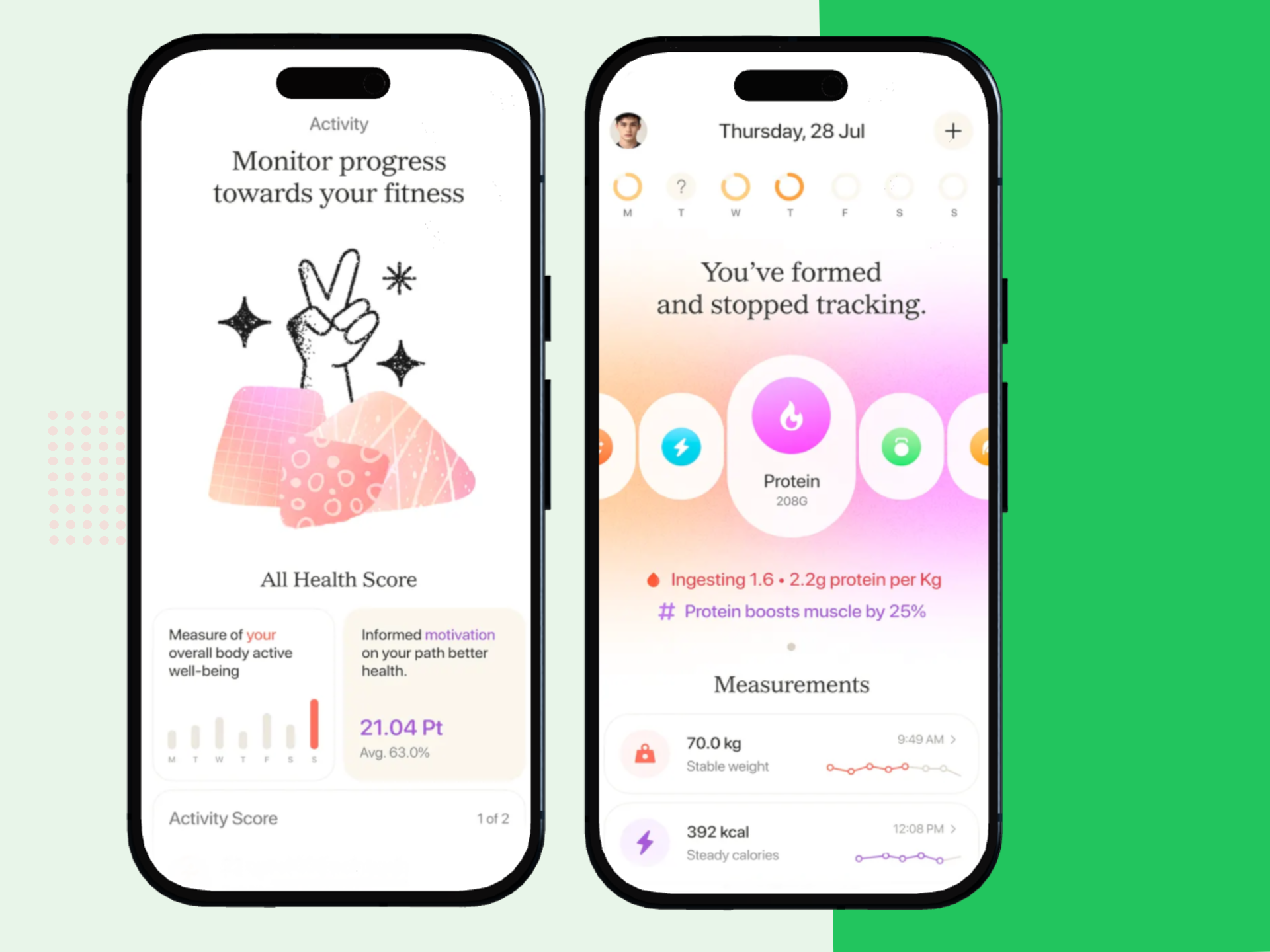
Keep the real interface at the center of the design. Use device treatment, depth and background only to improve presentation and clarify whether the experience is mobile, tablet or cross-device.
Place mobile iOS screens inside realistic phone frames for website sections, launches, social graphics and presentations.
Show dashboards, sidebars, split views and wider iPadOS experiences inside realistic tablet scenes.
Rotate and angle devices to create more dimensional hero graphics, product reveals and campaign visuals.
Add visual depth beneath phones and tablets while keeping the result realistic and balanced against the background.
Use colors, gradients or supporting visuals that match the app brand and give the device scene a consistent marketing identity.
Export polished device mockups for landing pages, launches, decks, portfolios, social campaigns and other app marketing uses.
Start with a real product screen, choose the correct device, then use the scene controls to make the product easier to present.
Choose a current iPhone or iPad screen that clearly represents the product feature or workflow you want to show.
Use iPhone for mobile flows, iPad for large-screen experiences, or both when the app supports a broader Apple-device story.
Build depth around the device while keeping the actual interface readable and visually dominant.
Reuse the mockup system across websites, product launches, social graphics, case studies and presentations.
Use a focused iPhone presentation for mobile-first products, a wider iPad scene for large-screen workflows, or a combined device composition when both experiences support the message.
Best for compact mobile workflows and phone-first app marketing.
Best when the larger screen changes how the app is used.
Best when the product story spans mobile and tablet experiences.
A consistent Apple-device mockup direction can support the app website, launch campaign, presentations, social media and design case studies.
Use an iPhone, iPad or combined device scene next to the main product message and call to action.
Create a more dimensional reveal using realistic Apple devices, stronger perspective, shadows and branded backgrounds.
Keep the device scene consistent while replacing the app screen to highlight a new feature or product update.
Turn raw product screens into polished iOS and iPadOS visuals for clients, teams, stakeholders and investors.
Show mobile and tablet UI work inside consistent devices to make product design decisions easier to evaluate.
Use Apple devices as the visual anchor for portrait, square or landscape app-promotion graphics.
A screenshot graphic is primarily about explaining the product screen. An iOS mockup gives the device itself more visual importance and is better suited to broader product marketing.
| Creative Need | iOS App Mockup | iOS Screenshot Graphic |
|---|---|---|
| Main focus | Product presentation inside Apple devices | Feature explanation using the app screen |
| Device treatment | Can use perspective, depth and shadows | Usually more direct and screen-led |
| Device coverage | iPhone, iPad or combined scenes | Usually device-specific screenshot sets |
| Best channels | Websites, launches, social, presentations and portfolios | App Store listings and feature-led product graphics |
| Primary goal | Make the app feel like a finished product | Help users understand the interface quickly |
Create phone-specific Apple device mockups with 3D angle, perspective, shadows and backgrounds.
Create iPhone app mockups →Create tablet-focused mockups around large-screen iPadOS product experiences.
Create iPad app mockups →Create broader iPhone device presentation graphics for launches, websites and marketing.
Create iPhone mockups →Create broader tablet device visuals for presentations, app marketing and product showcases.
Create iPad mockups →Create dimensional phone and tablet scenes with perspective, angle and depth.
Create 3D device mockups →Create iPhone and iPad screenshot graphics for App Store listings and broader product marketing.
Create iOS screenshots →It is a design tool for placing real iPhone and iPad app screens inside realistic Apple device scenes for websites, launches, presentations, portfolios and marketing graphics.
Yes. Use iPhone for compact mobile flows, iPad for large-screen experiences, or combine both when the product story spans multiple Apple devices.
Yes. Device perspective and angle can be adjusted to create more dimensional phone and tablet presentations.
Yes. Use shadows, colors, gradients and supporting visuals to build depth and match the app brand.
Yes. Use the real product screen that matches each device so the mobile and tablet experiences are represented accurately.
Yes. Using real current app screens keeps the mockup accurate and makes the visual more useful for product presentation.
No. App Store screenshots are store-listing assets, while iOS mockups are broader presentation graphics for websites, launches, social posts, presentations and portfolios.
Yes. Keep the device angle, shadow and background system consistent while replacing the app screen for different features or campaigns.
RenderDuck is designed to provide clean standard app marketing exports without placing a RenderDuck watermark over the finished graphic.
Add real iPhone or iPad screens, choose the right Apple device, adjust perspective, shadows and backgrounds, and export polished app mockups for websites, launches, presentations and marketing.
Start Creating iOS Mockups