Realistic iPad Frame
Place the product inside a clean tablet device so the interface reads as a polished iPad experience rather than a generic app screenshot.

Place real iPadOS screens inside realistic tablet mockups and create polished visuals for websites, app launches, presentations, portfolios, social campaigns and product marketing. Use portrait or landscape scenes, perspective, shadows and custom backgrounds while preserving the real large-screen app experience.
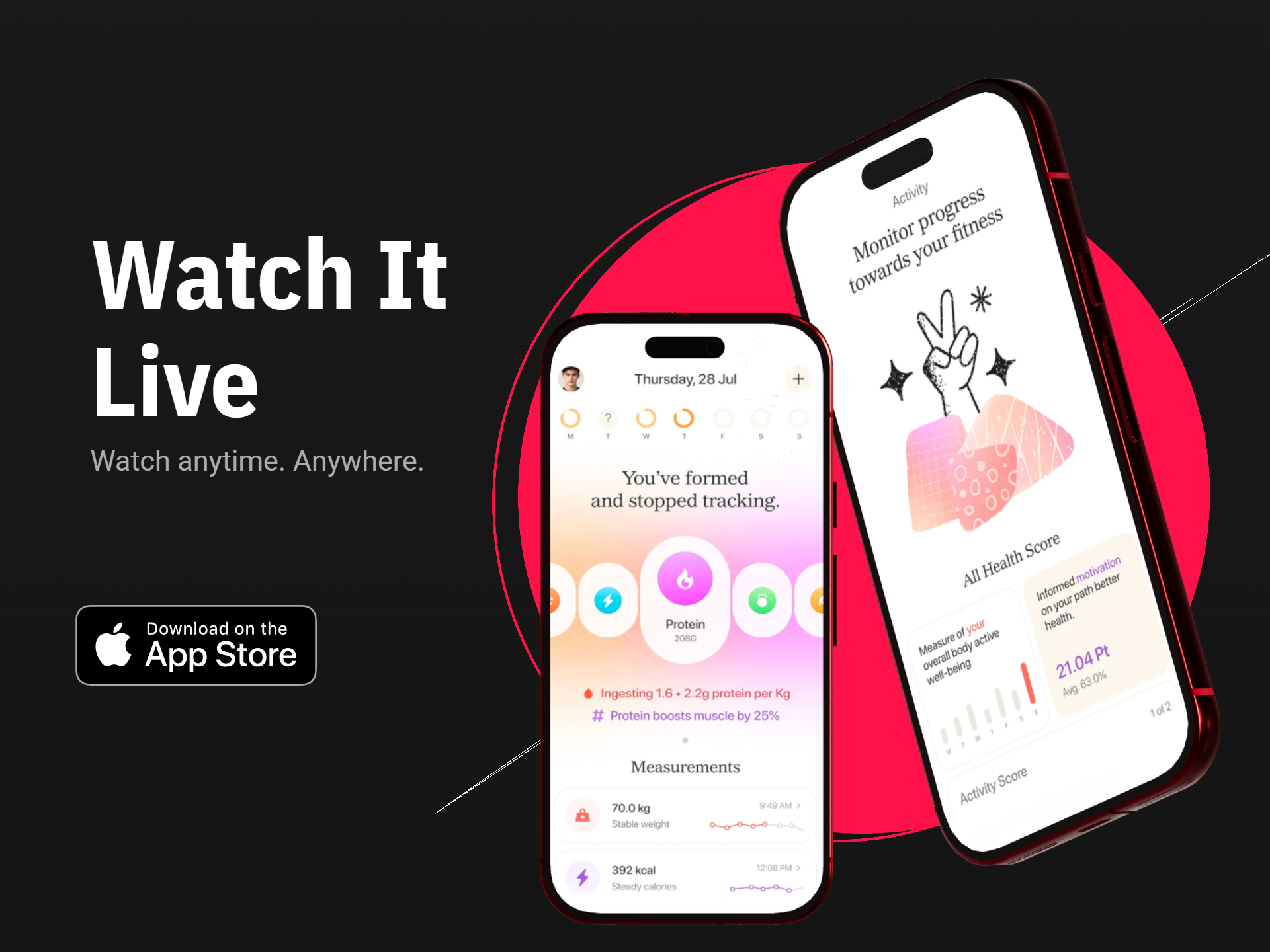
An iPad mockup should do more than enlarge a phone screen. Use real tablet UI and let the device presentation emphasize the wider workspace, larger content area and richer navigation available on iPad.
Place the product inside a clean tablet device so the interface reads as a polished iPad experience rather than a generic app screenshot.
Use portrait iPad mockups for reading, note-taking, productivity, documents and other vertically oriented workflows.
Create wide iPad presentations for dashboards, games, media, design tools, editors and multi-column app experiences.
Angle the tablet for visual depth while keeping enough of the iPadOS interface visible to understand the product.
Add depth beneath the iPad with shadow treatment that matches the device angle and background without feeling artificial.
Use clean colors, gradients or supporting visuals to build a polished tablet scene around the app brand.
Start from a genuine iPadOS screen and build the device scene around the large-screen product experience.
Choose a current tablet screen that clearly demonstrates the large-screen feature or workflow you want to present.
Match the device orientation to how the product is genuinely used on iPad.
Add visual depth while keeping sidebars, split views and other important tablet UI easy to recognize.
Reuse the device direction across websites, launch pages, decks, case studies, social media and product marketing.
Use a front-facing scene for clarity, a landscape perspective for wider workflows, or a floating tablet treatment when the design needs stronger launch or presentation impact.
Best when the screen content must remain highly readable.
Best when the app benefits from a wide tablet workspace.
Best for launch visuals, product reveals and polished presentations.
Reuse one polished iPad presentation system across the product website, launch materials, presentations, social graphics and design case studies.
Show a wide iPad screen next to the product headline and benefits to make the large-screen workflow immediately understandable.
Use a stronger tablet angle, background and shadow treatment to create a high-impact launch visual.
Present dashboards, workflows and management screens inside a realistic iPad frame for stakeholder or client presentations.
Show canvas space, layers, toolbars and wide editing interfaces inside a landscape iPad scene.
Use consistent iPad mockups to present large-screen UI work, responsive design and tablet-specific product decisions.
Use the tablet as a strong visual anchor for portrait, square or landscape app-promotion graphics.
An App Store screenshot is optimized for store browsing and product explanation. An iPad mockup is a broader presentation asset where device perspective and scene design can play a much larger role.
| Creative Need | iPad App Mockup | iPad App Store Screenshot |
|---|---|---|
| Main focus | Large-screen product presentation inside a device | Store listing feature explanation |
| Device perspective | Can use angled or floating tablet scenes | Usually more direct and readable |
| Scene depth | Can use shadows, layered backgrounds and visual depth | Usually keeps product UI more immediate |
| Best channels | Websites, launches, decks, social and portfolios | App Store product pages |
| Primary goal | Show the app as a polished tablet product | Help store visitors understand features quickly |
Create broader iPad device visuals for websites, presentations and app marketing.
Create iPad mockups →Create device-based tablet presentations across iPad and broader tablet workflows.
Create tablet mockups →Create App Store screenshot sets around genuine iPadOS UI and current large-screen requirements.
Create iPad screenshots →Create app mockups across iPhone and iPad product presentation workflows.
Create iOS app mockups →Create dimensional phone and tablet scenes with perspective and device depth.
Create 3D device mockups →Create reusable app presentation graphics across phone and tablet device styles.
Create mobile app mockups →It is a design tool for placing real iPadOS app screens inside realistic tablet device scenes for websites, launches, presentations, portfolios and app marketing.
Yes. Choose the orientation that matches how the app is genuinely used and how the product should be presented in the final visual.
Yes. Perspective can be adjusted to create front-facing, angled or more dimensional iPad presentations while keeping the interface readable.
Yes. Large-screen iPad mockups are especially useful for sidebars, split panes, dashboards, editing workspaces and other tablet-specific interfaces.
Yes. Use shadows, gradients, colors or supporting visuals to create depth and match the app brand.
Yes. Using the real iPadOS interface keeps the mockup accurate and better communicates what the app actually does on a large screen.
No. App Store screenshots are store-listing assets, while iPad mockups are broader presentation graphics for websites, launch campaigns, social posts, decks and portfolios.
Yes. Keep the same tablet angle, shadow and background system while replacing the app screen to create a consistent series of product visuals.
RenderDuck is designed to provide clean standard app marketing exports without placing a RenderDuck watermark over the finished graphic.
Add your real iPadOS screen, choose portrait or landscape, adjust the device perspective, shadow and background, and export polished tablet mockups for websites, launches, presentations and app marketing.
Start Creating iPad Mockups