Current iPhone Layouts
Create screenshot graphics around Apple’s current iPhone display groups instead of relying on obsolete fixed sizes.

Turn real iPhone app screens into polished App Store product-page graphics with portrait or landscape layouts, concise feature messaging, clean backgrounds, current iPhone display sizes, localization support and high-quality export. Keep the real iOS interface at the center while building a consistent screenshot sequence around it.
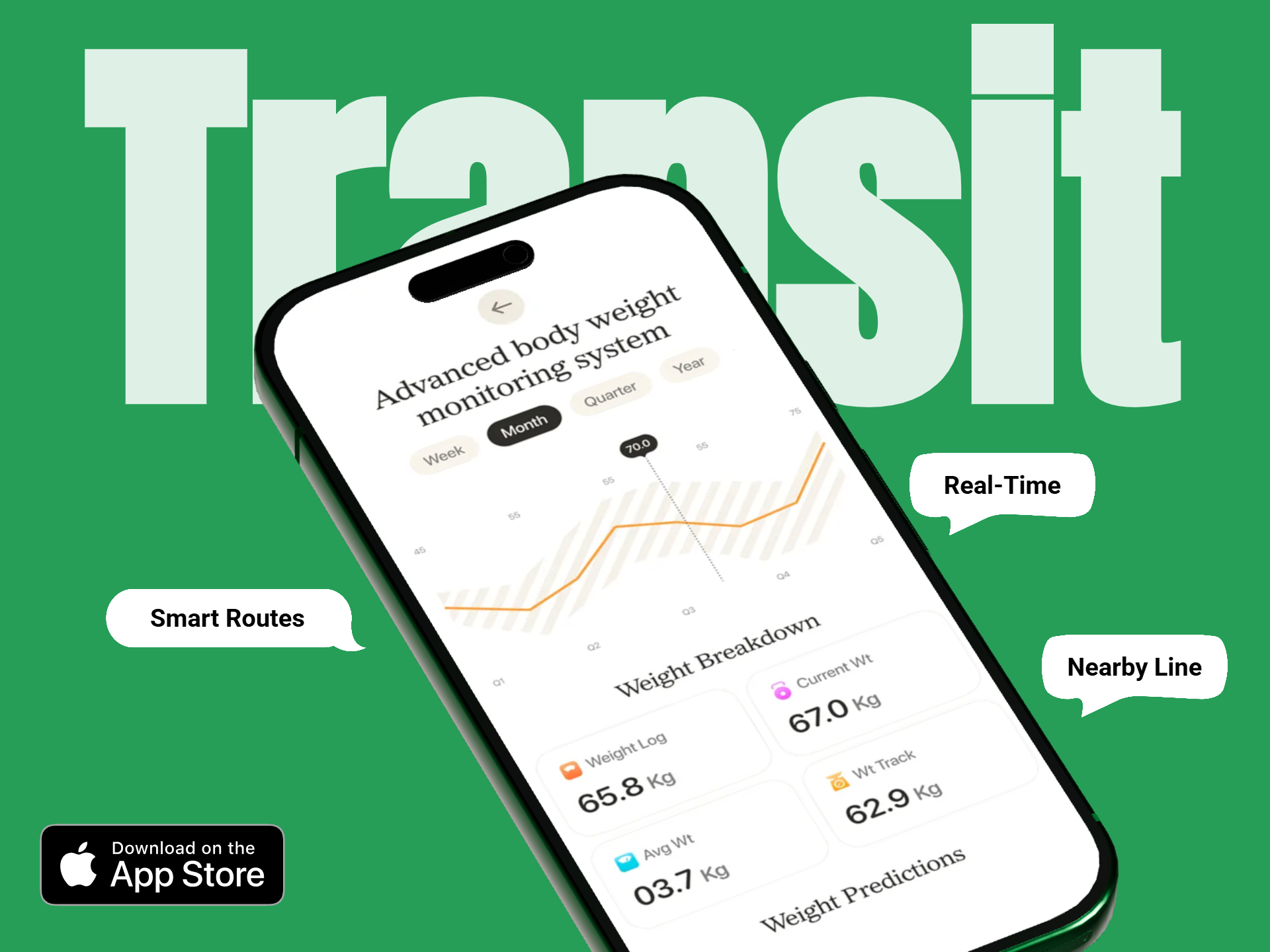
A strong iPhone screenshot keeps the product recognizable even when users browse quickly. Build around the real interface, use short benefit-led copy and keep the visual system consistent from the first screenshot to the last.
Create screenshot graphics around Apple’s current iPhone display groups instead of relying on obsolete fixed sizes.
Build vertical compositions for iPhone apps that naturally use portrait interaction and feature-led product flows.
Use horizontal layouts for games, media, editing or any iPhone experience that genuinely works in landscape.
Use current in-app screens that accurately communicate the iPhone product experience users will see after installation.
Add short supporting headlines without shrinking the app screen or turning the screenshot into a text-heavy advertisement.
Reuse the same screenshot system while adapting copy and app screens for different App Store languages and markets.
Start with the real product, choose the correct current iPhone group, then build one consistent screenshot system around the strongest features.
Choose the screens that best explain the app’s most important workflows, benefits or user outcomes.
Match the export to the current App Store Connect iPhone group and use portrait or landscape based on the real app experience.
Use concise captions, clean backgrounds and consistent spacing while keeping the iOS UI large enough to understand.
Adapt copy or screenshots for each supported locale and export in a supported file format without alpha or transparency.
Apple’s current App Store Connect reference includes the 6.9-inch iPhone group with several exact accepted resolutions, automatic scaling support and newly published specifications for iPhone Duo.
Current accepted examples include:
Current App Store Connect guidance states:
Apple’s September 2026 reference also lists iPhone Duo screenshot specifications:
Different iPhone apps need different presentation strategies. The strongest sequence follows the product rather than forcing every app into the same template.
Use portrait screenshots to show tasks, notes, calendars or focused workflows with short benefit-led messaging.
Keep charts, balances and transaction flows readable while using a clean visual hierarchy around the real product screen.
Show progress, plans, workouts or activity screens clearly and keep supporting copy tied to the actual user experience.
Use the orientation that matches the real capture, editing or viewing flow instead of forcing every visual into portrait.
Use real gameplay and preserve the actual game orientation while keeping store copy secondary to the experience.
Adapt caption length, line breaks and app screens for each target language while preserving the same screenshot identity.
The iPhone generator focuses on phone-specific App Store presentation, while the broader iOS generator also covers iPad and non-store marketing workflows.
| Creative Need | iPhone Screenshot Generator | iOS Screenshot Generator |
|---|---|---|
| iPhone App Store assets | Primary focus | Supported |
| Current iPhone display groups | Detailed focus | Broader overview |
| iPad screenshots | Not the core intent | Supported |
| Website and launch graphics | Supported | Broader focus |
| Localization | iPhone-specific | iPhone + iPad workflows |
Create complete iPhone and iPad product-page screenshot sets for App Store Connect.
Create App Store screenshots →Create iPhone and iPad screenshots for App Store, websites, launches and marketing.
Create iOS screenshots →Create large-screen iPad App Store visuals around the genuine tablet experience.
Create iPad screenshots →Use a quicker template-led workflow for editing iPhone App Store screenshots.
Open iPhone screenshot maker →Review current iPhone display groups, exact accepted dimensions and orientation requirements.
Check iPhone screenshot sizes →Place real iPhone screens inside realistic device mockups for launch and marketing graphics.
Create iPhone mockups →It helps turn real iPhone app screens into polished App Store product-page graphics with device-specific dimensions, supporting copy, branding and localization.
Apple currently allows one to ten screenshots for supported App Store screenshot groups.
Current App Store Connect guidance supports JPEG, JPG and PNG screenshots.
No. Apple currently states that screenshots cannot include alpha channels or transparency.
Apple currently accepts several exact sizes in the 6.9-inch group, including 1260 × 2736, 1290 × 2796 and 1320 × 2868 pixels in portrait, with the dimensions reversed for landscape.
Yes. Apple states that if the user interface is the same across device sizes and localizations, highest-resolution required screenshots can scale down automatically.
Apple’s current reference lists 1398 × 2034 for the outer display and 2007 × 2853 for the inner display in one orientation, with reversed landscape dimensions. Apple says App Store Connect upload support for Duo assets will be available later in 2026.
Yes. App Store Connect supports localized screenshot assets, and Media Manager can be used when you want specific assets for additional device sizes or localizations.
RenderDuck is designed to provide clean standard app marketing exports without placing a RenderDuck watermark over the finished graphic.
Add real iPhone screens, choose the current App Store display group, build a clean screenshot system, localize the copy and export polished iPhone graphics directly from your browser.
Start Creating iPhone Screenshots