
✦
Use one message per frame
Keep each visual focused on a single outcome, feature or task.
A screenshot set should make the product understandable without asking visitors to decode a complicated composition.
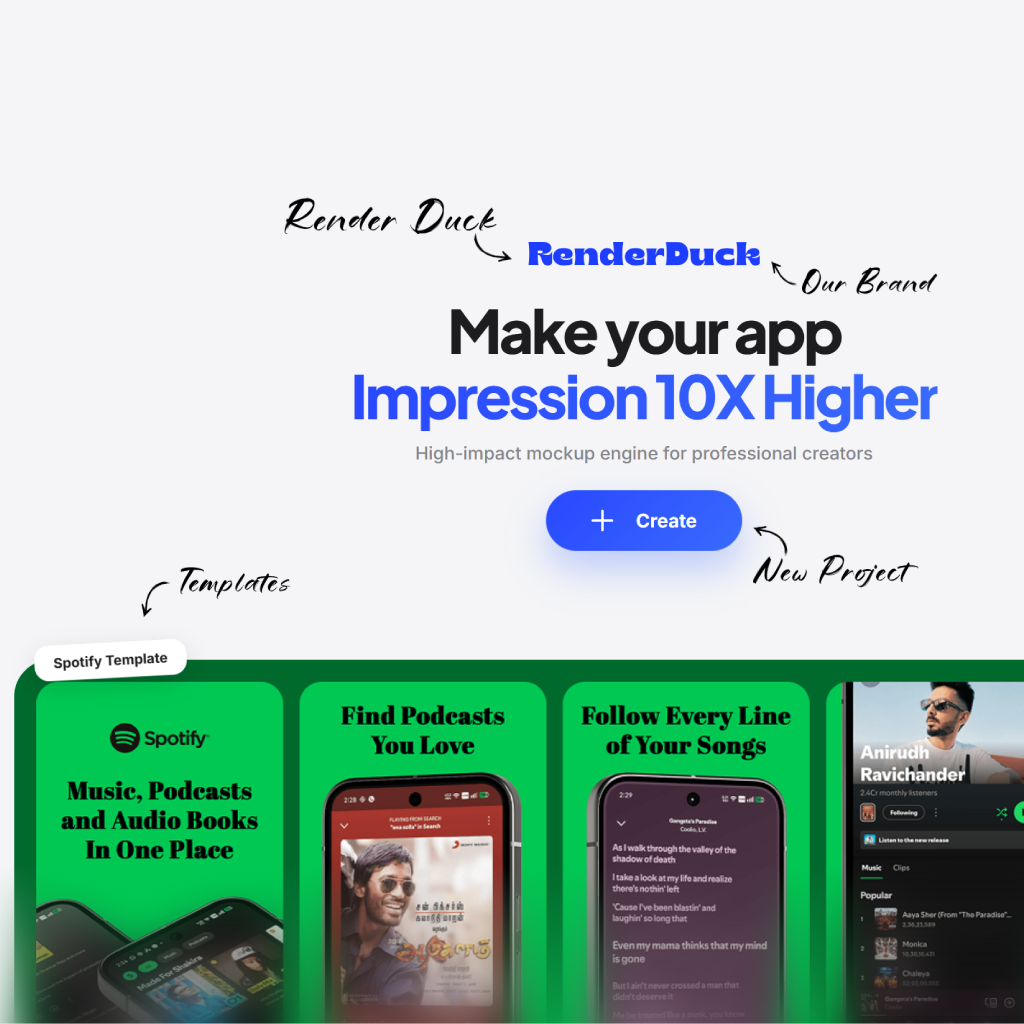
A screenshot set should make the product understandable without asking visitors to decode a complicated composition.
Keep each visual focused on a single outcome, feature or task.
Avoid headlines and decoration that make the actual app harder to inspect.
Check that the full set feels connected when seen side by side in App Store Connect.
A screenshot set should make the product understandable without asking visitors to decode a complicated composition.
Keep each visual focused on a single outcome, feature or task.
Avoid headlines and decoration that make the actual app harder to inspect.
Check that the full set feels connected when seen side by side in App Store Connect.
Use simple, intentional composition to make the next product moment easier to notice and understand.
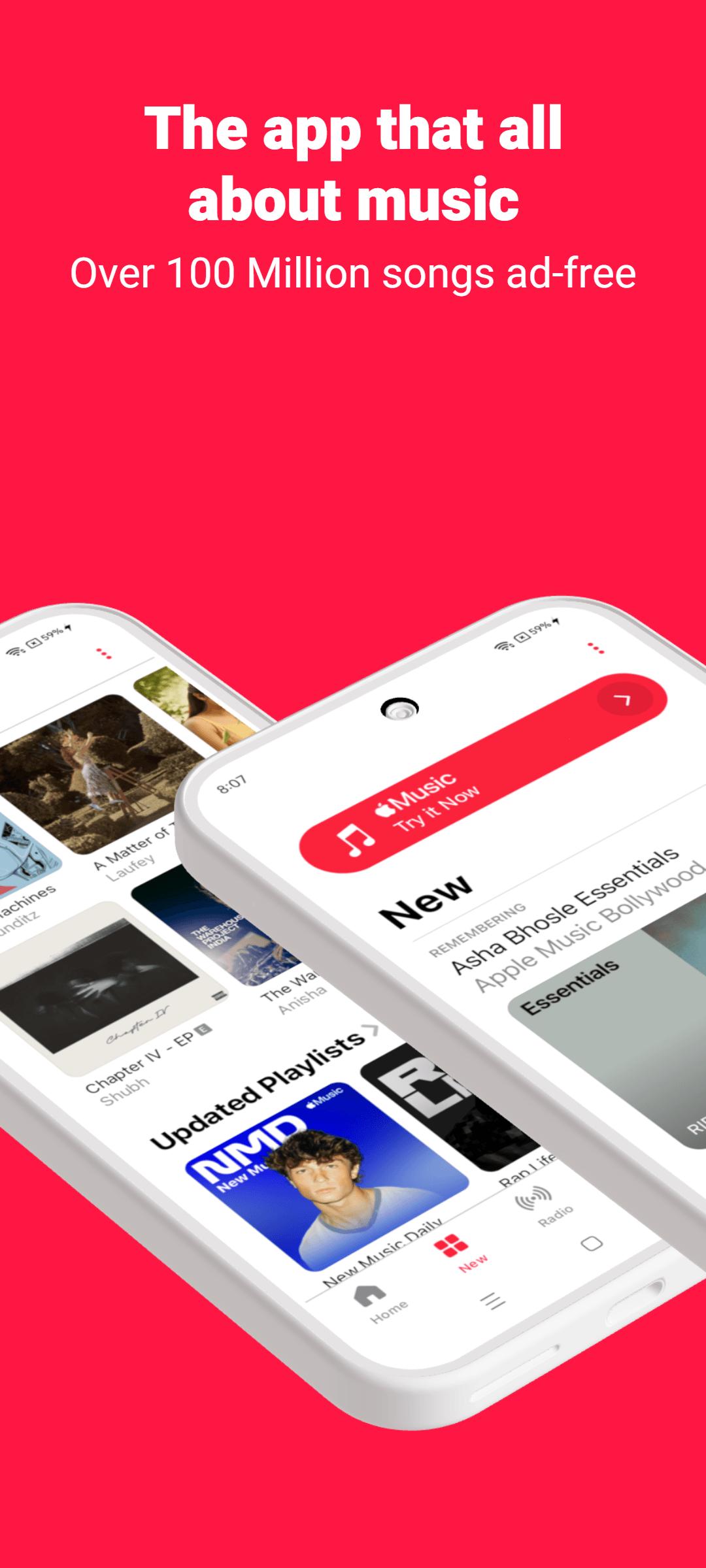
Lead with the main product idea
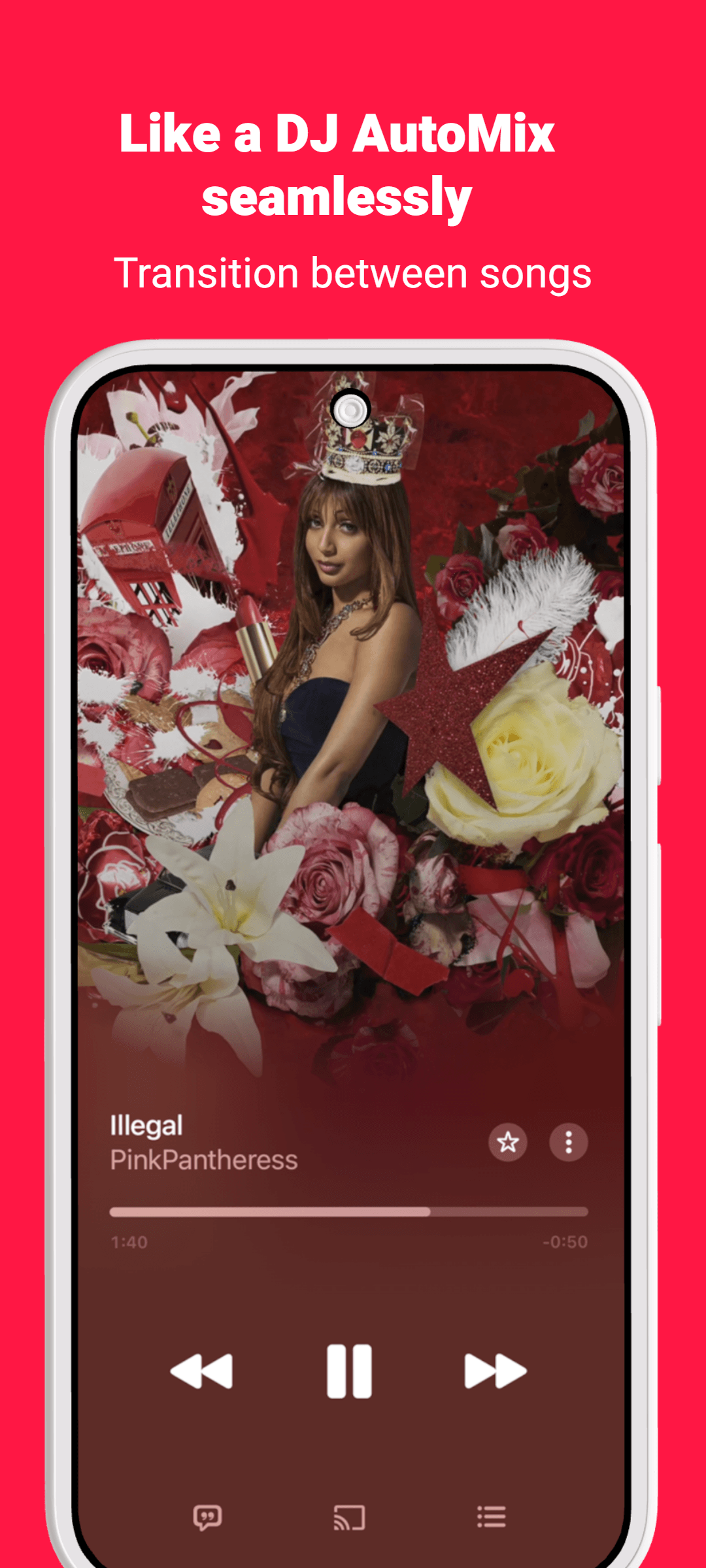
Focus on the important screen

Support the product story
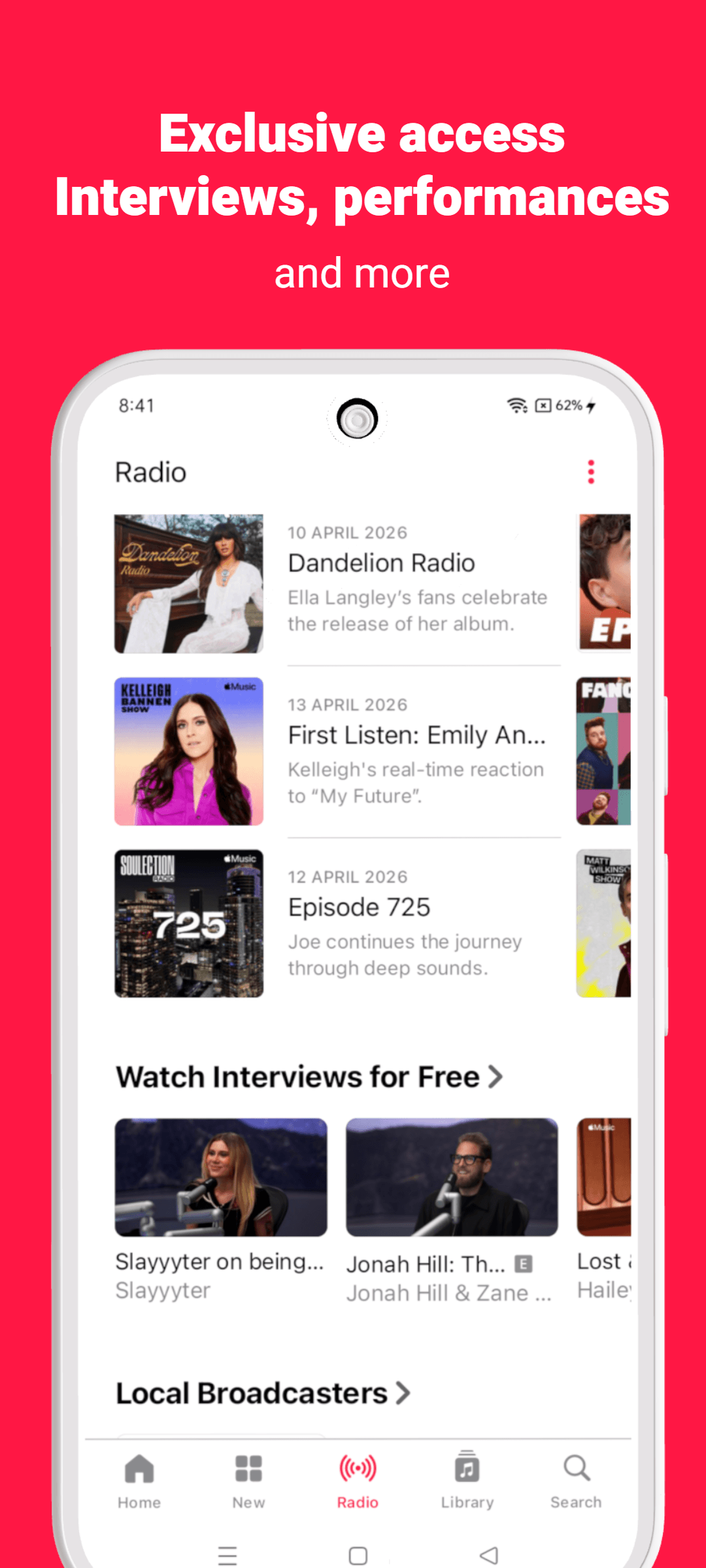
Finish with a clear benefit
A screenshot set should make the product understandable without asking visitors to decode a complicated composition.
Keep each visual focused on a single outcome, feature or task.
Avoid headlines and decoration that make the actual app harder to inspect.
Check that the full set feels connected when seen side by side in App Store Connect.
Use these page-specific notes when preparing your screenshots, templates, mockups or listing assets.
A screenshot set should make the product understandable without asking visitors to decode a complicated composition. The strongest version of this work begins with the real user problem your product solves, rather than a generic visual trend or a keyword placed for search engines.
Keep each visual focused on a single outcome, feature or task. Avoid headlines and decoration that make the actual app harder to inspect. Together, those choices help the page show useful evidence instead of relying on decorative claims.
Check that the full set feels connected when seen side by side in App Store Connect. Before publishing, review the page on a phone-sized screen and make sure every visible claim can be supported by the product experience.
Move between tools, templates, platform resources and guides without starting the research again.
The essentials for using RenderDuck for app store screenshot best practices.
A screenshot set should make the product understandable without asking visitors to decode a complicated composition.
Keep each visual focused on a single outcome, feature or task.
Avoid copying another product’s creative or making unsupported claims. Build the page around your own app, users and verifiable product value.
Check that the full set feels connected when seen side by side in App Store Connect.
Open the editor and turn your product screens into focused, polished app marketing creative.
Start creating