
✦
Lead with the iPhone experience
Use the first frames to show the product’s main benefit and core interface.
Create a clear App Store screenshot sequence for iPhone and iPad. Put the product first, communicate the value quickly, and keep every frame unmistakably on-brand.
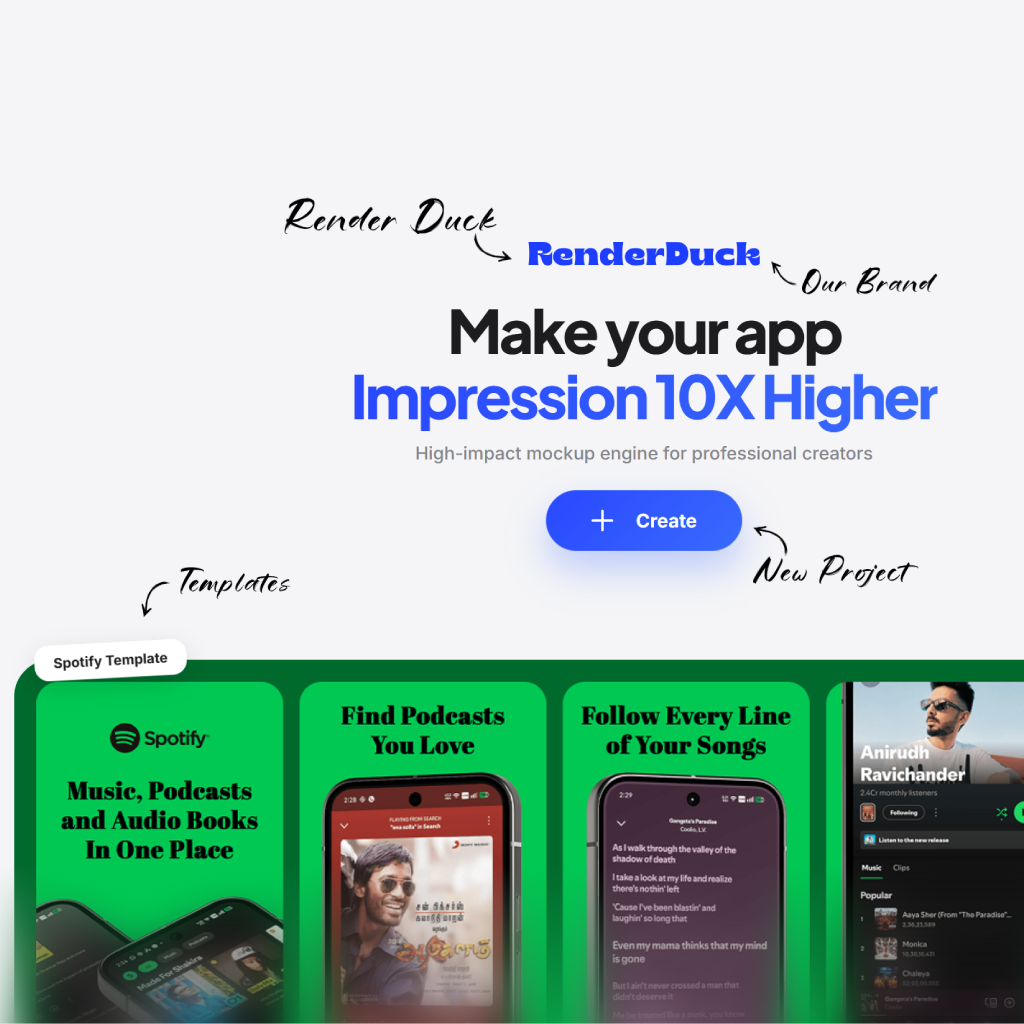
Your screenshots introduce the product before a visitor installs it. Make every image feel composed, clear and recognizably yours.
Use the first frames to show the product’s main benefit and core interface.
Choose a layout and framing that gives iPhone or iPad screens room to breathe.
Use copy and composition to move users through the product naturally.
Create a sequence that shows the value of your app without overwhelming the product UI.
Start with a layout that suits your App Store story.
Place the moments that best demonstrate the experience.
Match the background and messaging to your brand.
Export finished frames for your App Store submission.
Pair focused product views with copy that makes the App Store story easy to follow.
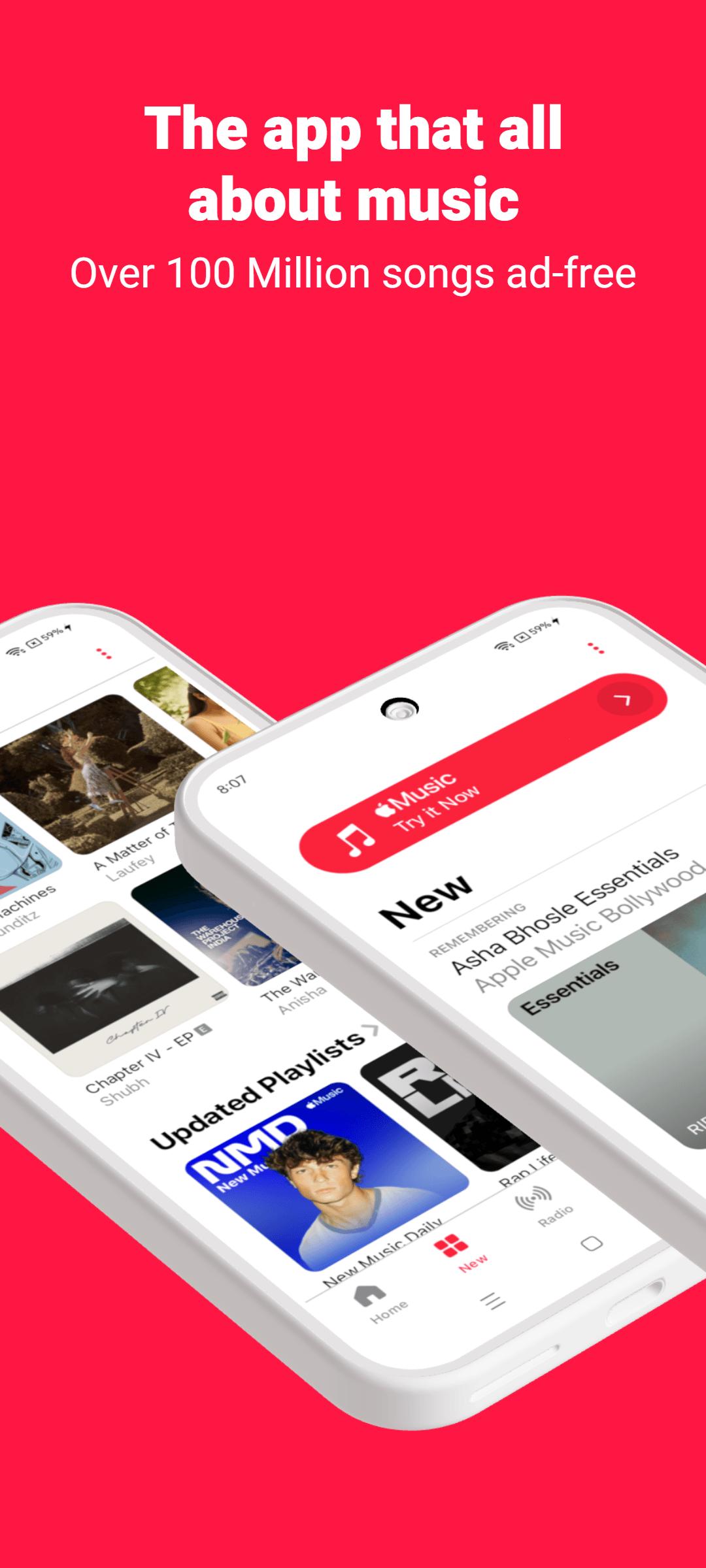
Introduce the product promise
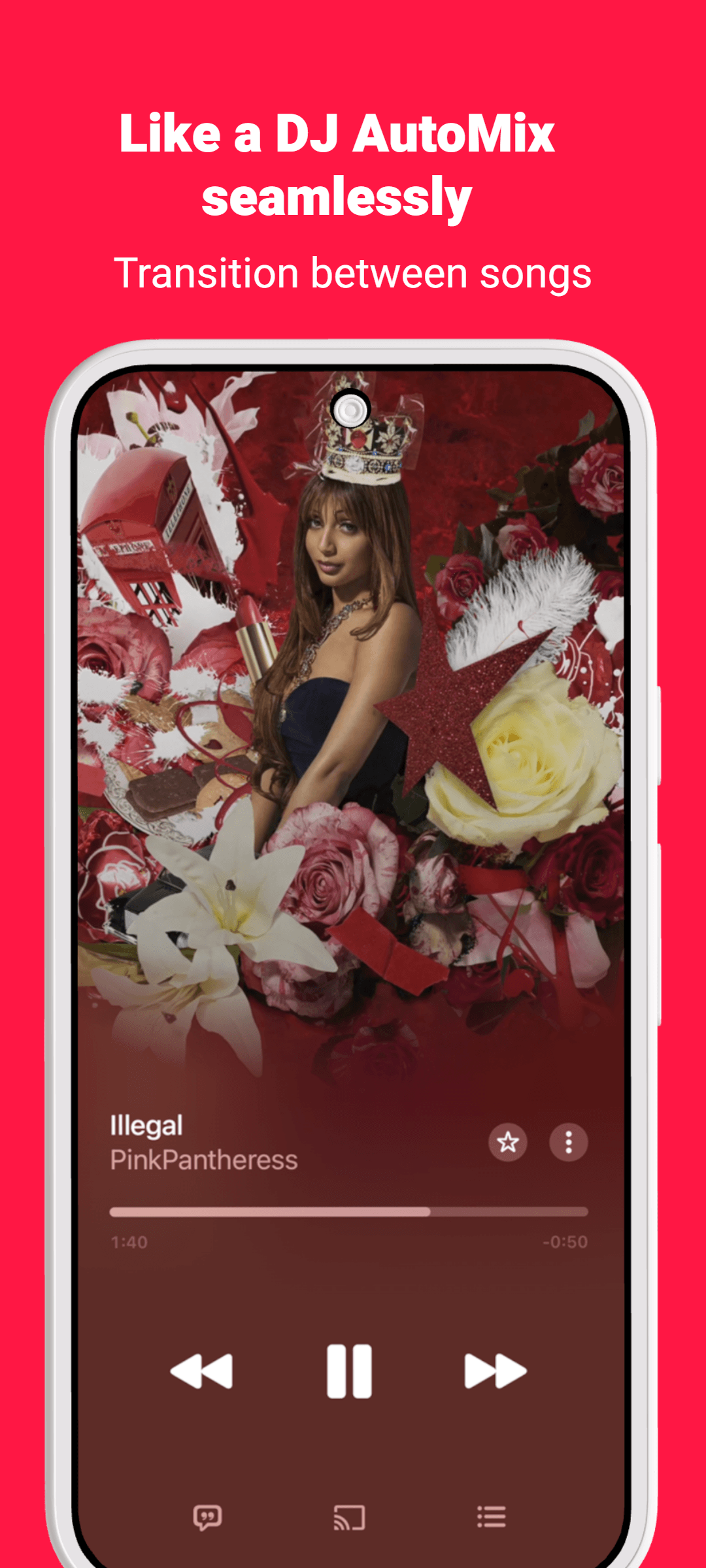
Feature the essential iOS flow
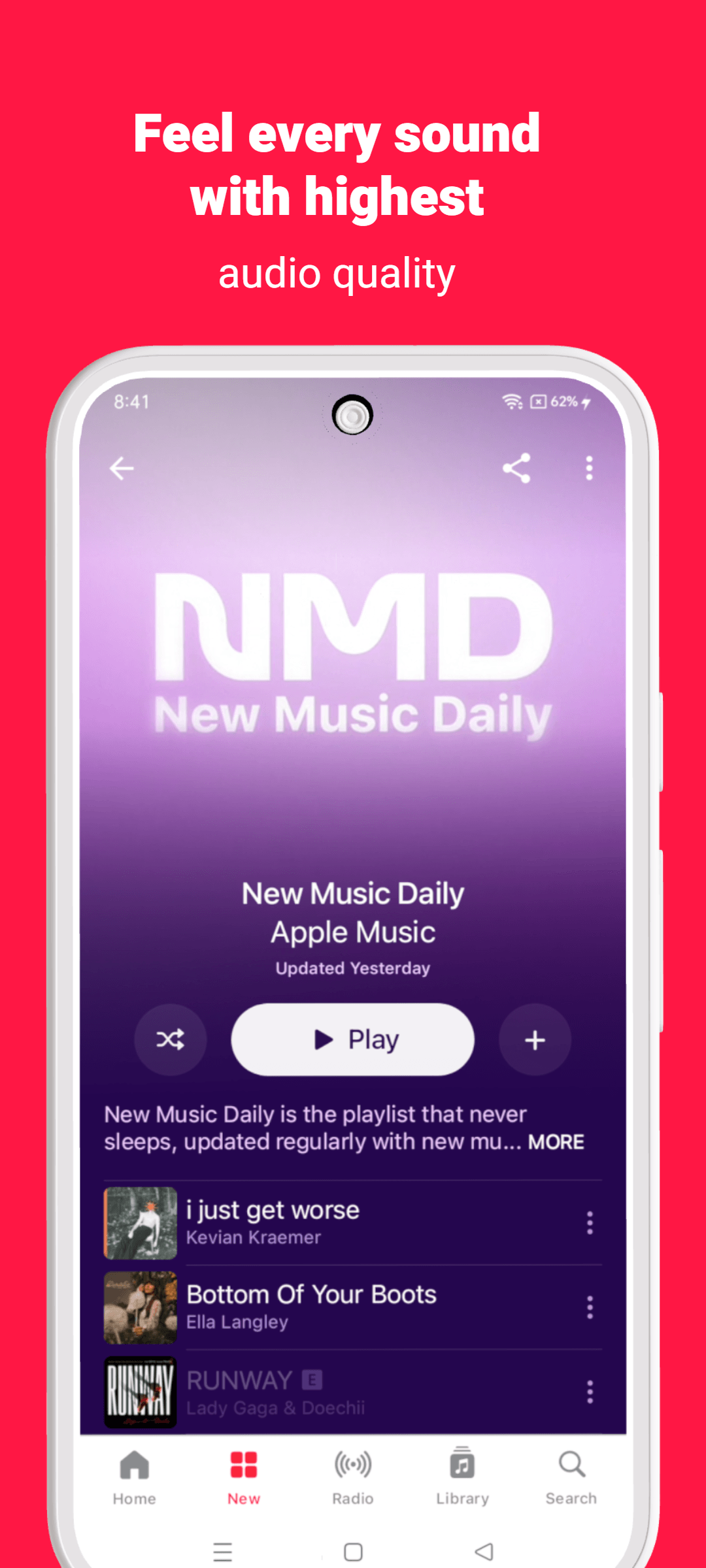
Frame the interface clearly
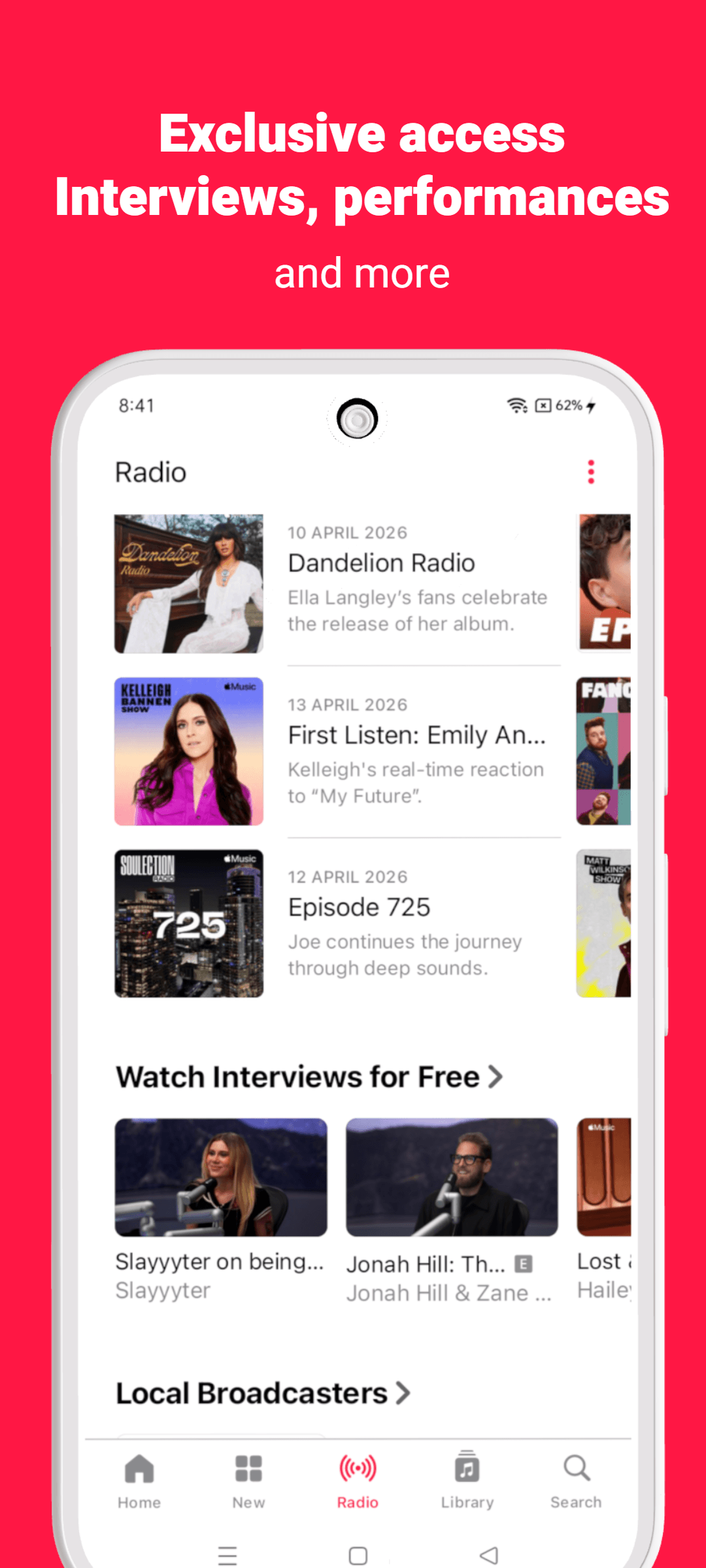
Close with a memorable benefit
Use this page as a focused starting point, then make decisions around the actual product, audience and store surface you are preparing.
Name the benefit the visitor should understand before they inspect the interface.
Use real screens, product states and details that support that benefit.
Repeat the same hierarchy, spacing and voice across the full creative set.
Move between tools, templates, platform resources and guides without starting the research again.
The essentials for using RenderDuck for app store screenshot generator.
Use it to create product-focused creative for app listings, launches and marketing moments. Start with your own product screens, then build the message and composition around them.
Use your own screenshots, colors, copy and visual direction. RenderDuck projects are editable, so the layout can become a starting point rather than a fixed template.
Lead with the product moment that makes the value easiest to understand. Keep the message focused and give the interface enough space to be seen.
No. RenderDuck is browser-based, so you can create and update product creative online.
Bring your iPhone and iPad app story into one polished, editable project.
Create App Store screenshots