
✦
Introduce the learning outcome
Start with the skill, subject or transformation the app supports.
Learners and parents want to understand what the experience makes possible. Show content together with the progress or feedback it creates.
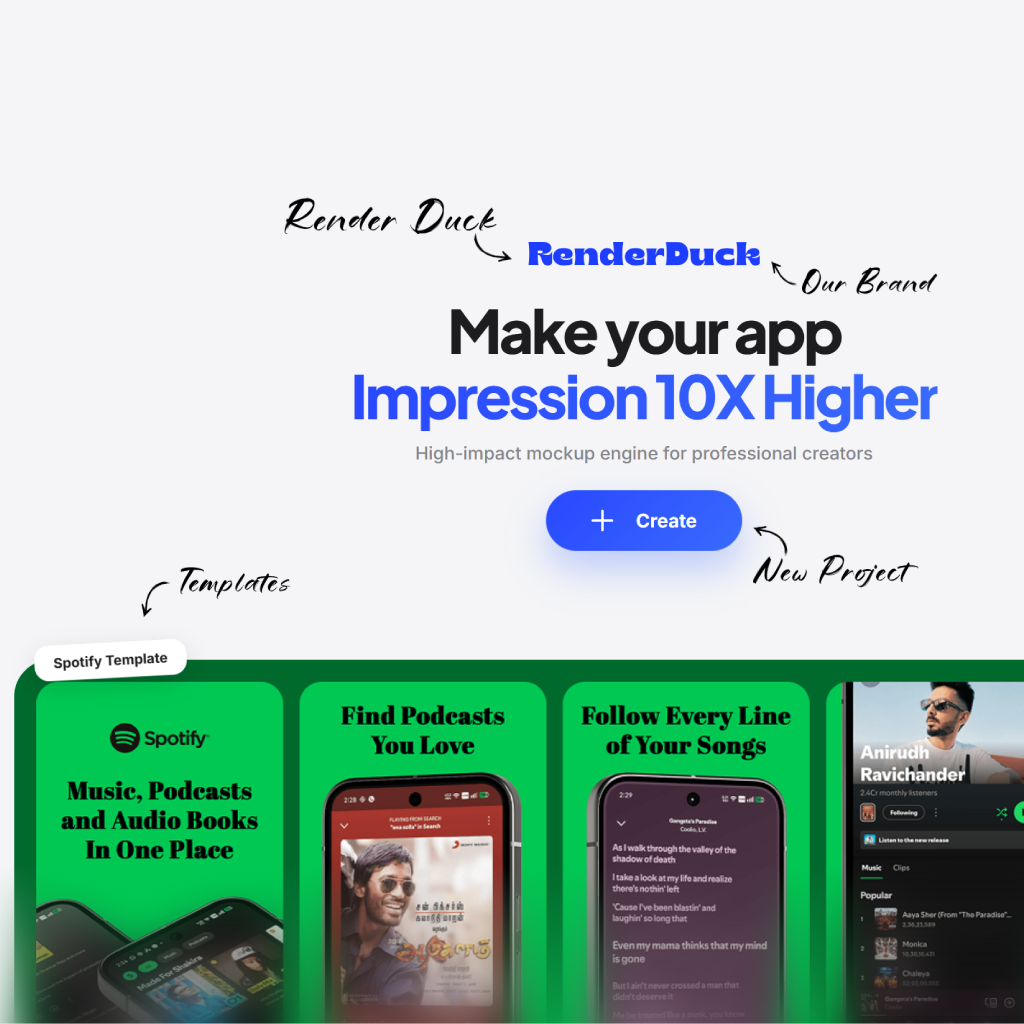
Learners and parents want to understand what the experience makes possible. Show content together with the progress or feedback it creates.
Start with the skill, subject or transformation the app supports.
Use an authentic lesson, exercise or review state rather than a marketing-only screen.
Include a milestone, feedback or plan view that makes the value feel ongoing.
Learners and parents want to understand what the experience makes possible. Show content together with the progress or feedback it creates.
Start with the skill, subject or transformation the app supports.
Use an authentic lesson, exercise or review state rather than a marketing-only screen.
Include a milestone, feedback or plan view that makes the value feel ongoing.
Use simple, intentional composition to make the next product moment easier to notice and understand.

Lead with the main product idea
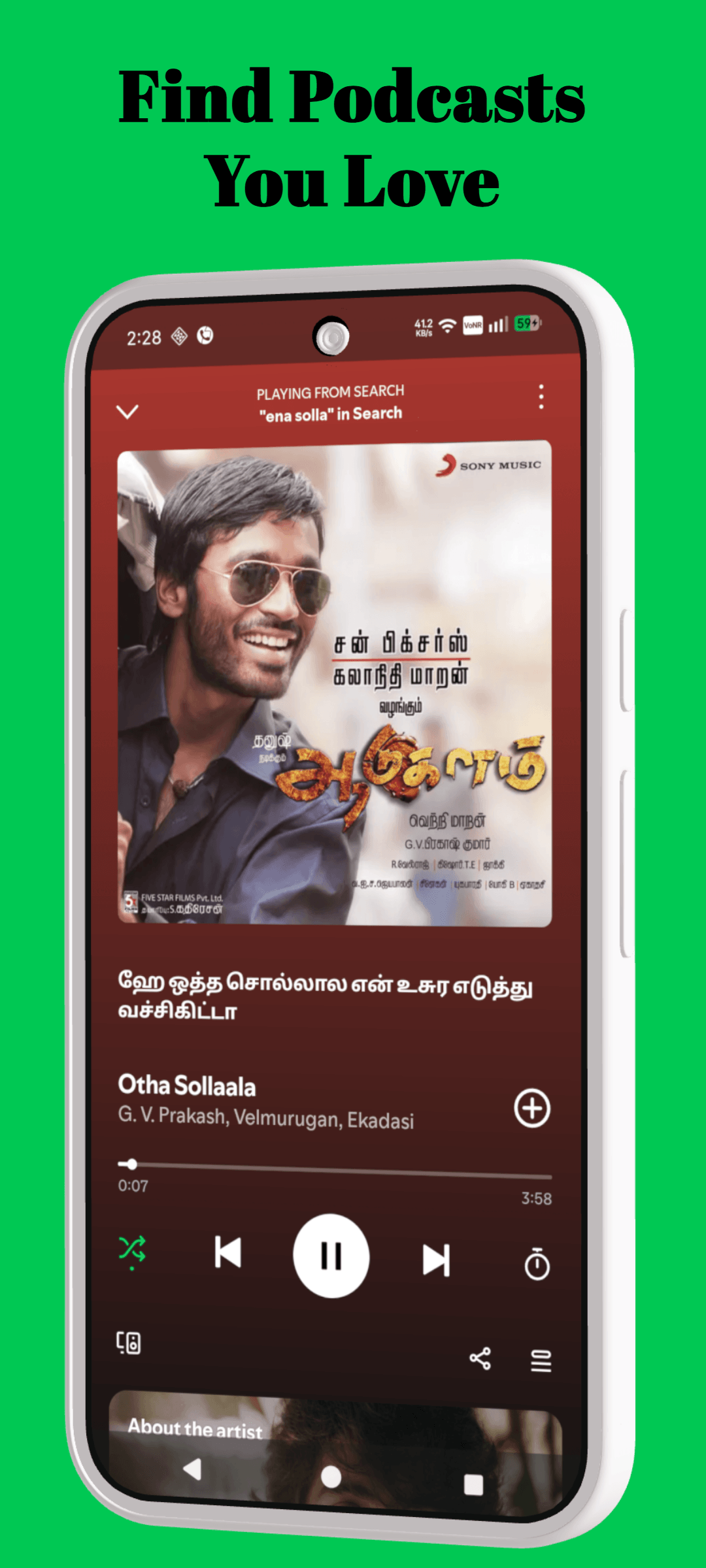
Focus on the important screen
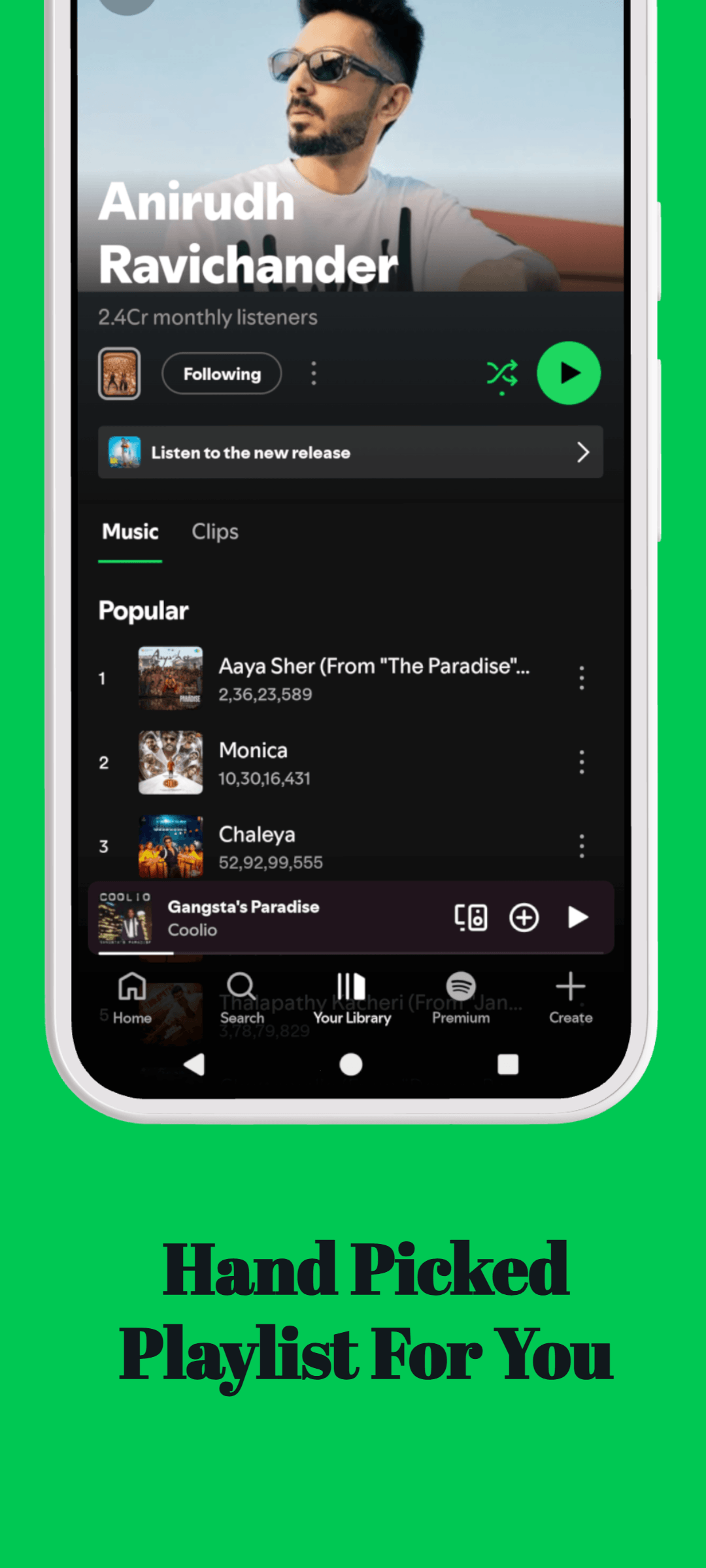
Support the product story
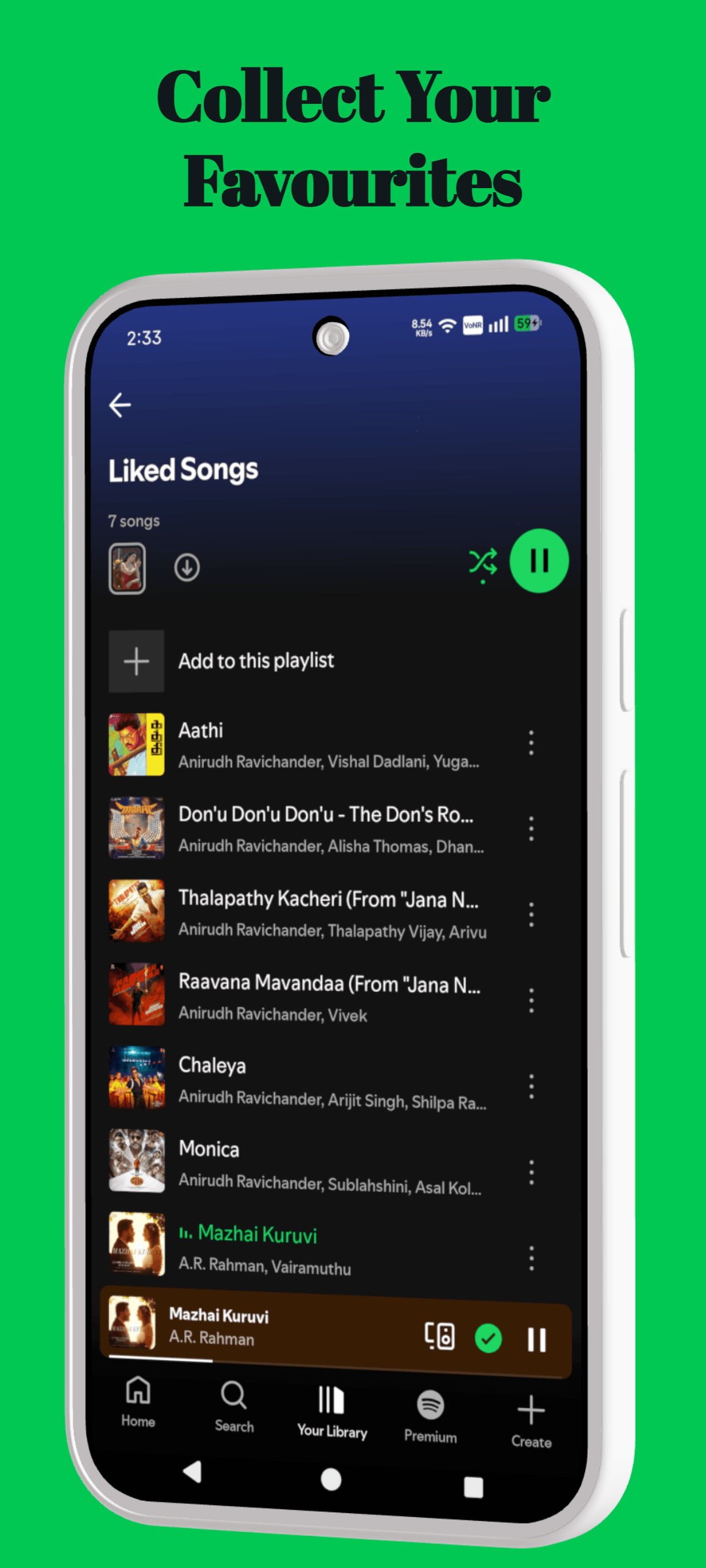
Finish with a clear benefit
Learners and parents want to understand what the experience makes possible. Show content together with the progress or feedback it creates.
Start with the skill, subject or transformation the app supports.
Use an authentic lesson, exercise or review state rather than a marketing-only screen.
Include a milestone, feedback or plan view that makes the value feel ongoing.
Use these page-specific notes when preparing your screenshots, templates, mockups or listing assets.
Learners and parents want to understand what the experience makes possible. Show content together with the progress or feedback it creates. The strongest version of this work begins with the real user problem your product solves, rather than a generic visual trend or a keyword placed for search engines.
Start with the skill, subject or transformation the app supports. Use an authentic lesson, exercise or review state rather than a marketing-only screen. Together, those choices help the page show useful evidence instead of relying on decorative claims.
Include a milestone, feedback or plan view that makes the value feel ongoing. Before publishing, review the page on a phone-sized screen and make sure every visible claim can be supported by the product experience.
Move between tools, templates, platform resources and guides without starting the research again.
The essentials for using RenderDuck for education app screenshot templates.
Learners and parents want to understand what the experience makes possible. Show content together with the progress or feedback it creates.
Start with the skill, subject or transformation the app supports.
Avoid copying another product’s creative or making unsupported claims. Build the page around your own app, users and verifiable product value.
Include a milestone, feedback or plan view that makes the value feel ongoing.
Open the editor and turn your product screens into focused, polished app marketing creative.
Start creating