
✦
Build around the product
Bring in the screens people will actually use, then give each one a clear job in the sequence.
Create polished App Store and Google Play graphics from your real product screens. Start with an editable template, shape the story, and export creative that looks considered from the first frame.
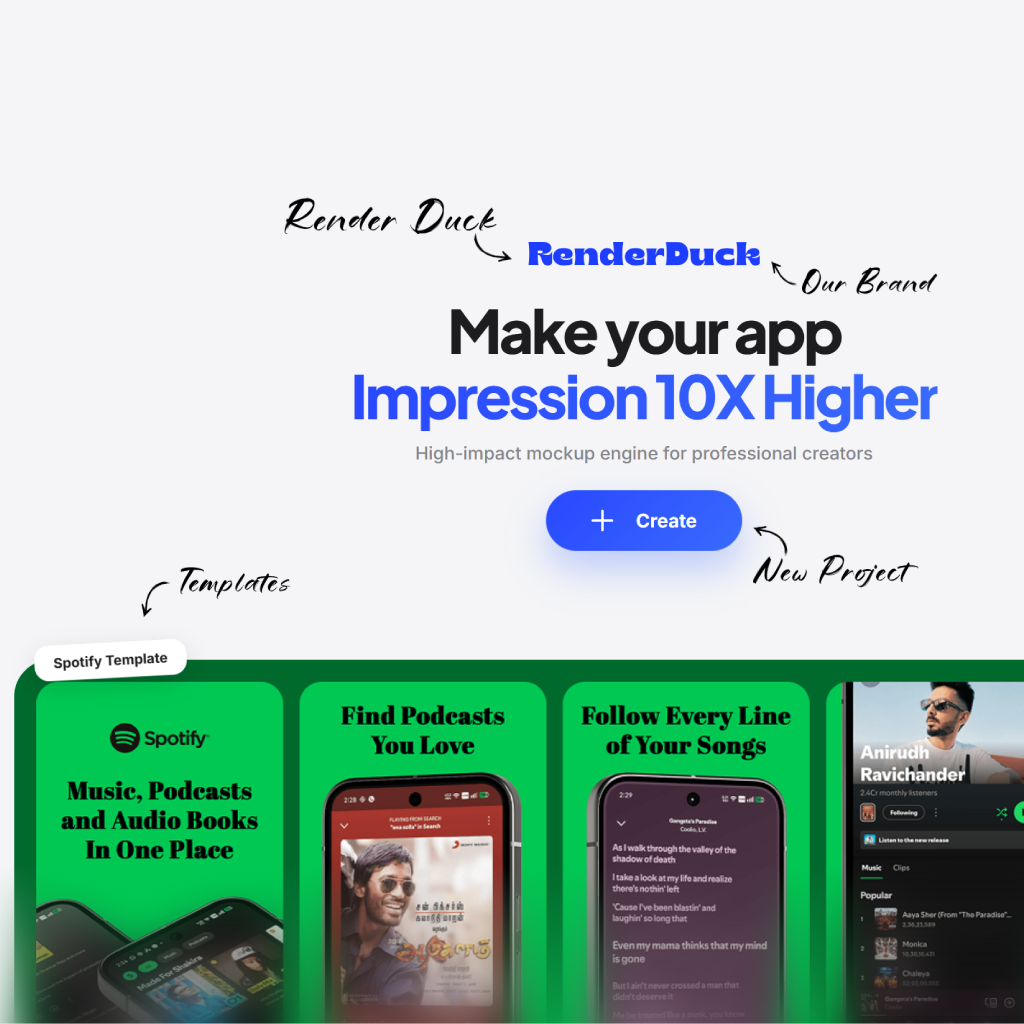
Store screenshots need to answer a visitor’s question quickly: what does this app do, and why should I care?
Bring in the screens people will actually use, then give each one a clear job in the sequence.
Pair screens with editable layouts, backgrounds and device presentations.
Return to the same project when copy, releases or campaigns change.
Use the editor as a practical creative workspace—not a complicated production process.
Open a template or begin with a suitable app-store canvas.
Place key product moments into a purposeful visual order.
Adjust headline, colors and device treatment.
Review your images, export and prepare your listing.
Frame your value first, then give each feature enough space to be understood at a glance.

Lead with the core promise
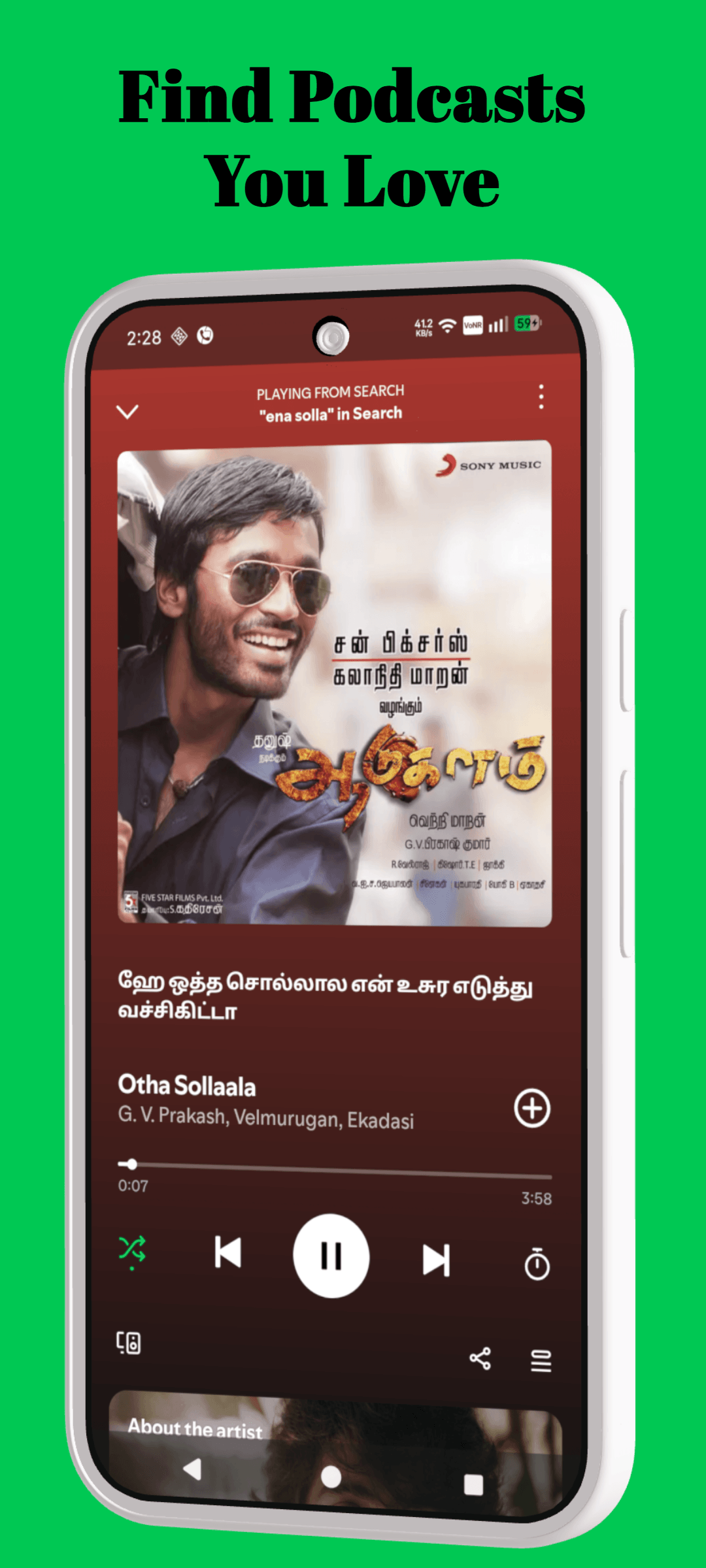
Give features a clear frame
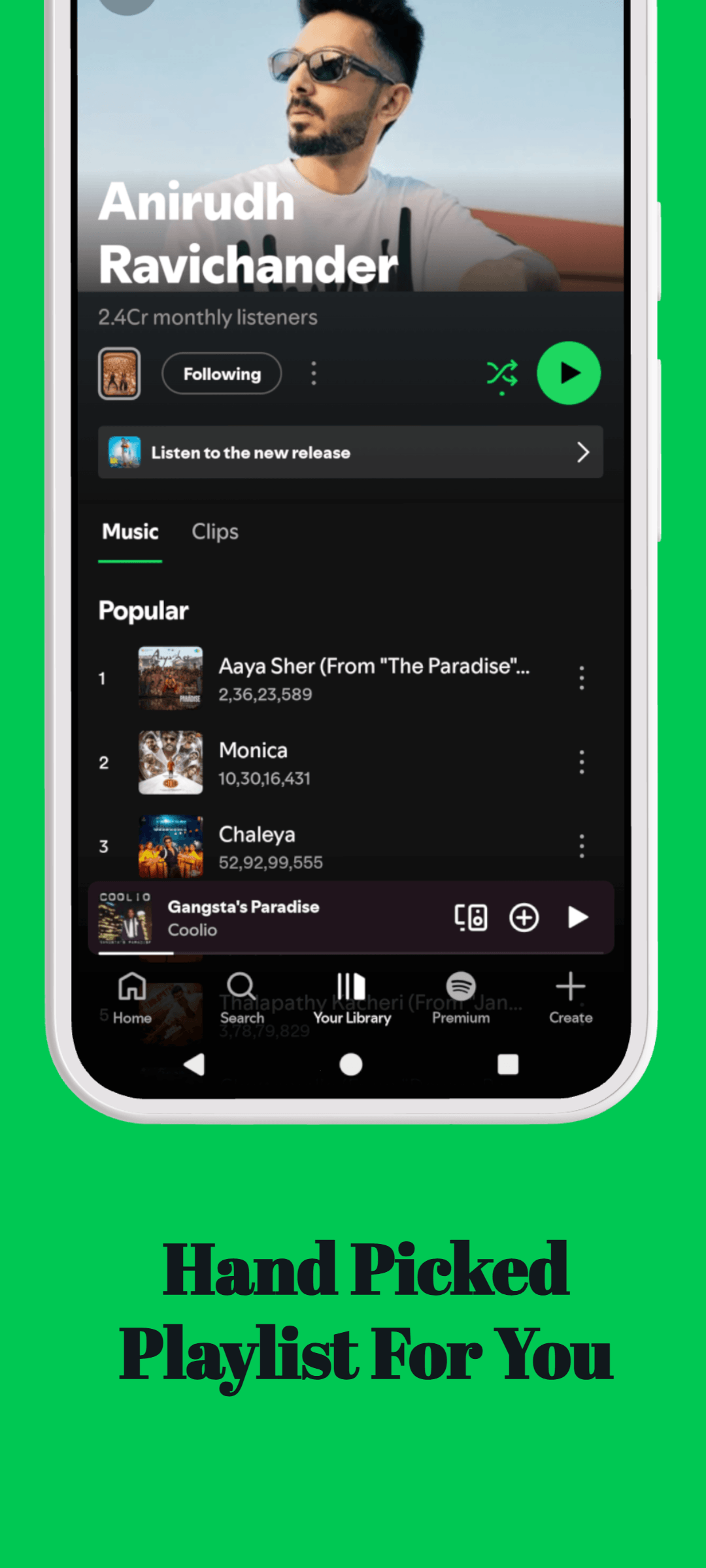
Use visual hierarchy
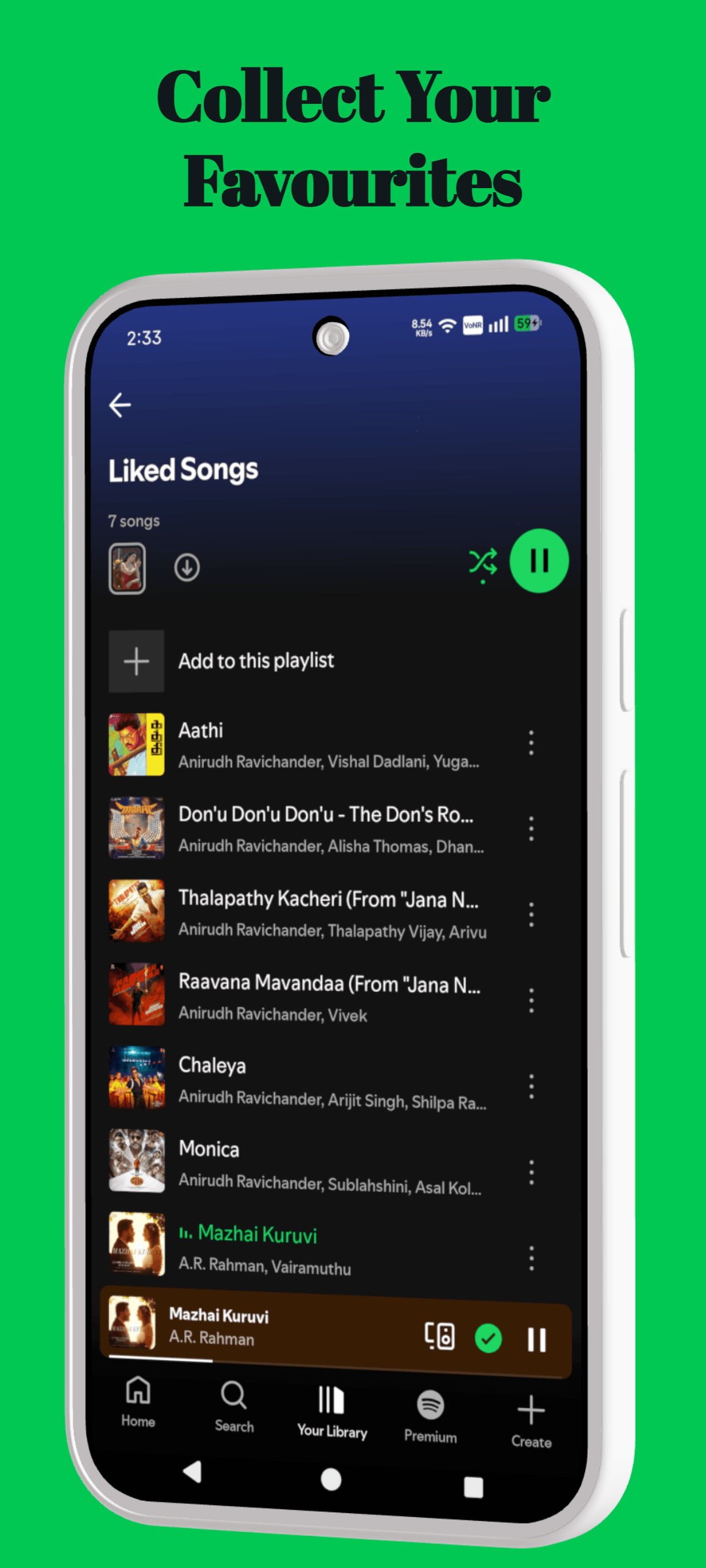
Keep the product visible
Use this page as a focused starting point, then make decisions around the actual product, audience and store surface you are preparing.
Name the benefit the visitor should understand before they inspect the interface.
Use real screens, product states and details that support that benefit.
Repeat the same hierarchy, spacing and voice across the full creative set.
Move between tools, templates, platform resources and guides without starting the research again.
The essentials for using RenderDuck for app screenshot generator.
Use it to create product-focused creative for app listings, launches and marketing moments. Start with your own product screens, then build the message and composition around them.
Use your own screenshots, colors, copy and visual direction. RenderDuck projects are editable, so the layout can become a starting point rather than a fixed template.
Lead with the product moment that makes the value easiest to understand. Keep the message focused and give the interface enough space to be seen.
No. RenderDuck is browser-based, so you can create and update product creative online.
Turn product screens into a clean, compelling store listing.
Create app screenshots