
✦
Create visual momentum
Use angled or posed devices to give a static screen more movement.
Create a more dynamic device presentation with 3D phone mockups. Use perspective, placement and light to give your app screens extra presence.
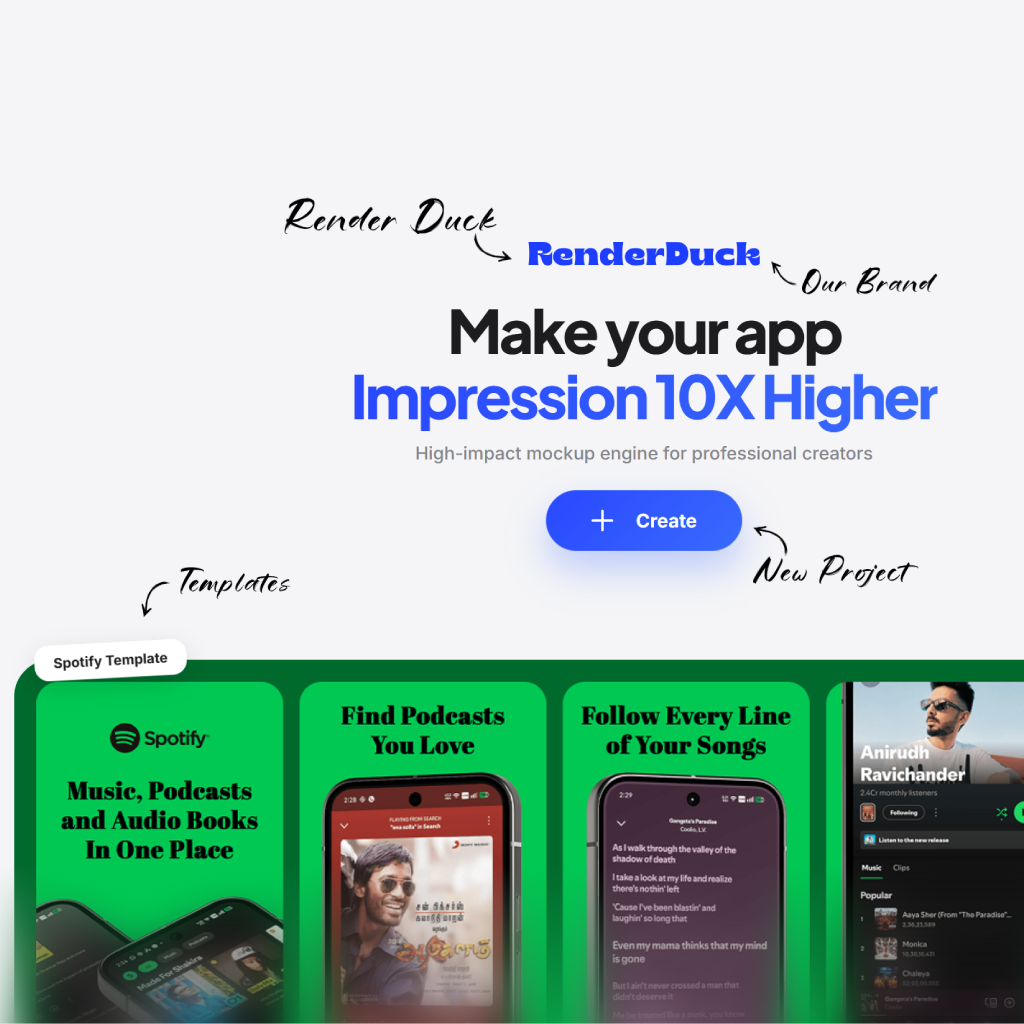
3D device scenes add depth to a product visual while leaving the app interface as the main subject.
Use angled or posed devices to give a static screen more movement.
Let perspective guide the eye toward the essential product moment.
Balance the scene so the app screen stays the clearest part of the creative.
Start with a product screen, choose a dimensional scene, then make it feel like your brand.
Choose a perspective or scene that matches the product energy.
Place the interface into the phone presentation.
Adjust the surrounding copy, colors and visual emphasis.
Use the finished 3D mockup in your next launch asset.
Use dimensional scenes when you need a stronger visual hook for an app feature or campaign.

Start with a bold angle
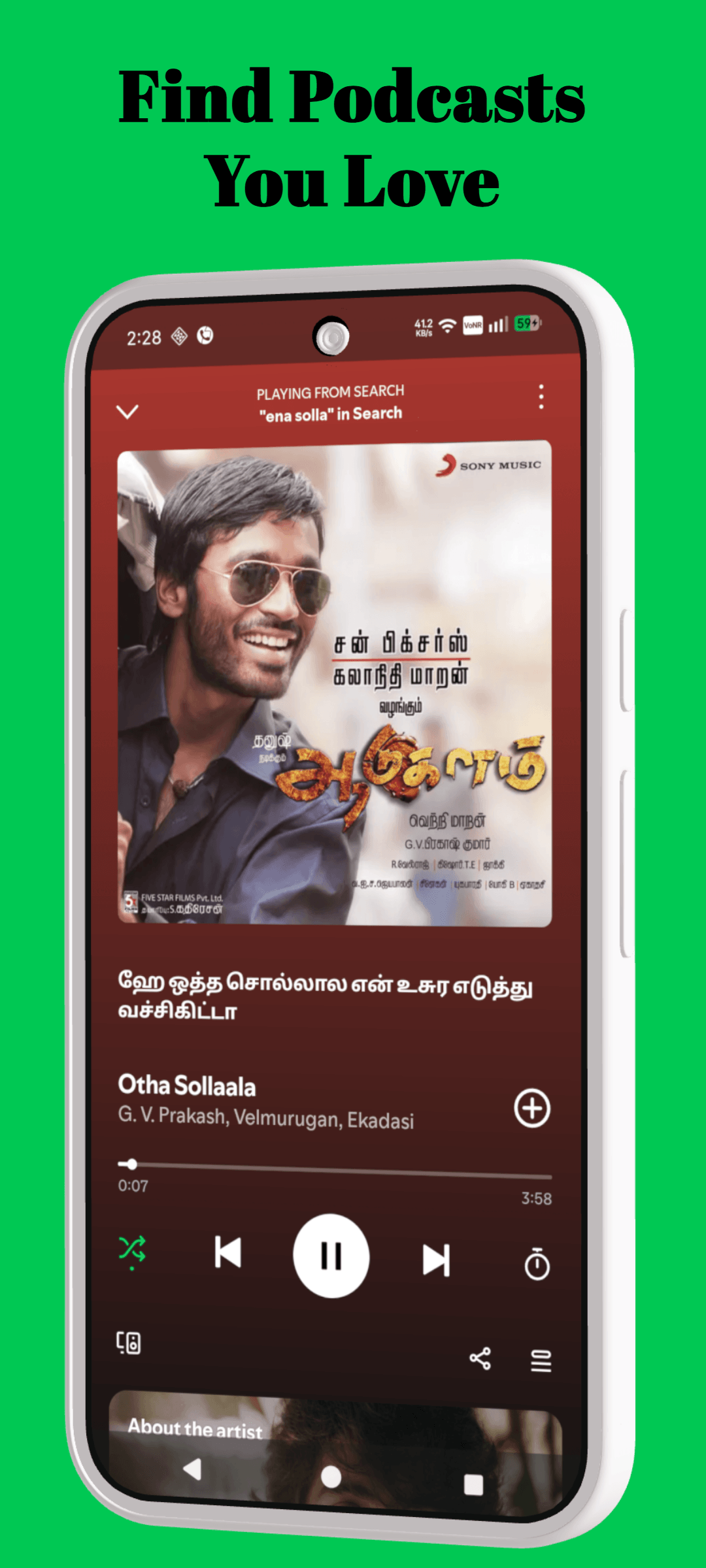
Lead the eye to the UI
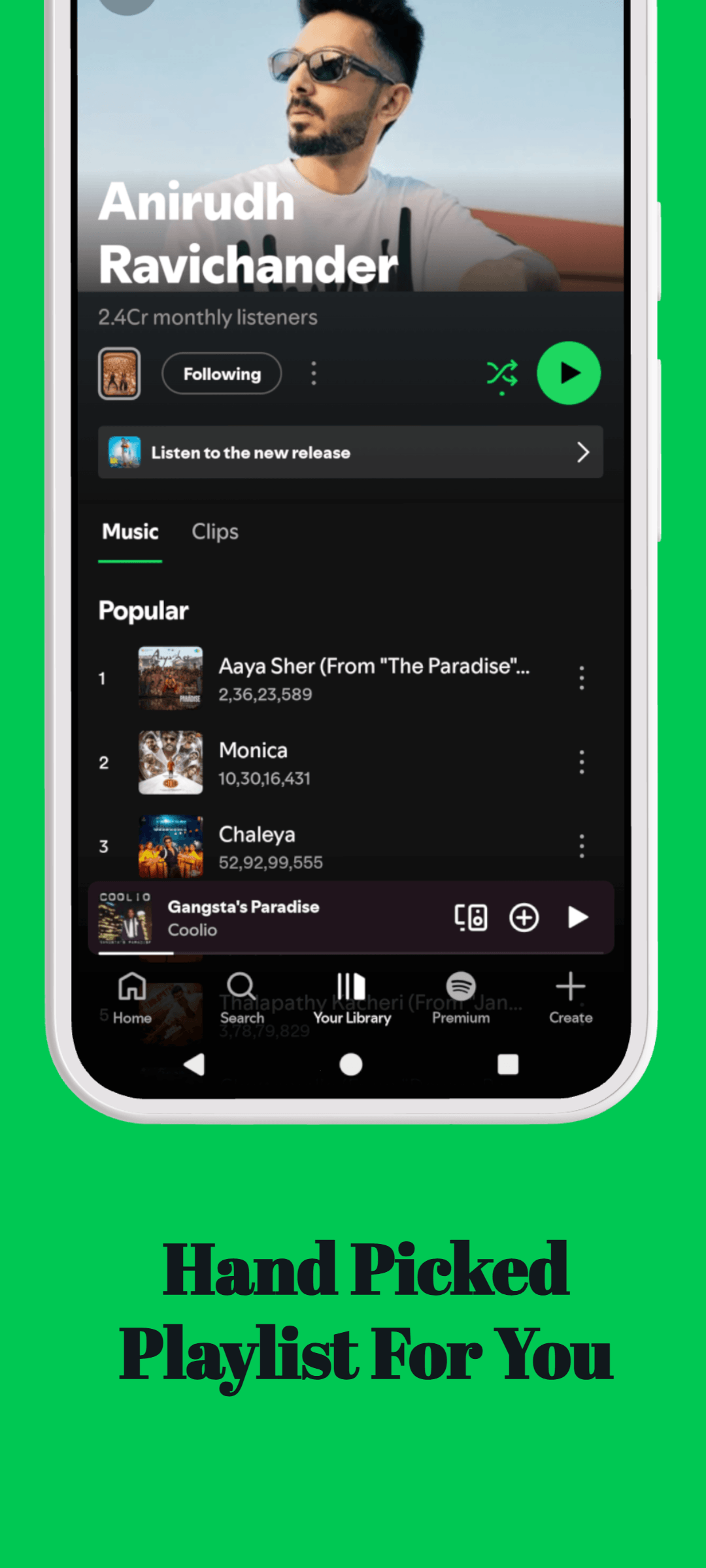
Give the device presence
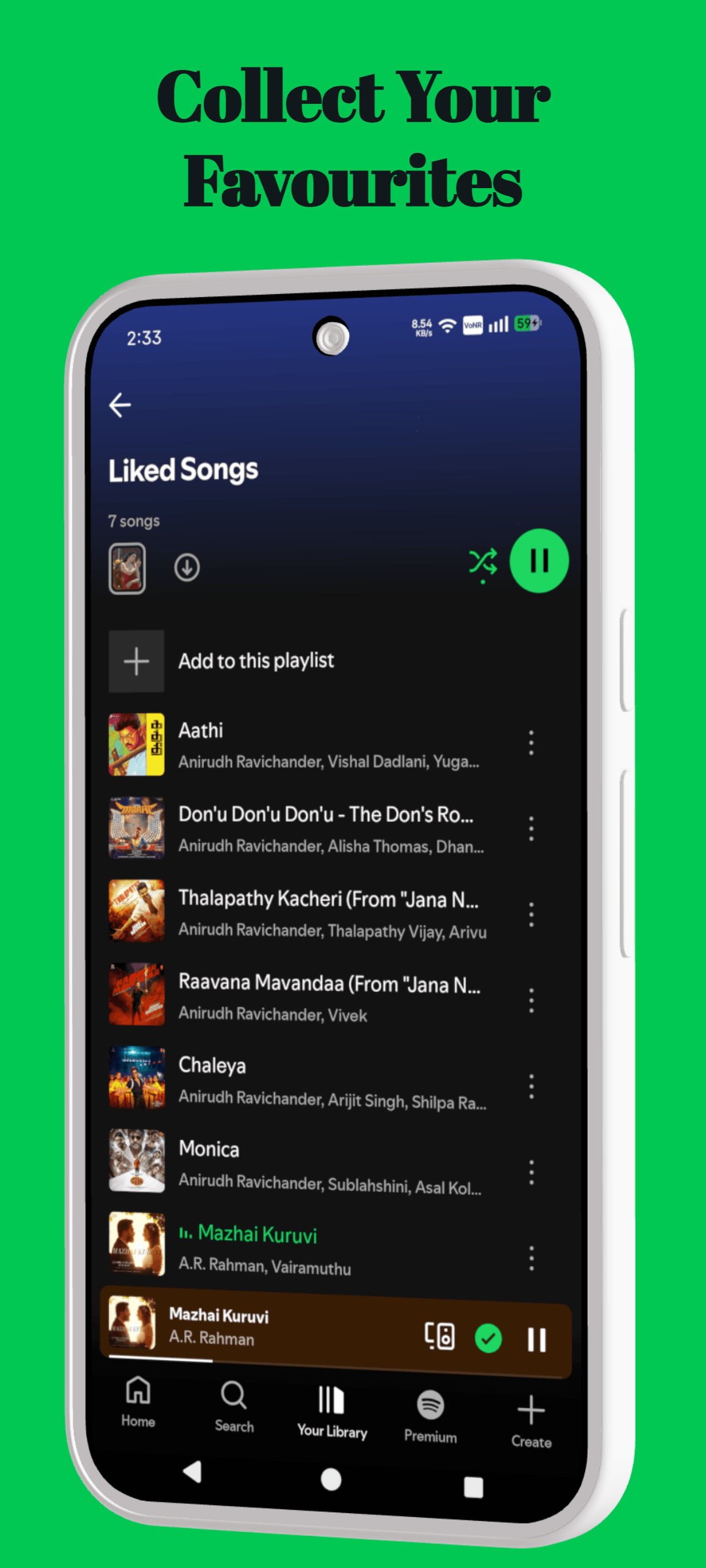
Finish with a polished scene
Use this page as a focused starting point, then make decisions around the actual product, audience and store surface you are preparing.
Name the benefit the visitor should understand before they inspect the interface.
Use real screens, product states and details that support that benefit.
Repeat the same hierarchy, spacing and voice across the full creative set.
Move between tools, templates, platform resources and guides without starting the research again.
The essentials for using RenderDuck for 3d phone mockup generator.
Use it to create product-focused creative for app listings, launches and marketing moments. Start with your own product screens, then build the message and composition around them.
Use your own screenshots, colors, copy and visual direction. RenderDuck projects are editable, so the layout can become a starting point rather than a fixed template.
Lead with the product moment that makes the value easiest to understand. Keep the message focused and give the interface enough space to be seen.
No. RenderDuck is browser-based, so you can create and update product creative online.
Use perspective and editable device scenes to make your app screens more memorable.
Create 3D phone mockups