
✦
Start with the right format
Use a 1024 × 500 composition built for Google Play feature graphic creative.
Create a 1024 × 500 Google Play feature graphic that gives your app listing a confident visual identity before users see the first screenshot.
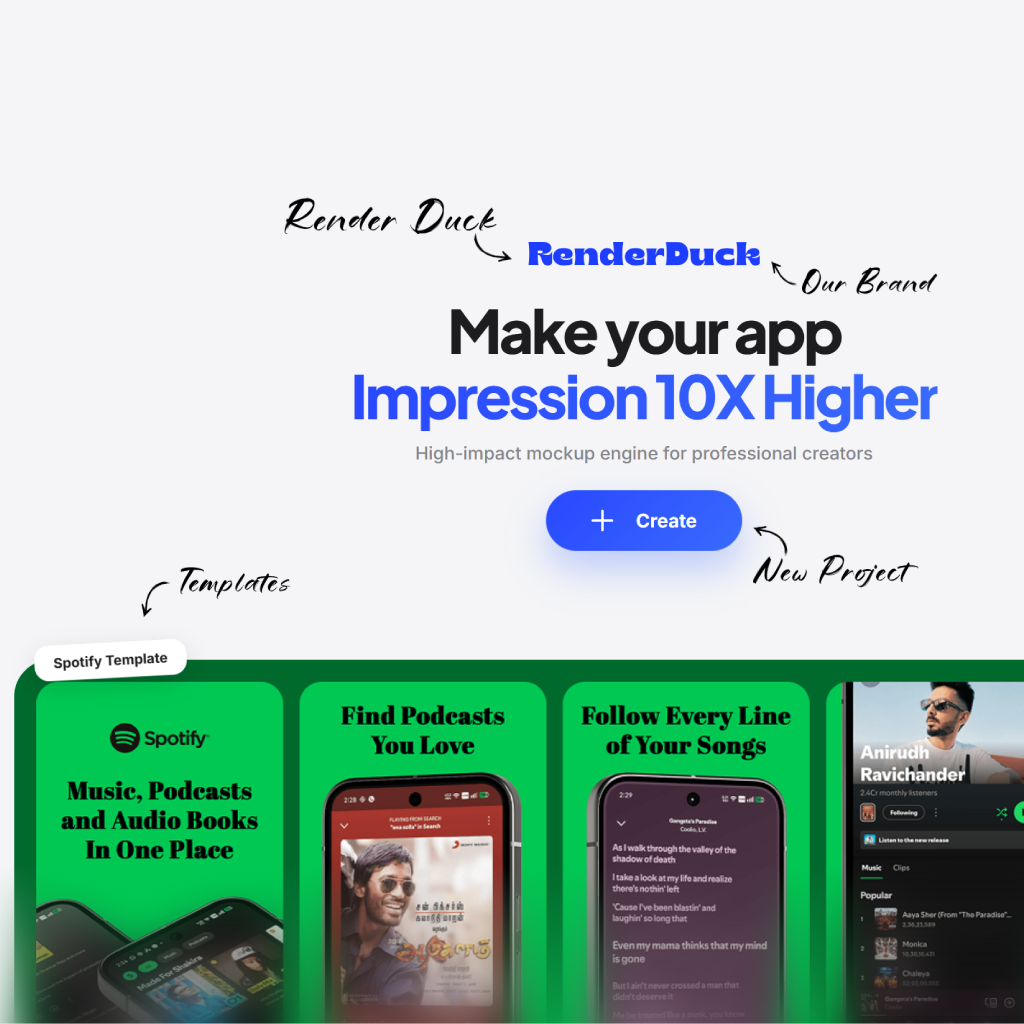
Your feature graphic can establish the mood, product category and creative direction for the rest of your Google Play listing.
Use a 1024 × 500 composition built for Google Play feature graphic creative.
Use iconography, product imagery and color deliberately so your visual feels distinct.
Carry the same visual language into your screenshot set for a cohesive store presence.
Use the right canvas, then shape the visual around the personality of your app.
Start from a layout designed for the 1024 × 500 format.
Bring in visuals that make the app identifiable at a glance.
Refine color, copy and balance for a strong first impression.
Review the final asset before adding it to the Play listing.
Use the 1024 × 500 canvas to make an immediate, recognizable statement about your app.
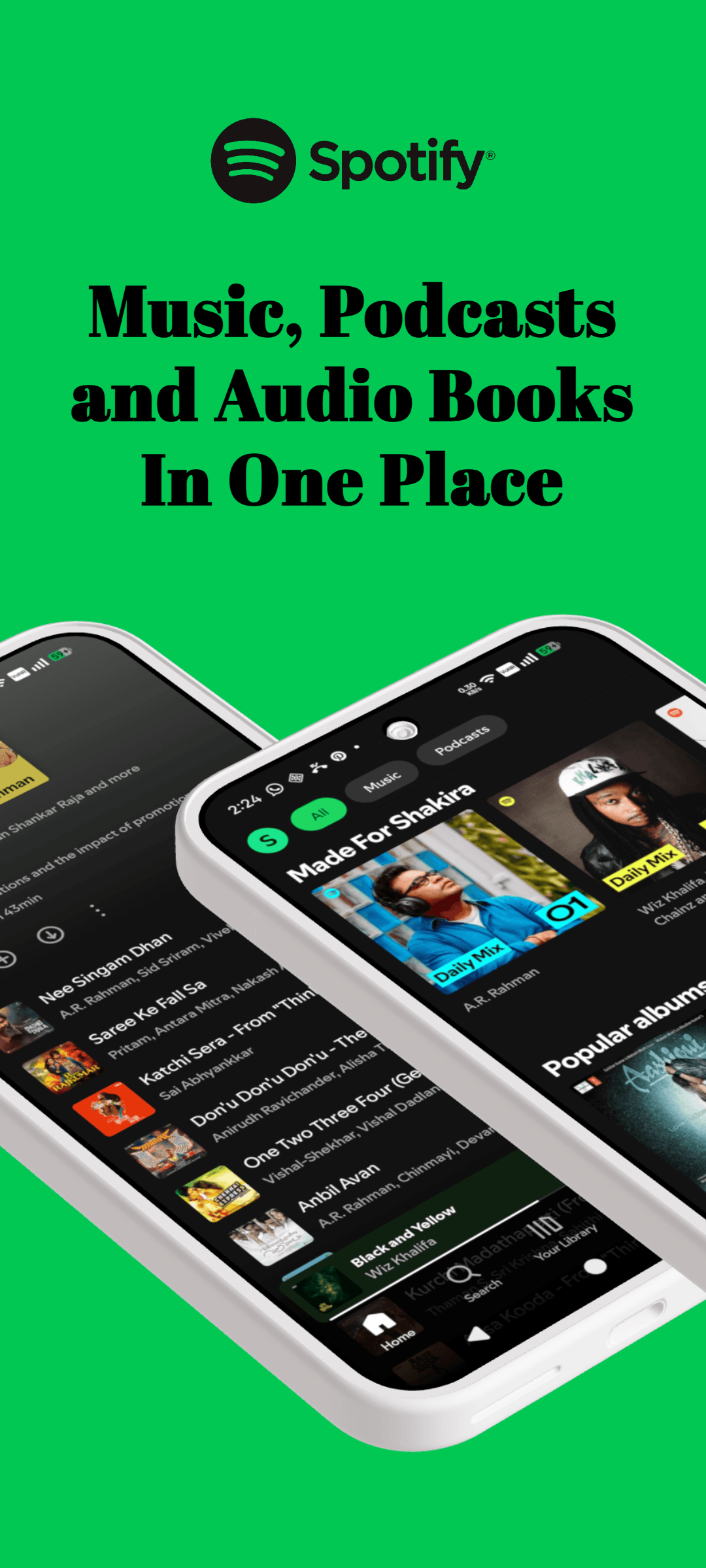
Establish the app mood
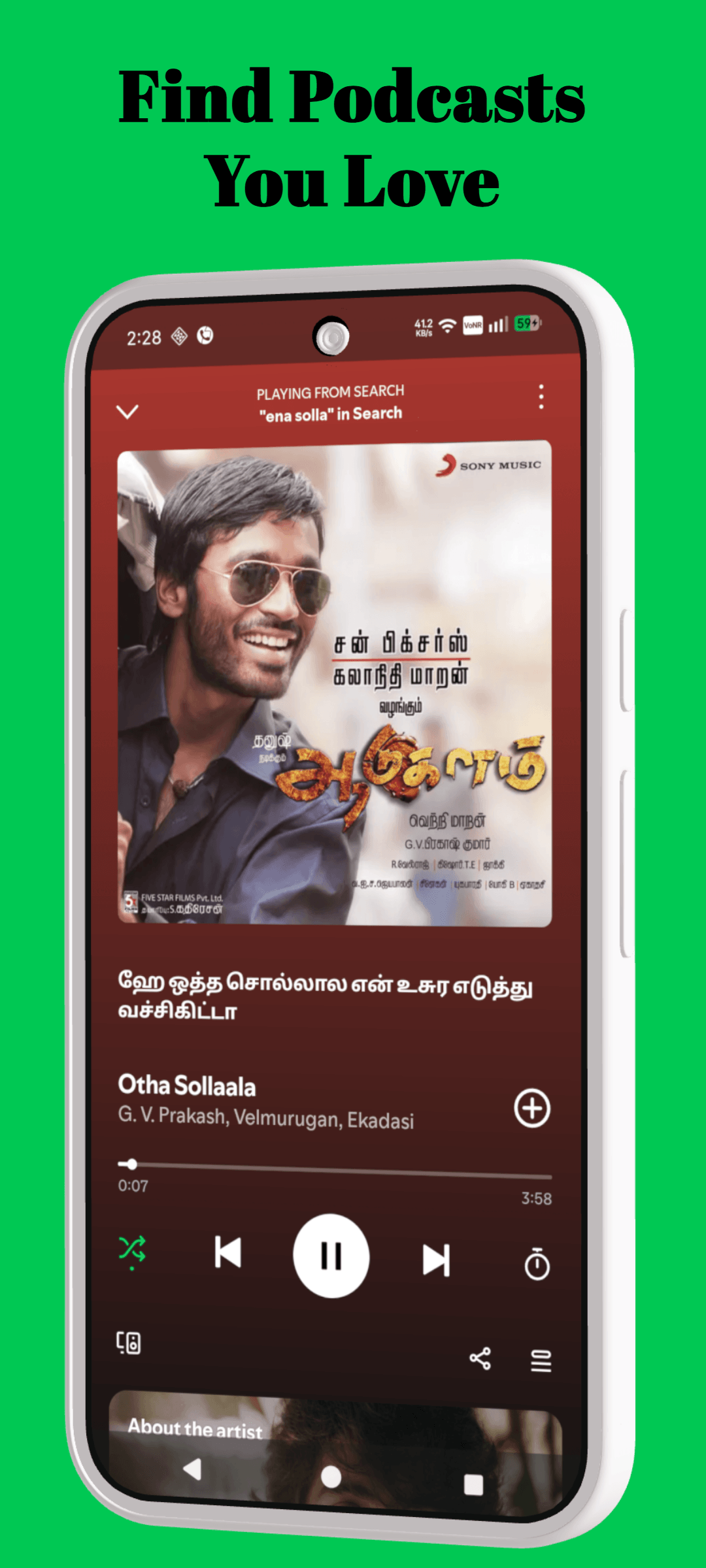
Use a clear hero visual
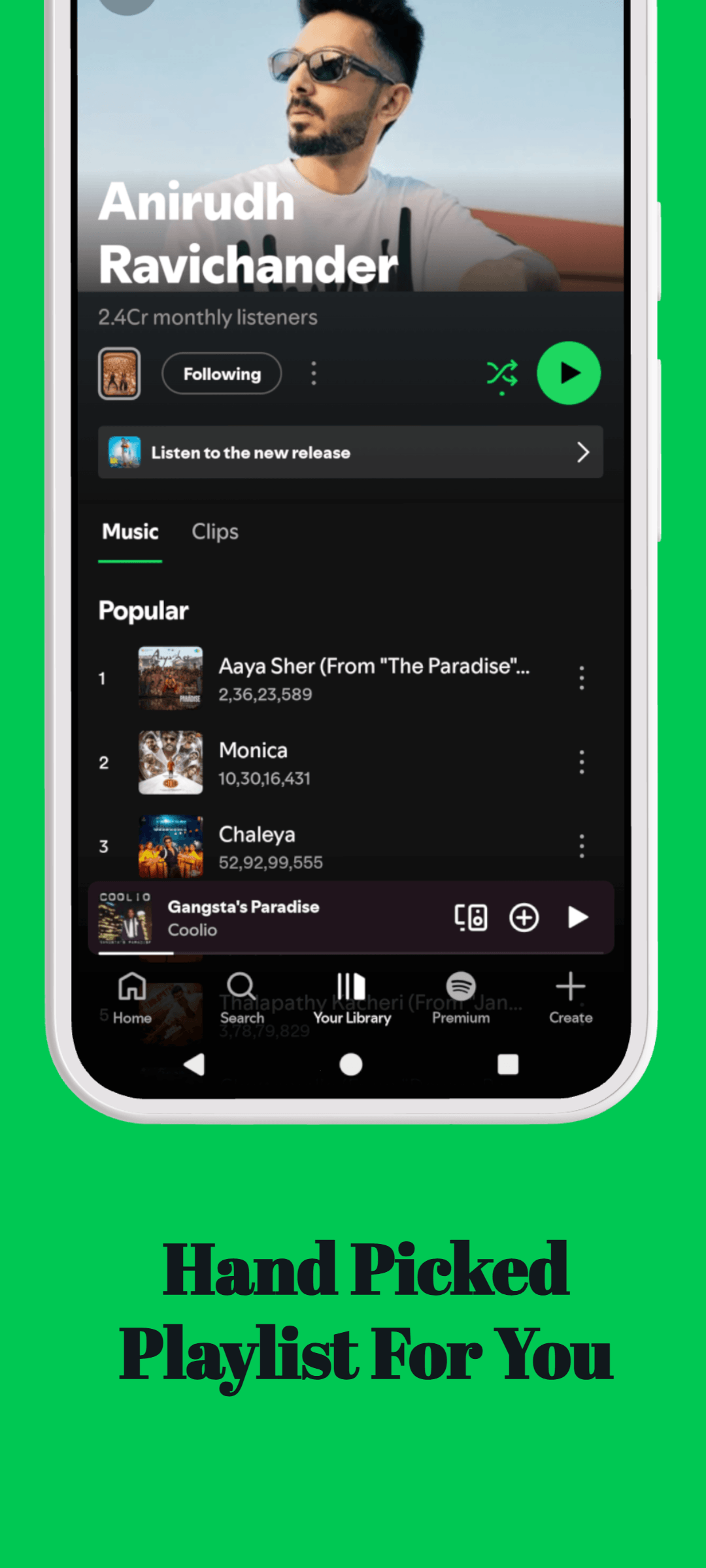
Build brand recognition
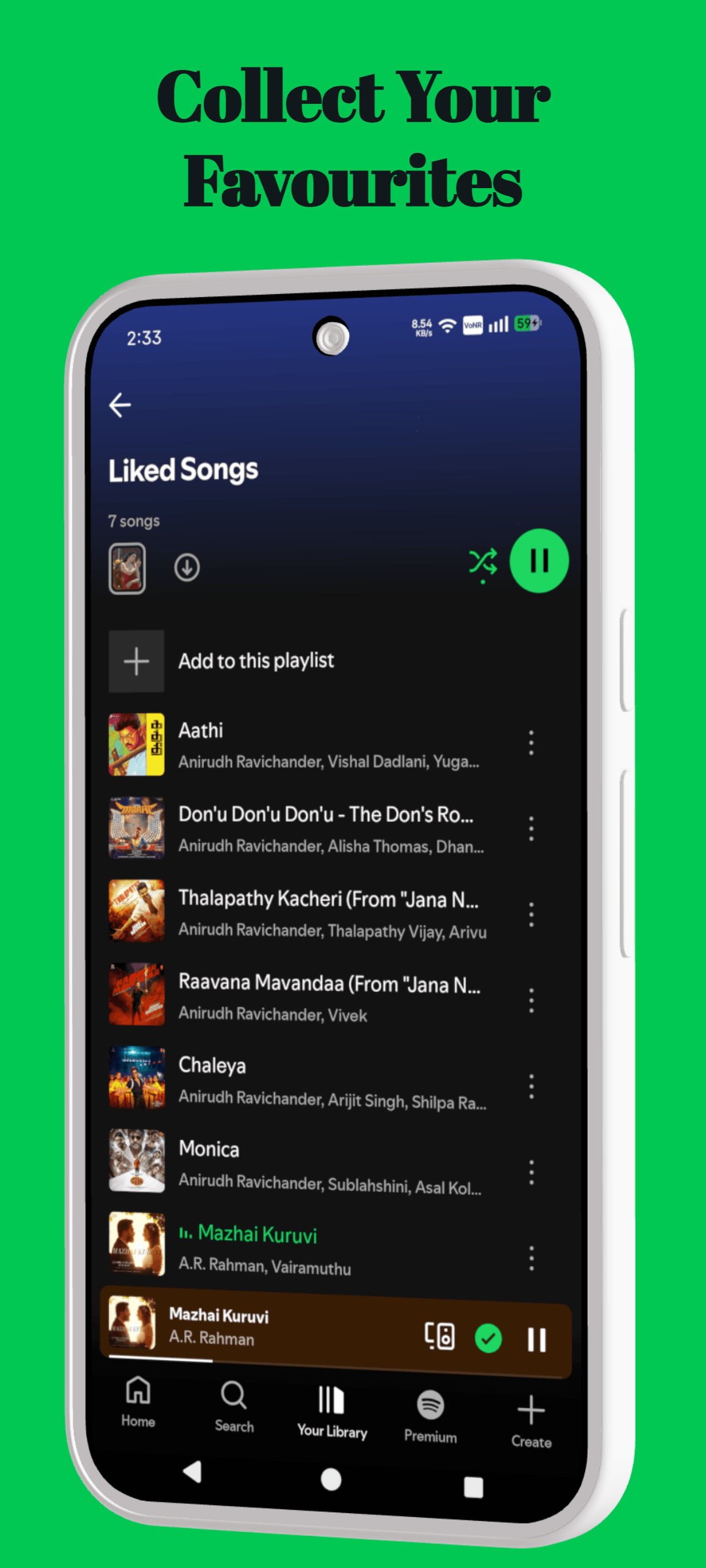
Connect to the screenshot story
Use this page as a focused starting point, then make decisions around the actual product, audience and store surface you are preparing.
Name the benefit the visitor should understand before they inspect the interface.
Use real screens, product states and details that support that benefit.
Repeat the same hierarchy, spacing and voice across the full creative set.
Move between tools, templates, platform resources and guides without starting the research again.
The essentials for using RenderDuck for feature graphic generator.
Use it to create product-focused creative for app listings, launches and marketing moments. Start with your own product screens, then build the message and composition around them.
Use your own screenshots, colors, copy and visual direction. RenderDuck projects are editable, so the layout can become a starting point rather than a fixed template.
Lead with the product moment that makes the value easiest to understand. Keep the message focused and give the interface enough space to be seen.
No. RenderDuck is browser-based, so you can create and update product creative online.
Start with the 1024 × 500 canvas and make your app’s visual identity clear from the first look.
Create a feature graphic